The first time I watched a junior engineer hand-write seven User::create([...]) calls at the top of a feature test, I knew exactly what was about to happen. Two months later, the test was 90 lines, half of it boilerplate, the other half waiting on someone to remember that "test seven" needed a Spanish billing address. Three months in, the test was deleted because nobody could read it.
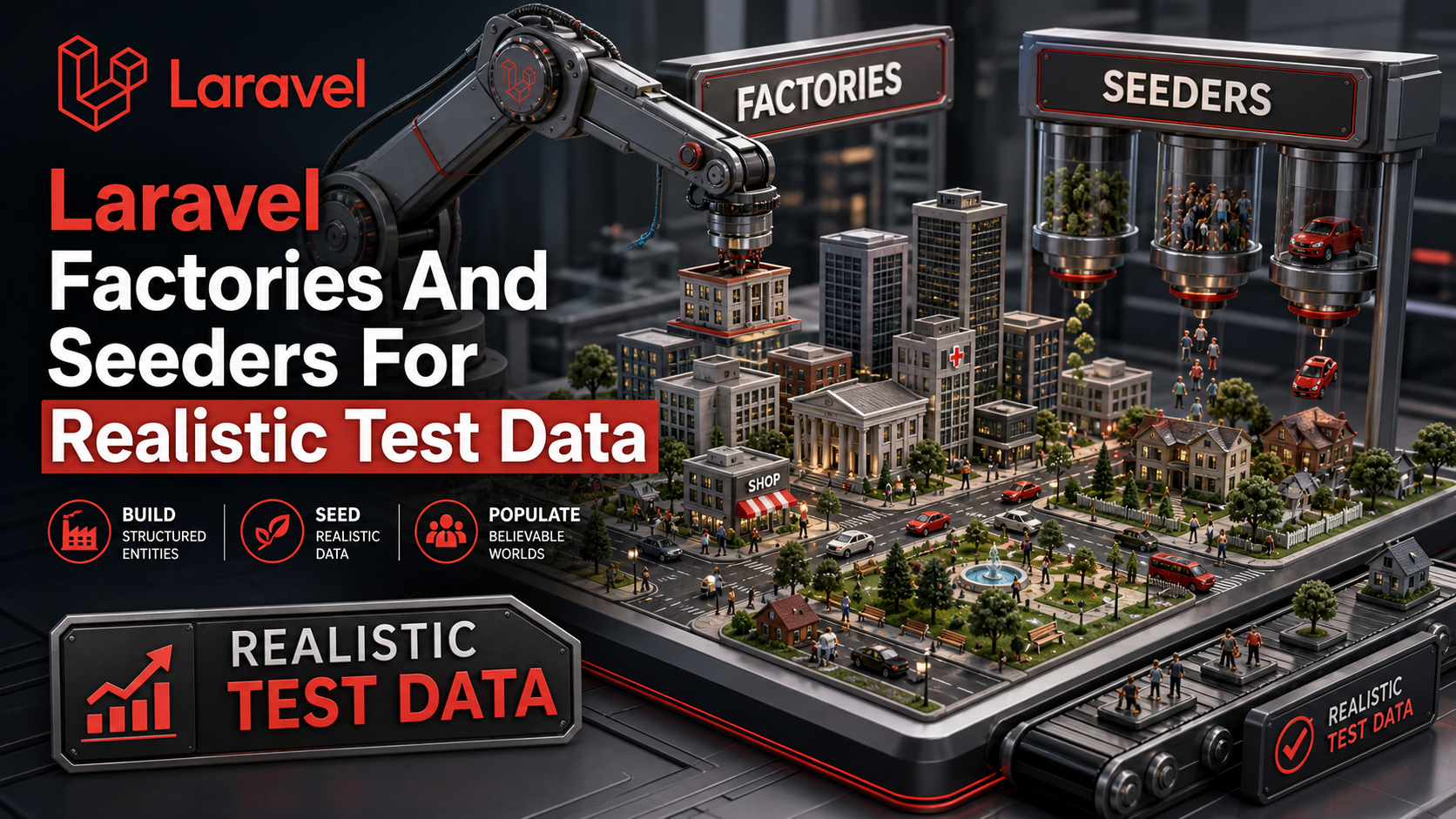
Factories fix that, but only if you actually use the parts beyond Model::factory()->create(). The Eloquent factory API has grown into a small DSL — states, sequences, relationship helpers, named methods — and the difference between a readable test suite and an unreadable one is usually how much of it your team uses.
Seeders are a separate beast. Factories build data for tests; seeders build data for environments. Confuse the two and you'll either commit fake data into production or spend a week wiring a "realistic dataset" out of files that were meant for one-off tests.
A Factory Definition Is The Default Shape
The php artisan make:factory OrderFactory command drops a class under database/factories/. The definition() method returns the array of column values for one row. That array should describe a sensible, valid, "could exist in production" Order — nothing more.
namespace Database\Factories;

use App\Models\Order;
use App\Models\User;
use Illuminate\Database\Eloquent\Factories\Factory;

class OrderFactory extends Factory
{
    protected $model = Order::class;

    public function definition(): array
    {
        return [
            'user_id'     => User::factory(),
            'reference'   => strtoupper(fake()->bothify('ORD-#####')),
            'status'      => 'pending',
            'currency'    => 'USD',
            'total_cents' => fake()->numberBetween(2_000, 50_000),
            'placed_at'   => fake()->dateTimeBetween('-30 days', 'now'),
        ];
    }
}
A few rules for definition() that save trouble later:
- One row, valid by itself. No counts, no relationships beyond what an
Orderalways has, no business logic. - Use
fake()(or the bound Faker generator) for variety. Two consecutiveOrder::factory()->create()calls should not collide on a unique column. - Lean on nested factories for required relationships.
'user_id' => User::factory()means "create a user if one isn't passed." Pass one in to override.
The everyday calls:
Order::factory()->create();              // one row, persisted
Order::factory()->make();                // one row, in memory only
Order::factory()->count(10)->create();   // ten rows
Order::factory()->raw();                 // attribute array, no model
States Are Where Tests Become Readable
A "state" is a named variant of the factory — a different shape of the same thing. The two patterns:
// Inline, one-off
Order::factory()->state(['status' => 'paid'])->create();

// Named methods on the factory class, reusable
public function paid(): self
{
    return $this->state(fn () => [
        'status'   => 'paid',
        'paid_at'  => now(),
    ]);
}

public function cancelled(): self
{
    return $this->state(fn () => [
        'status'       => 'cancelled',
        'cancelled_at' => now(),
        'cancel_reason' => fake()->randomElement(['fraud', 'oos', 'customer']),
    ]);
}

public function pending(): self
{
    return $this->state(fn () => ['status' => 'pending']);
}
Now the test reads as a sentence:
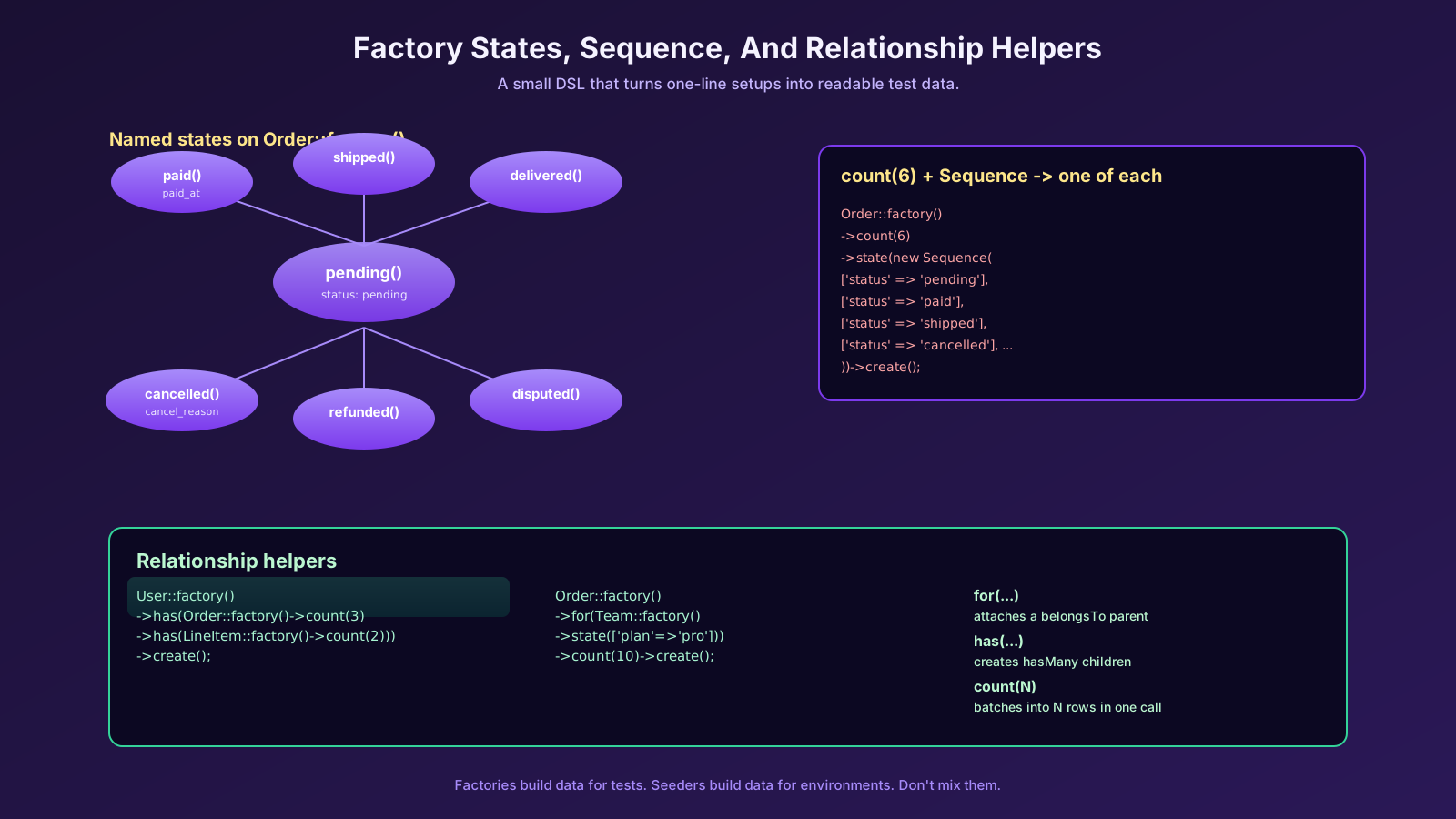
$order = Order::factory()->paid()->for($manager->team)->create();That's the difference between a 90-line setup and a one-line setup. States become the vocabulary of your test suite. When a new status shows up in the product, you add one method to the factory and every test that needs it stays a single line.
Relationships: for, has, And The Polymorphic Cousins
Factories model relationships through three helpers — and this is the part most teams under-use.
// belongsTo: this Order is FOR that team
Order::factory()->for(Team::factory()->state(['plan' => 'pro']))->create();

// hasMany: this Order HAS three line items
Order::factory()->has(LineItem::factory()->count(3))->create();

// nested: a customer with three orders, each with two items
User::factory()
    ->has(
        Order::factory()
            ->count(3)
            ->has(LineItem::factory()->count(2))
    )
    ->create();
The shorter, magic-method aliases work too if you name them right (hasOrders(3), forUser($user)), but the explicit form ages better and reads cleaner in code review.
The case where this matters most is the test that says "a manager can only see their team's orders." Without relationship helpers, that test sets up two teams, two managers, six orders, and twelve line items by hand. With them, it's three lines and the intent is obvious.
Sequence For Variation You Need To See
A Sequence cycles values across rows in a count(...). It's the cleanest way to build data that varies in known ways — exactly what you want for testing filters, ordering, and edge cases.
use Illuminate\Database\Eloquent\Factories\Sequence;

Order::factory()
    ->count(6)
    ->state(new Sequence(
        ['status' => 'pending'],
        ['status' => 'paid'],
        ['status' => 'shipped'],
        ['status' => 'delivered'],
        ['status' => 'cancelled'],
        ['status' => 'refunded'],
    ))
    ->create();
You now have one of each status, in a single statement. That's the test data for "the dashboard groups orders by status correctly," ready in one line. A Sequence can take a closure too if you need indexed values:
->state(new Sequence(fn (Sequence $s) => ['placed_at' => now()->subDays($s->index)]))Combine Sequence with count(), for(), and named states and almost any test scenario becomes a few readable lines.
Faker, And Why Locale Matters
fake() returns a Faker generator. The right call makes the difference between data that looks plausible and data that hides bugs.
fake()->name();                // "Maria Schmidt"
fake()->email();               // unique-ish, but not guaranteed
fake()->unique()->email();     // guaranteed unique within the factory call
fake()->paragraphs(3, true);   // joined string of three paragraphs
fake()->numberBetween(1, 99);
fake()->randomElement(['gold','silver','bronze']);
fake()->dateTimeBetween('-1 year', 'now');
fake()->address();
fake()->phoneNumber();
fake()->uuid();
The locale is set in config/app.php (faker_locale). If your product ships in multiple locales, run a portion of your tests against de_DE or uk_UA data. UTF-8 names break things — collations, search indexes, regex validators. You want to find that out in the test suite, not in production.
A common gotcha: fake()->email() is not unique across rows. For columns with a unique constraint, use fake()->unique()->safeEmail(). The unique() modifier resets per factory build cycle, so you get clean batches.
Seeders Are For Environments, Not Tests
php artisan make:seeder OrderSeeder creates a class with a run() method. Seeders are how you populate a database — local dev, staging, demo environments, sometimes a fresh production for the first time.
namespace Database\Seeders;

use App\Models\Order;
use App\Models\User;
use Illuminate\Database\Seeder;

class OrderSeeder extends Seeder
{
    public function run(): void
    {
        User::factory()
            ->count(20)
            ->has(Order::factory()->count(5))
            ->create();
    }
}
Then call it directly or wire it through DatabaseSeeder::run():
php artisan db:seed                     # runs DatabaseSeeder
php artisan db:seed --class=OrderSeeder # runs one
php artisan migrate:fresh --seed        # nuke + reseed for local dev
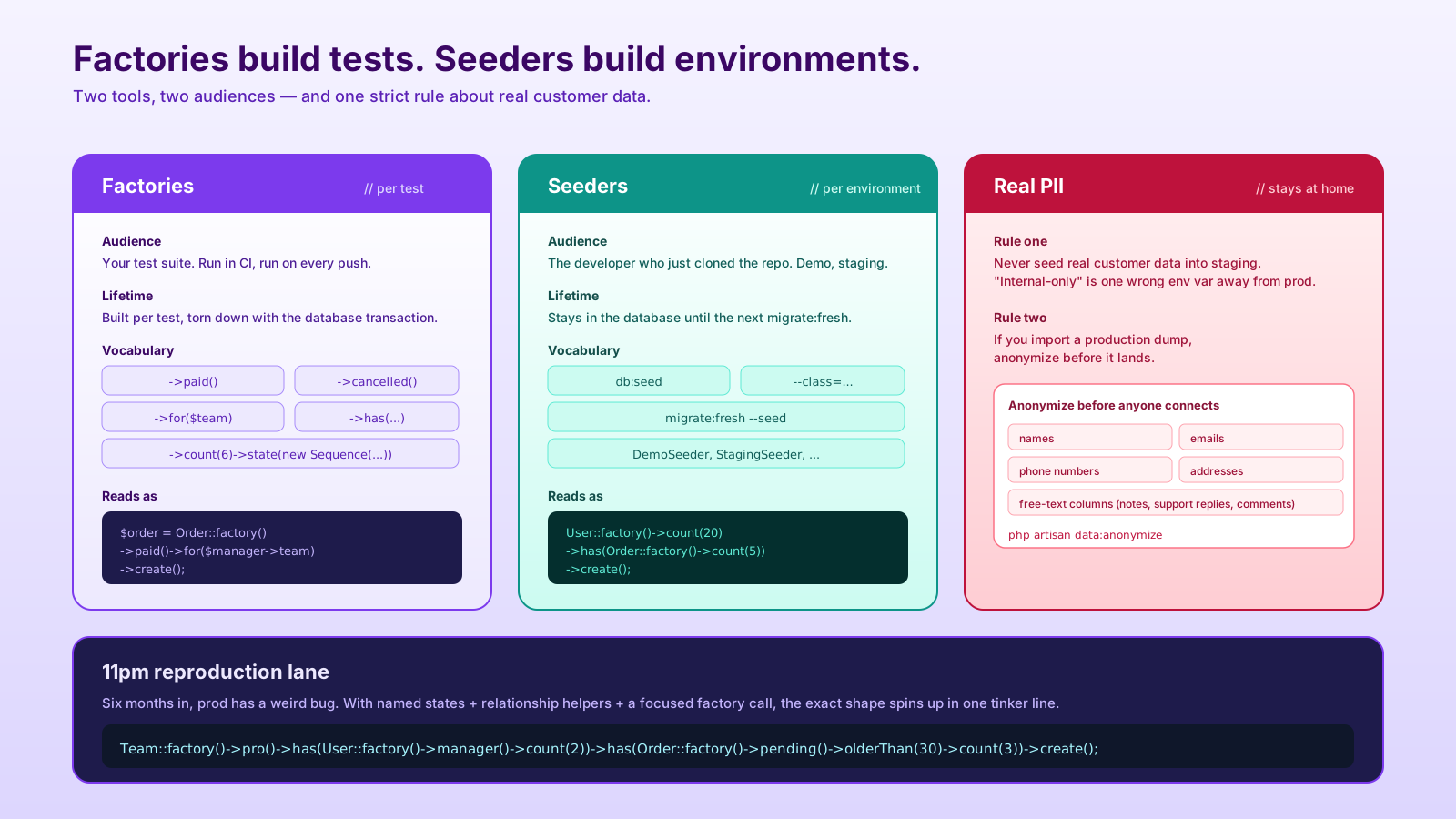
The trap is mixing seeders into the test path. Don't. Tests should build the data they need with factories, in the test, where it's visible. Seeders are for the developer who just cloned the repo and wants npm run dev to show something.
Staging Data Is A Different Problem
The hardest seeding question isn't "how do I make 10,000 orders." It's "how do I get realistic-looking data without leaking real customers." Two rules I've never regretted:
- Never seed real PII into staging. Even if the database is internal-only, "internal-only" is one wrong env var away from production traffic.
- If you import a production dump, anonymize it before it lands. Replace names, emails, phones, addresses, and any free-text columns that might contain personal data. There's no SQL one-liner for this — write a
php artisan data:anonymizecommand and run it as part of the import script.
For most apps, factories + a DemoSeeder that builds a believable account with believable orders is plenty. Realistic doesn't mean real.
What This Looks Like When You Need It At 11pm
The whole point of investing in factories early is the moment six months later when production has a weird bug and you need to reproduce it locally. With named states, relationship helpers, and one focused seeder, you can spin up the exact shape — a Pro-tier team with two managers, twenty pending orders, three of which are over thirty days old — in one tinker command. Without that, you spend the first hour just inserting rows.
Good factories are how the slow team becomes the fast team. They're also how the test suite stays under a minute as the product grows.