Clean Code Can Still Be Expensive Code
You open a controller and see something like this:
$orders = Order::latest()->take(50)->get();

return OrderResource::collection($orders);
Looks fine, right?
Small query. Clear intent. No scary SQL. The kind of code you could review before coffee.
Then the endpoint takes 1.8 seconds and runs 151 queries.
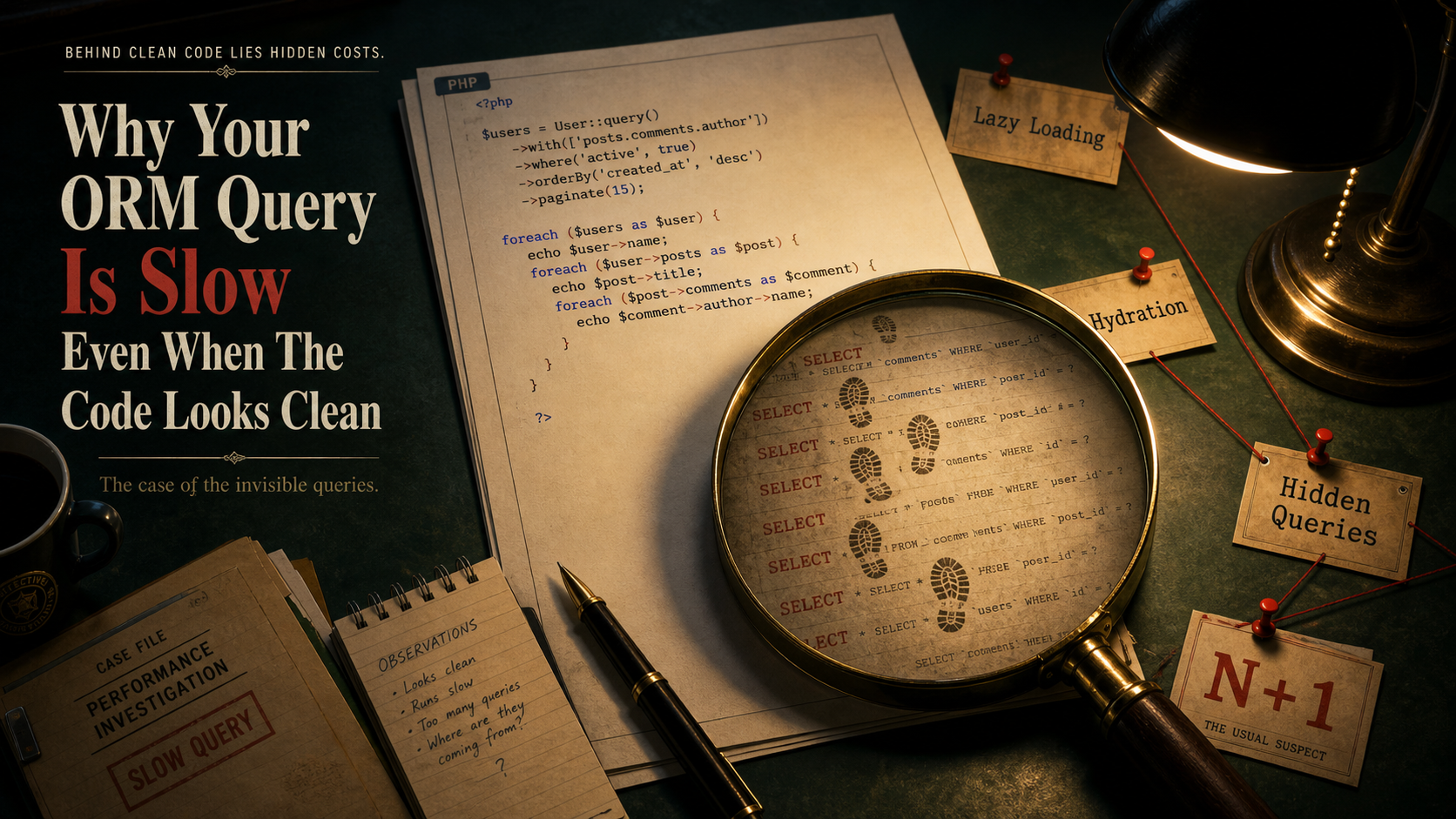
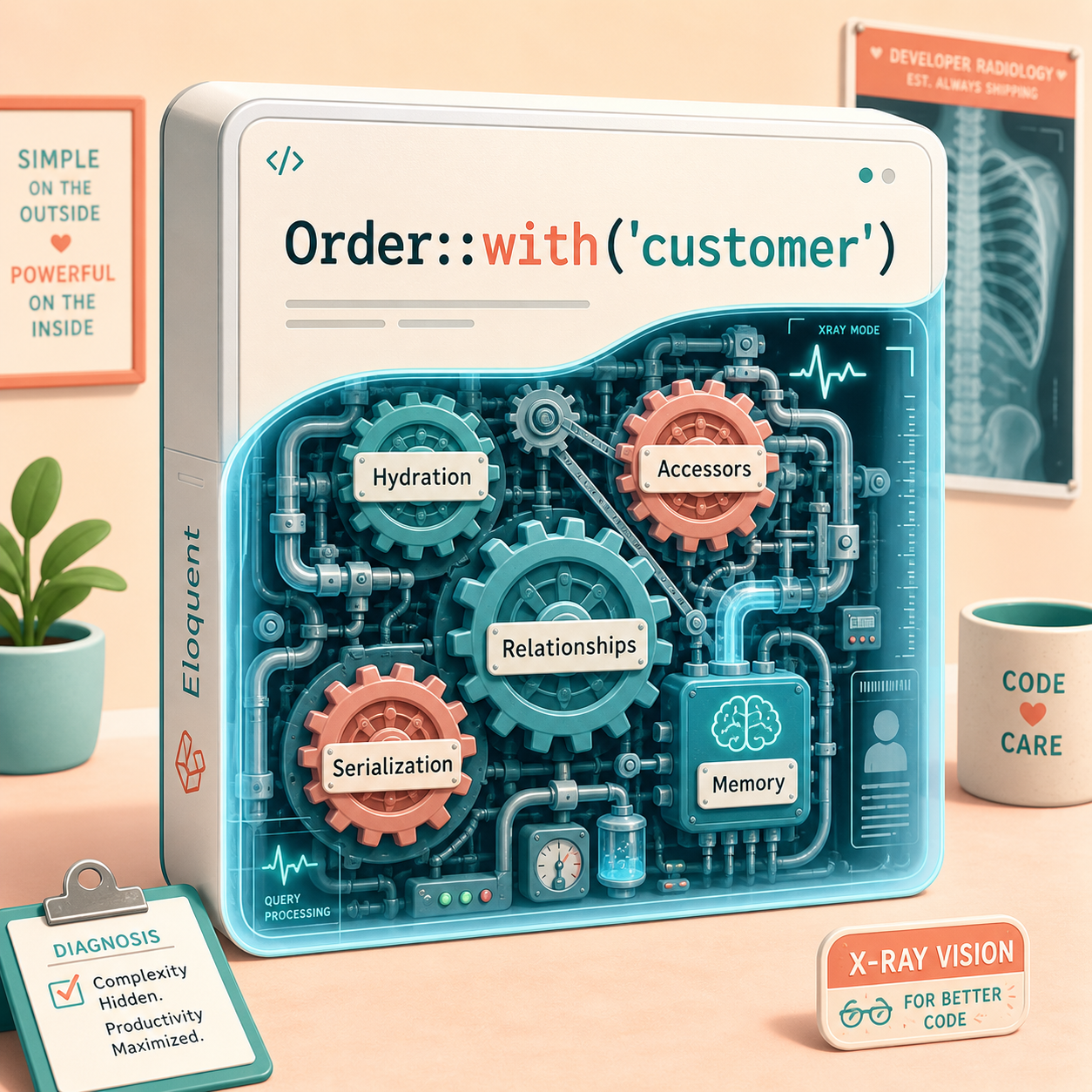
That's the ORM trap. The code can look clean because the expensive part is hidden behind relationships, hydration, accessors, resources, and lazy loading.
An ORM is like an automatic transmission. It makes driving easier, but you still need to know when the engine is screaming.
The N+1 Query Problem
The classic ORM performance bug is N+1 queries.
You fetch 50 orders:
$orders = Order::latest()->take(50)->get();

foreach ($orders as $order) {
    echo $order->customer->email;
}
This may run one query for the orders and then one query per customer.
That's 51 queries for 50 orders.
The fix is eager loading:
$orders = Order::query()
    ->with('customer')
    ->latest()
    ->take(50)
    ->get();
Now the ORM loads related customers in advance.
But eager loading is not "load everything always." It's "load what this response actually needs."
Nested N+1 Is Sneakier
Sometimes you fix the obvious relationship and miss the nested one.
$orders = Order::query()
    ->with('customer')
    ->latest()
    ->take(50)
    ->get();

foreach ($orders as $order) {
    foreach ($order->items as $item) {
        echo $item->product->name;
    }
}
Now items and product may create hidden queries.
A better version is explicit:
$orders = Order::query()
    ->with(['customer', 'items.product'])
    ->latest()
    ->take(50)
    ->get();
This tells the ORM your data shape upfront.
In Laravel, Model::preventLazyLoading() can help catch lazy loading during development. It turns hidden database work into something visible.
Hydration Has A Cost
ORMs don't just fetch rows. They turn rows into objects.
That process is called hydration.
Hydration gives you models, methods, casts, accessors, relationships, events, and convenience. But it costs CPU and memory.
This is fine:
$users = User::where('active', true)
    ->limit(100)
    ->get();
This may be painful:
$users = User::where('active', true)
    ->get();
If that returns 300,000 users, you just asked PHP to build 300,000 model objects.
For bulk work, use chunking:
User::where('active', true)
    ->chunkById(1000, function ($users) {
        foreach ($users as $user) {
            // Process safely in batches.
        }
    });
Chunking turns one giant memory spike into smaller predictable batches.
Selecting Too Many Columns
ORM queries often use SELECT * unless you tell them otherwise.
That's convenient, but wasteful for APIs.
$orders = Order::query()
    ->with('customer')
    ->latest()
    ->take(50)
    ->get();
If orders has large JSON columns, notes, internal metadata, or long text fields, you may load data the response never uses.
Be explicit:
$orders = Order::query()
    ->select(['id', 'customer_id', 'status', 'total_amount', 'created_at'])
    ->with(['customer:id,email'])
    ->latest()
    ->take(50)
    ->get();
This reduces network transfer, memory usage, and hydration cost.
Clean code is nice. Clean data shape is better.
Accessors Can Hide Work
Accessors feel harmless:
public function getDisplayNameAttribute(): string
{
    return $this->profile->first_name . ' ' . $this->profile->last_name;
}
But if profile is not loaded, this accessor can trigger a query.
Now a JSON resource that includes display_name may accidentally create N+1 queries.
That's why performance debugging often starts in resources, serializers, transformers, and accessors — not only controllers.
The slow query may be hiding in the "pretty output" layer.
Joins Are Not The Enemy
Some developers avoid joins because ORM relationships feel cleaner.
But sometimes a join is exactly what you need.
For example, this can be expensive if it hydrates many models:
$orders = Order::with('customer')
    ->whereHas('customer', fn ($q) => $q->where('country', 'US'))
    ->get();
A direct query may be better for reporting:
$rows = DB::table('orders')
    ->join('customers', 'customers.id', '=', 'orders.customer_id')
    ->where('customers.country', 'US')
    ->select('orders.id', 'orders.total_amount', 'customers.email')
    ->get();
You don't get full model behavior, but you may not need it.
For read-heavy reports, plain query builders can be a better tool than full ORM models.
Count Queries Can Surprise You
This looks harmless:
$users = User::withCount('orders')->paginate(50);It may be perfectly fine with the right indexes.
But on large tables, relationship counts can become expensive. You need to inspect the generated SQL and the query plan.
Indexes matter:
CREATE INDEX idx_orders_user_id
ON orders (user_id);
Without that, counting orders per user can become painful.
The ORM can express the query. It cannot guarantee the database can execute it cheaply.
How To Debug ORM Performance
Use a repeatable checklist:
- Log query count. If one request runs 300 queries, start there.
- Find duplicate queries. Repeated
select * from users where id = ?usually means N+1. - Inspect generated SQL. Don't guess what the ORM wrote.
- Run EXPLAIN. The database plan tells you what really happened.
- Check selected columns. Avoid hydrating fields you don't need.
- Measure memory. Slow endpoints are often memory-heavy endpoints.
- Use the right tool. ORM for business objects, query builder for reports and bulk work.
Final Tips
I like ORMs. I really do. But I trust them the same way I trust a helpful junior developer: useful, productive, and still worth reviewing when the query touches production data.
The next time an endpoint feels slow, don't only stare at the controller. Look at resources, accessors, relationships, selected columns, and query plans.
Good luck finding the hidden query behind the clean code 👊