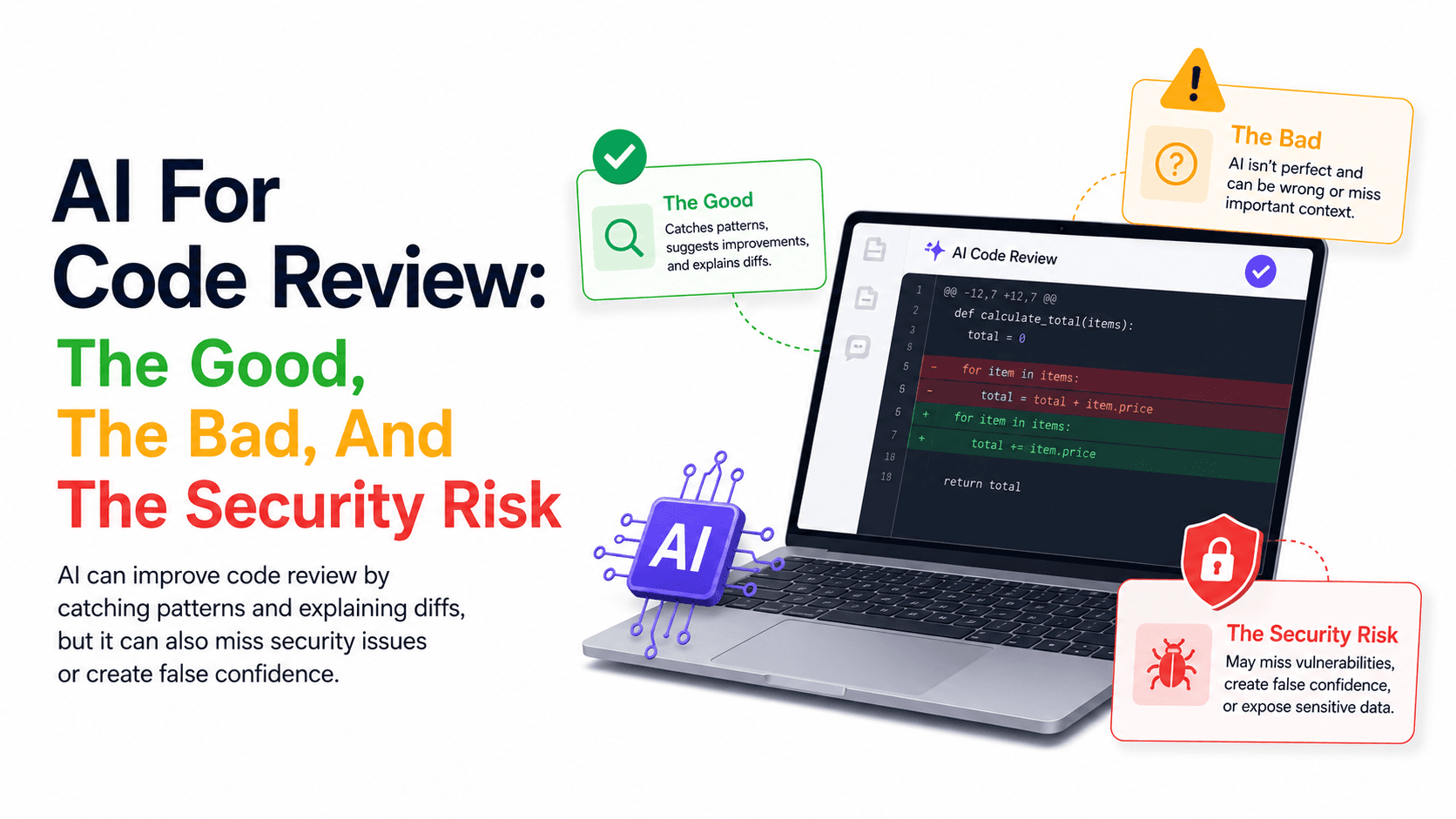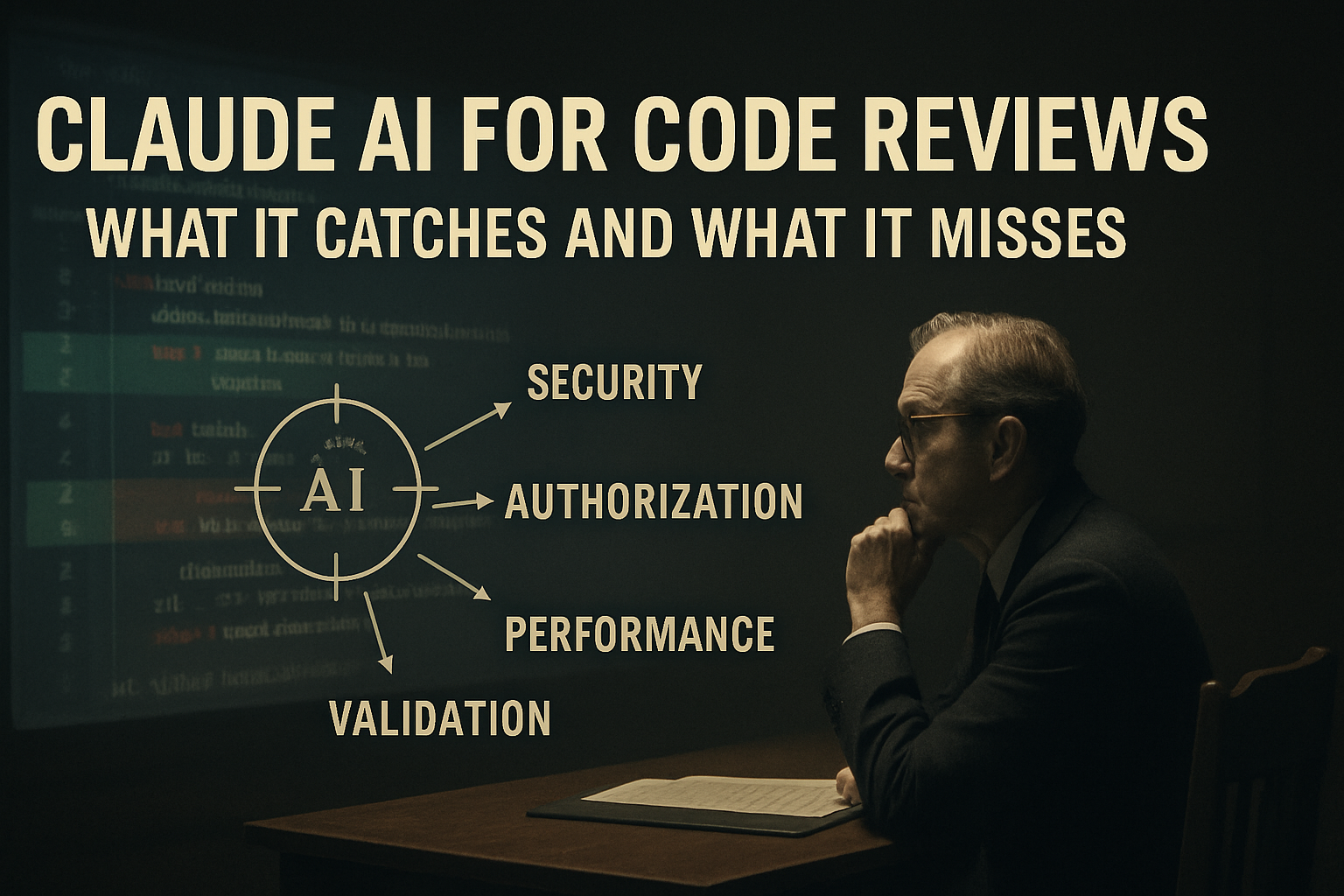
AI code review is useful. AI code review is also dangerous if you trust it too much. Both statements are true at the same time, and the moment you forget one of them you ship a worse PR than you would have without help.
Claude can catch many problems that humans miss when they're tired, rushed, or staring at a 2,000-line pull request. It notices suspicious input handling, missing authorization checks, repeated queries inside loops, risky database changes, inconsistent error handling, and missing tests. But Claude doesn't understand your production system the way your team does — it may miss business context, misread framework behavior, or suggest changes that look clean and break old clients. It can also produce confident comments about code it hasn't fully proven.
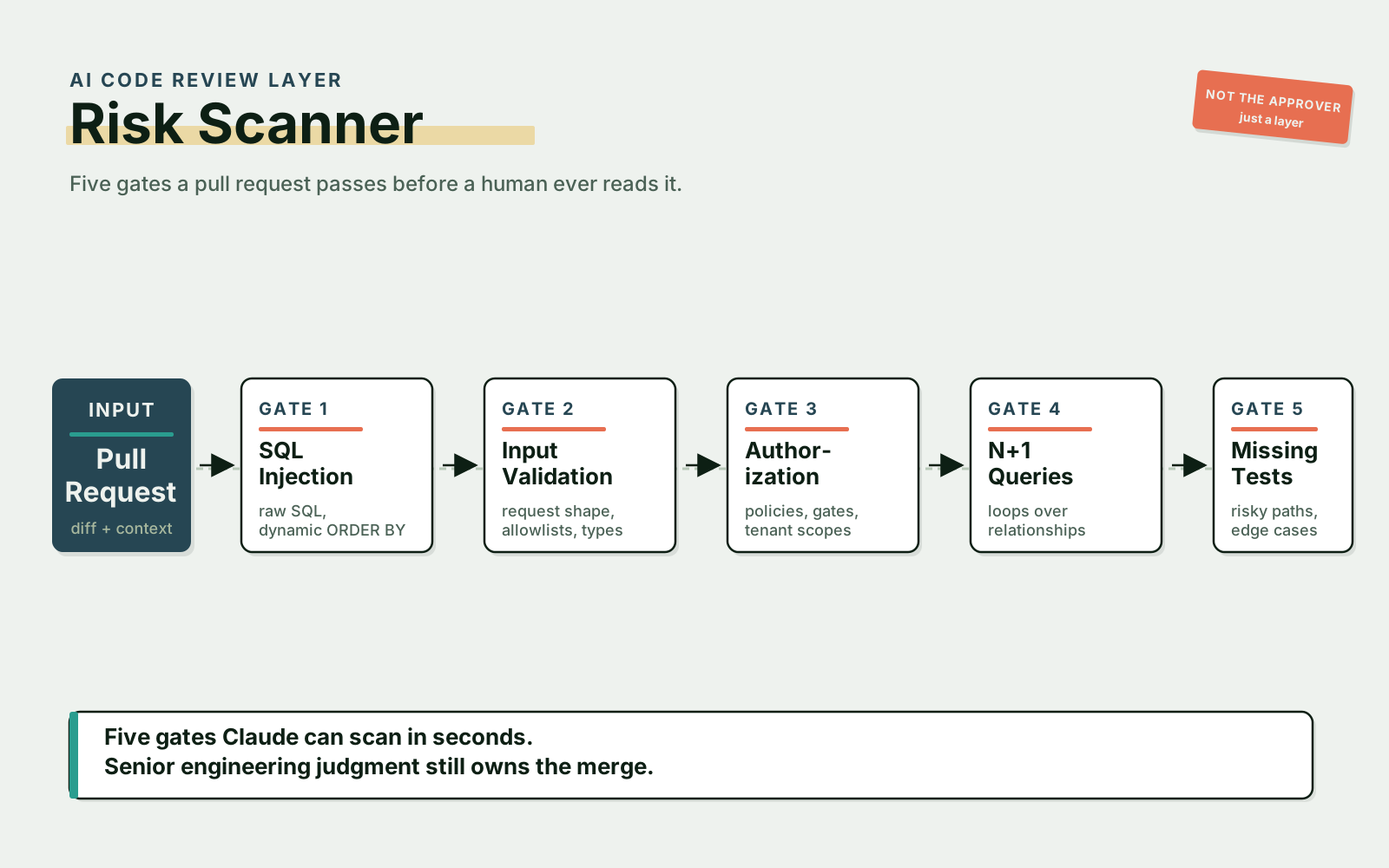
So the right mental model is simple: Claude is an additional review layer.
Not the final reviewer.
Not the approver.
Not the owner of production risk.
Use it like a sharp assistant that reads quickly, asks useful questions, and points to suspicious areas. Then let senior engineering judgment decide what actually matters.
What Claude Is Good At In Code Review
Claude is useful when the review task has patterns — security patterns, validation patterns, authorization patterns, performance patterns, test coverage patterns. The more pattern-shaped the smell, the better the catch rate.
For example, this code should make you uncomfortable:
public function show(Request $request)
{
    $sql = "SELECT * FROM orders WHERE email = '" . $request->input('email') . "'";

    return DB::select($sql);
}
A human reviewer should catch this. Claude usually will too. The problem is unsafe string concatenation in SQL.
A safer version uses parameter binding:
public function show(Request $request)
{
    $validated = $request->validate([
        'email' => ['required', 'email'],
    ]);

    return DB::select(
        'SELECT * FROM orders WHERE email = ?',
        [$validated['email']]
    );
}
Or better, use the query builder or ORM when it fits:
public function show(Request $request)
{
    $validated = $request->validate([
        'email' => ['required', 'email'],
    ]);

    return Order::query()
        ->where('email', $validated['email'])
        ->get();
}
Claude identifies this kind of issue quickly because it matches a well-known security pattern. That's a good use case.
SQL Injection And Unsafe Input
SQL injection is one of the easiest examples because the code smell is visible. A focused prompt gets you most of the way there:
Review this diff for SQL injection and unsafe input handling.
Focus on raw SQL, string concatenation, dynamic table names, dynamic ORDER BY clauses, and missing validation.
Do not rewrite everything. First list risks with file names and line references.
Dynamic ordering is a common trap. This snippet looks normal at a glance:
$sort = $request->input('sort', 'created_at');
$direction = $request->input('direction', 'desc');

$orders = Order::query()
    ->orderBy($sort, $direction)
    ->paginate(20);
But if $sort and $direction aren't restricted, the query becomes either unsafe or at least unpredictable. A safer pattern is allowlisting:
$validated = $request->validate([
    'sort' => ['nullable', Rule::in(['created_at', 'total', 'status'])],
    'direction' => ['nullable', Rule::in(['asc', 'desc'])],
]);

$sort = $validated['sort'] ?? 'created_at';
$direction = $validated['direction'] ?? 'desc';

$orders = Order::query()
    ->orderBy($sort, $direction)
    ->paginate(20);
Claude usually catches the missing allowlist if you ask it to focus on input boundaries. But don't just say, "Review this code." Be specific. Security review needs focused prompts.
Missing Authorization Checks
Missing authorization is often more dangerous than ugly code, because the code looks correct on its own. Consider this controller:
public function update(Request $request, Project $project)
{
    $data = $request->validate([
        'name' => ['required', 'string', 'max:255'],
    ]);

    $project->update($data);

    return response()->json($project);
}
Validation exists. The code looks clean. But who's allowed to update the project? If route model binding loads any project by ID and there's no policy check, a user can update a project they don't own.
A better version threads authorize() through the policy first:
public function update(Request $request, Project $project)
{
    $this->authorize('update', $project);

    $data = $request->validate([
        'name' => ['required', 'string', 'max:255'],
    ]);

    $project->update($data);

    return response()->json($project);
}
And a useful Claude prompt to surface this kind of gap across a whole diff:
Review this pull request for authorization bugs.
Look for endpoints that read, update, delete, export, or download user-owned resources.
Check whether policies, gates, tenant scopes, or ownership filters are applied.
List any endpoint where validation exists but authorization is unclear.
That last line is the important one. Many insecure endpoints have validation — what they're missing is the next question. Validation answers, "Is the input shaped correctly?" Authorization answers, "Is this user allowed to do this?" They're not the same thing, and Claude won't notice the gap unless you make it explicit.
N+1 Queries And Performance Problems
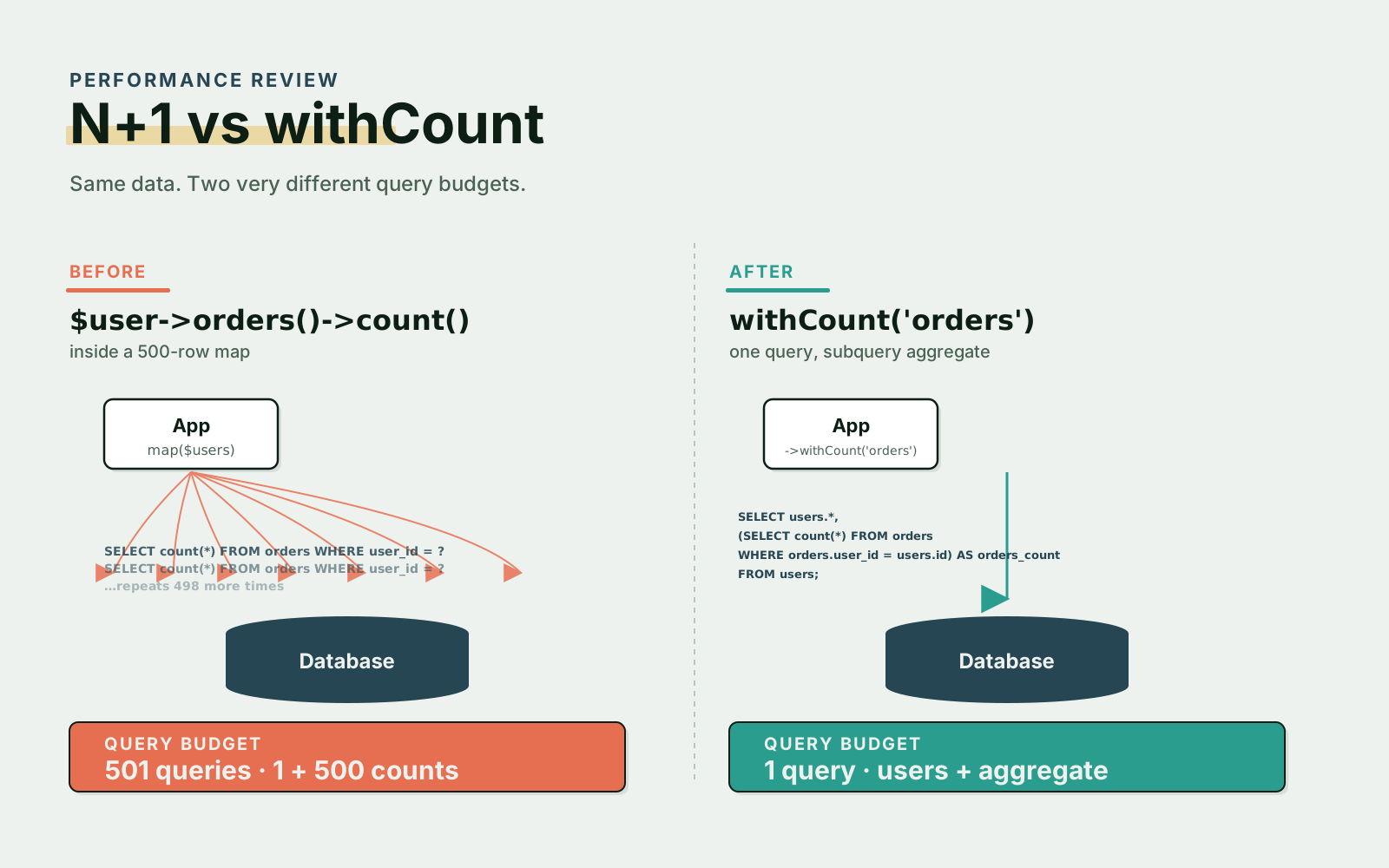
Claude also helps with performance review, especially loops that call relationships or queries repeatedly. A typical example:
$users = User::query()->where('active', true)->get();

return $users->map(function (User $user) {
    return [
        'id' => $user->id,
        'name' => $user->name,
        'orders_count' => $user->orders()->count(),
    ];
});
This creates one query for users and then one count query per user. For 500 users, that's 501 queries.
The fix is one method call:
$users = User::query()
    ->where('active', true)
    ->withCount('orders')
    ->get();

return $users->map(function (User $user) {
    return [
        'id' => $user->id,
        'name' => $user->name,
        'orders_count' => $user->orders_count,
    ];
});
A prompt that catches this in larger diffs:
Review this diff for N+1 queries and avoidable database work.
Look for relationship access inside loops, repeated count queries, missing eager loading, and queries inside resource transformers.
Suggest safer alternatives using existing framework patterns.
Claude catches the obvious cases. But performance review still needs real measurement — logs, query counters, profiling, load tests, production metrics. AI can point to suspicious code; it can't prove production performance alone.
Missing Validation And Mass Assignment Risk
Claude is also useful for spotting broad input usage — the kind of code that "works" until somebody figures out the shape:
public function store(Request $request)
{
    $user = User::create($request->all());

    return response()->json($user, 201);
}
This is risky — the request can include fields you didn't intend to accept. A safer pattern is to validate explicitly and only pass through what you asked for:
public function store(Request $request)
{
    $data = $request->validate([
        'name' => ['required', 'string', 'max:255'],
        'email' => ['required', 'email', 'unique:users,email'],
        'password' => ['required', 'string', 'min:12'],
    ]);

    $data['password'] = Hash::make($data['password']);

    $user = User::create($data);

    return response()->json($user, 201);
}
A prompt that finds it across a repo:
Review this diff for unsafe request data usage.
Look for request()->all(), request()->input() without validation, mass assignment risks, missing password hashing, and sensitive fields returned in API responses.
This is where Claude is strong. It can scan many files and find repeated patterns faster than a human reviewer.
What Claude Misses
Now the important part: Claude misses things, and the things it misses are usually the things that bite you in production.
It can miss product intent. A strange condition might exist because one enterprise customer has a custom contract:
if ($account->billing_mode === 'manual_invoice') {
    return;
}
Claude may suggest removing it because it looks unused. A senior engineer should ask: who uses this billing mode? Is it documented? Is it visible in production data? Does support depend on it? Does finance reporting depend on it?
Claude can also miss runtime configuration — branches that look reachable but only run in one environment:
if (config('payments.gateway') === 'adyen') {
    // behavior A
} else {
    // behavior B
}
If the repository contains multiple deployment configurations, Claude doesn't know which one is active in production. It also misses feature flags, database triggers, old mobile app behavior, background jobs outside the diff, operational dashboards, legal or compliance requirements, production data edge cases, and undocumented business agreements.
That's why AI review should never be your only review.
Use Claude To Ask Better Review Questions
One of the best uses of Claude isn't "approve or reject this PR" — it's "what should I pay attention to?" A prompt that gets you there:
Act as an additional reviewer.
Do not approve this pull request.
List the top risks a senior reviewer should inspect manually.
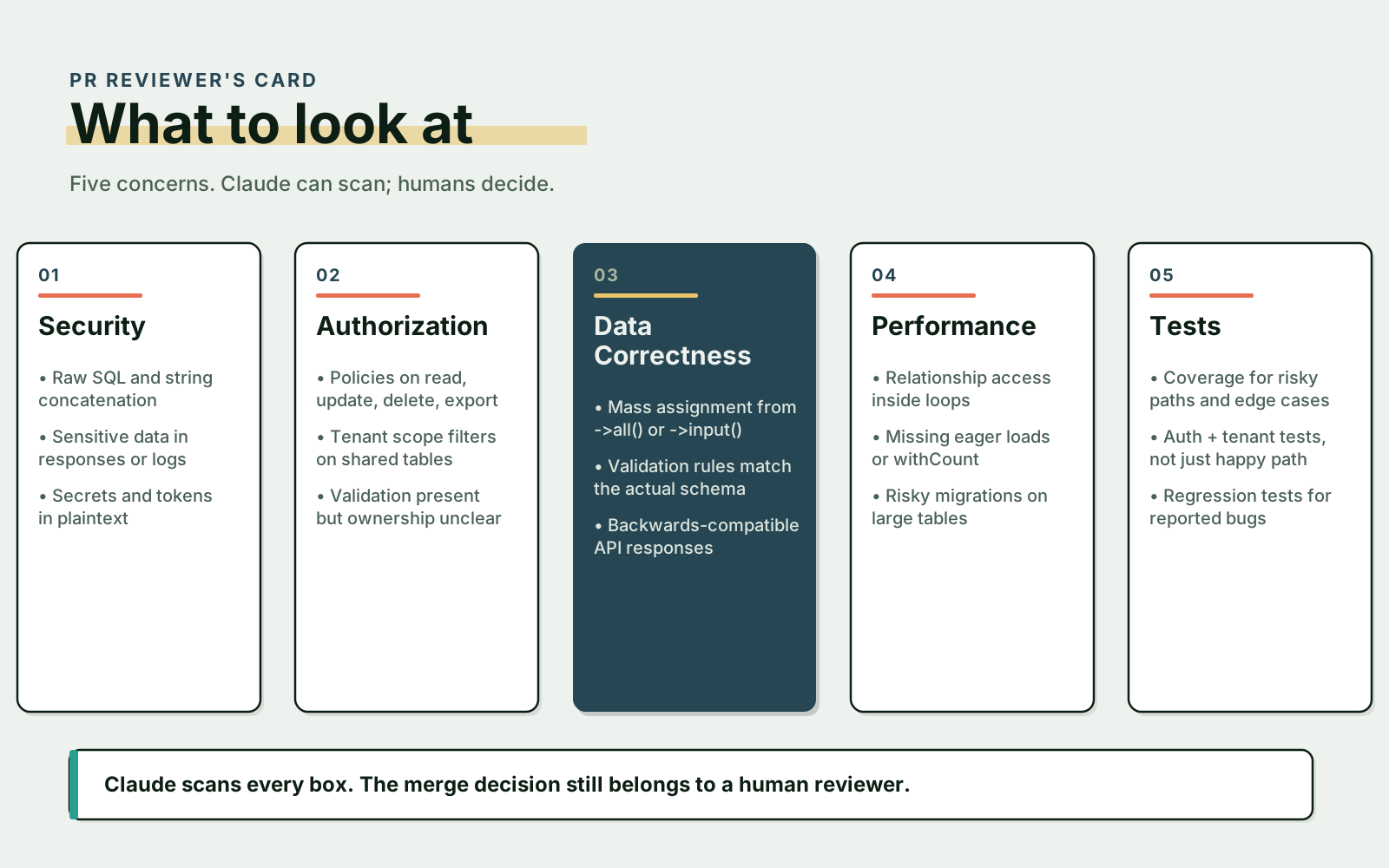
Group them by security, data correctness, performance, backwards compatibility, and tests.
You get back a review checklist, the human reviewer investigates, and Claude never has to take ownership of the merge decision. That's a strong workflow.
A Practical AI Review Checklist
The prompt I keep coming back to for actual pull requests:
Review this pull request as an additional code review layer.

Focus on:
1. SQL injection and unsafe raw queries
2. missing validation
3. missing authorization or tenant checks
4. N+1 queries and avoidable database work
5. sensitive data exposure
6. behavior changes in public APIs
7. missing tests for risky paths
8. backwards compatibility concerns

For each issue:
- explain why it matters
- point to the relevant code
- suggest a minimal fix
- mark uncertainty clearly

Do not approve the PR.
Do not rewrite the whole feature.
This prompt keeps Claude in the right role — it reviews, it doesn't take ownership.
Combine AI Review With Real Engineering Controls
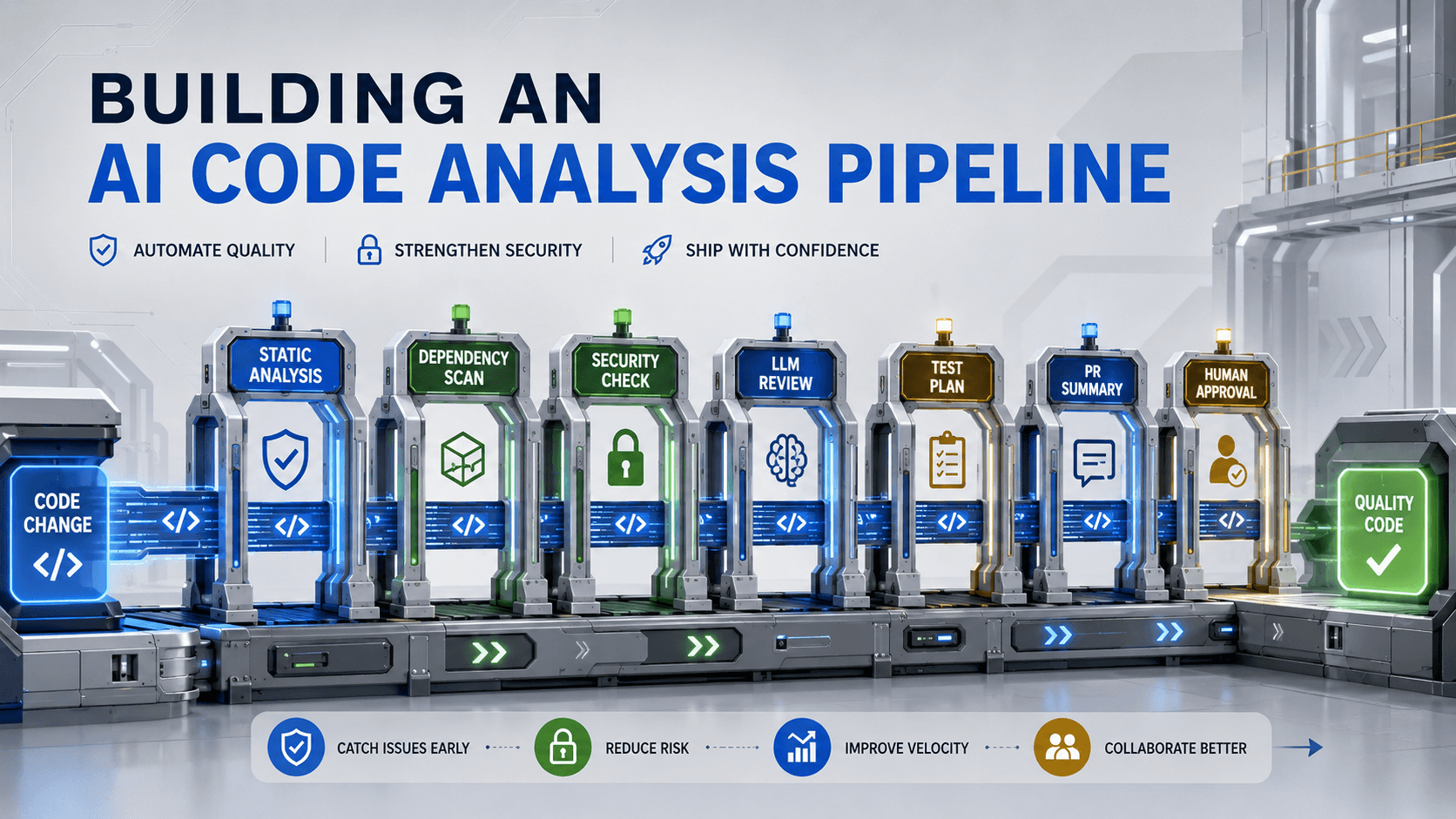
AI review is strongest when combined with deterministic tools. Use Claude alongside automated tests, static analysis, linters, formatters, dependency scanners, SQL query logging, security scanners, code owners, and human review.
Each one does something the others can't: Claude can explain suspicious code, static analysis enforces rules every time, tests prove behavior, and humans understand business context. You need all of them.
Final Thought
Claude can make code reviews better. It catches common security issues, missing validation, missing authorization, N+1 queries, and weak test coverage.
But it can also miss the most important thing in your system: context.
So don't use Claude as a replacement for review. Use it as a second pair of eyes. Let it scan widely, let it ask uncomfortable questions, let it point to risky code. Then let senior engineers decide what's actually safe to merge.