AI coding tools are powerful, but they can be inconsistent. One day they use your service layer correctly; the next day they create a new helper class that ignores your architecture. One day they write good tests; the next day they skip validation. That's why project-level instructions matter.
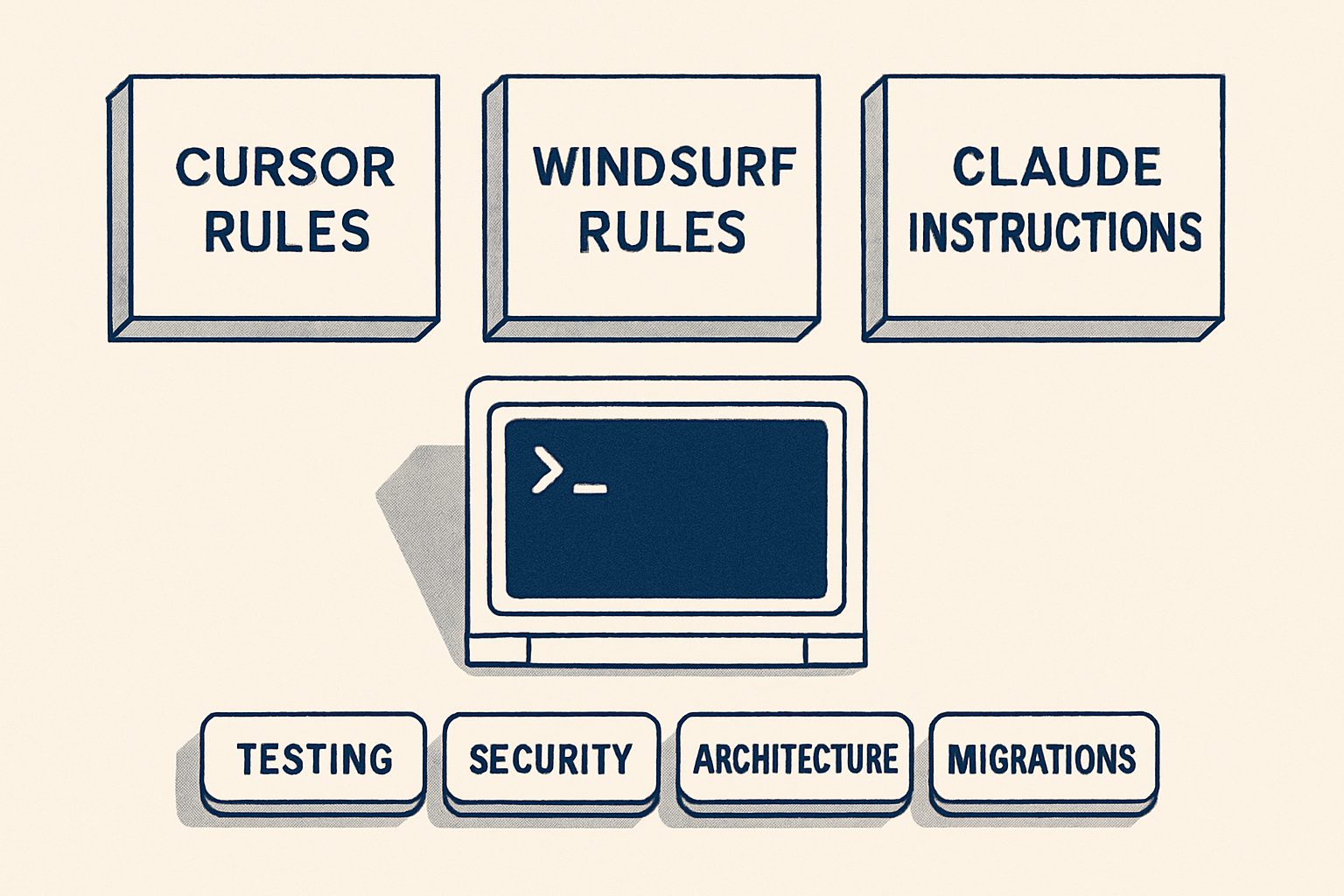
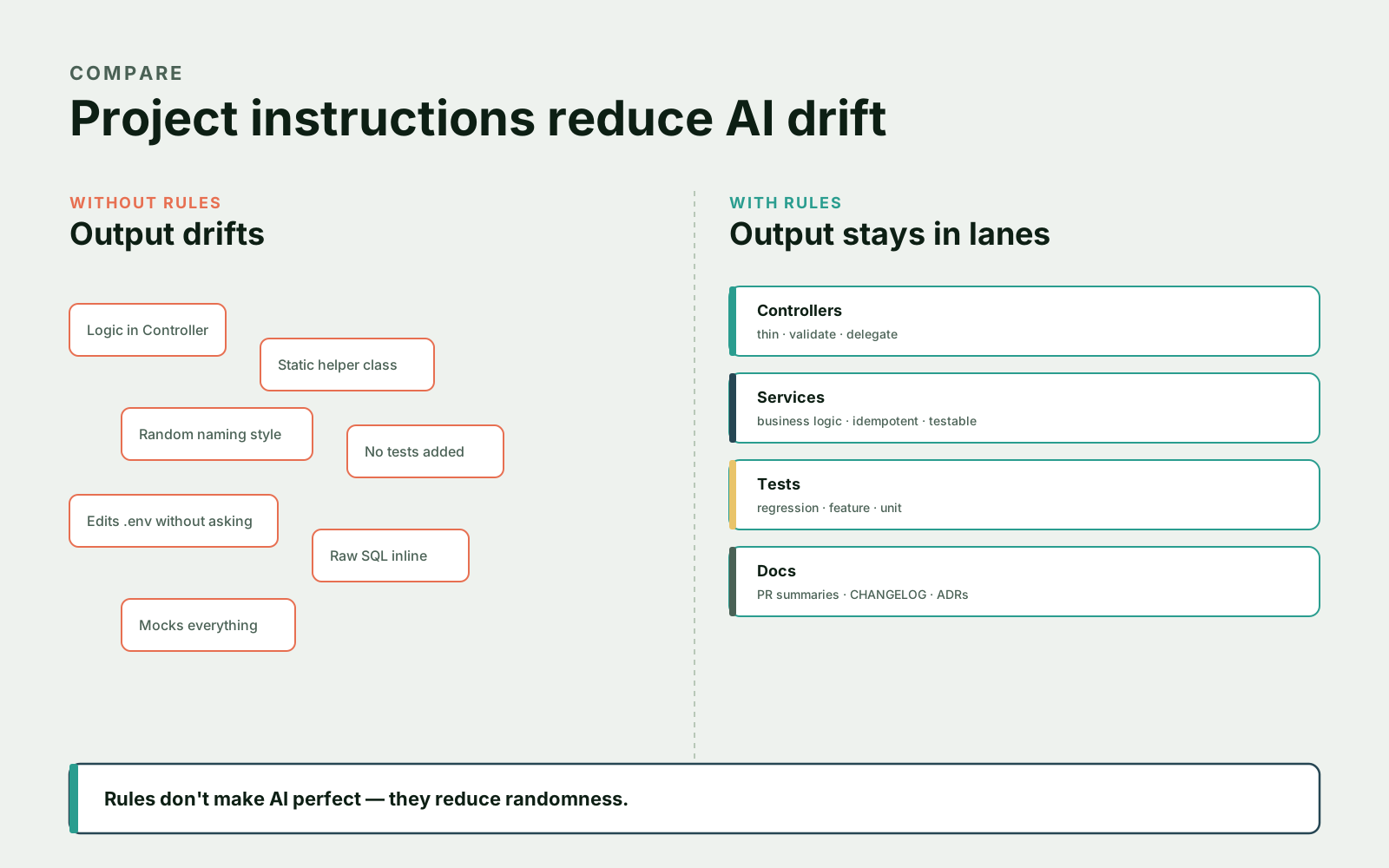
Cursor Rules, Windsurf Rules, and Claude instructions are ways to give AI tools persistent project context. They explain how your codebase is structured, which patterns to follow, which patterns to avoid, how tests should be written, which files are risky, which commands to run, what should require approval, how migrations should be handled, and what security rules matter. Rules don't make AI perfect, but they reduce randomness — they turn a "generic coding assistant" into "an assistant that knows how this project works."
What Project-Level Instructions Are
Project-level instructions are persistent guidance files or settings loaded by an AI coding tool. They are not normal documentation for humans only — they're documentation written so the AI can use it while coding.
- Use service classes for business logic.
- Controllers should stay thin.
- Do not edit migrations without approval.
- Run PHPUnit after changing backend logic.
- Use FormRequest validation for Laravel endpoints.
- Do not call external APIs directly from controllers.
- Do not change public API response shapes without mentioning it.
These rules are small, but they matter. Without them, the AI may infer patterns from incomplete context — usually whatever pattern is currently visible in the file it's looking at, even if that pattern is old or deprecated. With rules, it has a project guide.
Cursor Rules
Cursor supports persistent rules for coding style, patterns, and workflows. Modern Cursor documentation describes Project, Team, and User Rules, plus AGENTS.md support. A typical project rule:
# Backend Architecture Rules

- This project uses Laravel.
- Keep controllers thin.
- Put business logic in `app/Services`.
- Use FormRequest classes for validation.
- Use Policies for authorization.
- Do not use raw SQL unless performance requires it.
- If raw SQL is used, explain why and add tests.
- Run `vendor/bin/phpunit` after backend changes.
You can create more focused rules instead of one giant rule file:
# Testing Rules

- Every bug fix should include a regression test.
- Prefer feature tests for HTTP behavior.
- Prefer unit tests for pure domain services.
- Do not mock Eloquent models.
- Mock external APIs such as payment gateways and email providers.
Focused rules are easier for the AI to follow. A 200-line "everything-policy" file gets diluted; three 30-line files stay sharp.
Windsurf Rules And Memories
Windsurf Cascade supports rules and memories. Rules are manually defined guidance; memories preserve relevant context across interactions. A workspace rule might say:
# Workspace Rules

This is a Symfony backend service.

Architecture:
- Controllers should delegate to application services.
- Doctrine repositories should not contain business decisions.
- Use Messenger for async work.
- Use PHPUnit for tests.

Safety:
- Do not edit production config files.
- Do not change database migrations without explaining deployment risk.
- Ask before modifying authentication, billing, or permissions.
A memory might store a fact like:
The billing module uses idempotency keys for all payment gateway calls.Be careful with memories — only store information that is stable and useful, and never store secrets. Memories drift over time the same way comments do; they're easier to add than to maintain.
Claude Instructions And CLAUDE.md
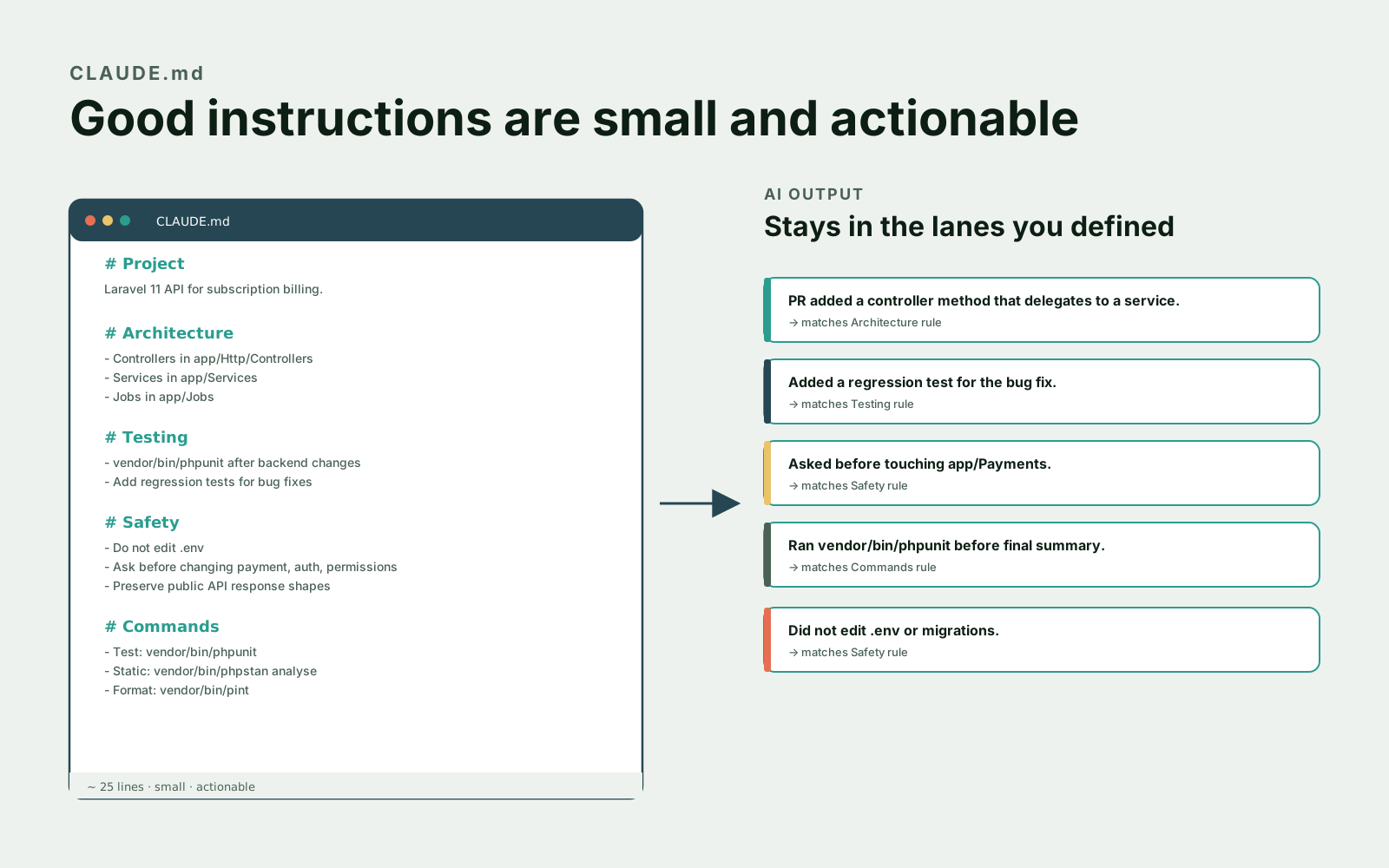
Claude Code can use project context and instruction files such as CLAUDE.md, and it also supports hooks for deterministic control. A good CLAUDE.md should be concise — not a 2,000-line policy document.
# Project Guide For Claude

## Project

This is a Laravel 11 API for subscription billing.

## Architecture

- Controllers live in `app/Http/Controllers`.
- Business logic lives in `app/Services`.
- Queue jobs live in `app/Jobs`.
- Policies handle authorization.
- FormRequest classes handle validation.

## Testing

- Run `vendor/bin/phpunit` after backend changes.
- Add regression tests for bug fixes.
- Use `Queue::fake()` and `Mail::fake()` in feature tests when needed.

## Safety

- Do not edit `.env` files.
- Do not change migrations without explaining deployment risk.
- Ask before changing payment, auth, or permission logic.
- Preserve public API response shapes unless explicitly asked.
That's enough to guide behavior. It tells Claude what the project is, how it's organized, how to test, and where to be careful — and it fits on a single screen.
Coding Standards
AI tools need clear coding standards. "Write clean code" means nothing — every model already thinks it does. The useful version is specific:
Use typed properties.
Prefer constructor injection.
Keep methods under 40 lines when reasonable.
Use early returns for validation failures.
Avoid static helpers for business logic.
Use explicit exceptions for domain errors.
For PHP:
# PHP Style Rules

- Use PHP 8.4 syntax where appropriate.
- Use strict types in new PHP files.
- Prefer readonly constructor properties for dependencies.
- Do not introduce global functions.
- Use value objects for complex domain values when helpful.
- Keep controllers thin.
For TypeScript:
# TypeScript Style Rules

- Avoid `any`.
- Use explicit return types for exported functions.
- Prefer discriminated unions for state.
- Keep API types in `src/types/api`.
- Do not suppress TypeScript errors without explaining why.
Specific rules beat vague rules. The model can follow "avoid any" — it cannot follow "be careful with types."
Architecture Rules
Architecture rules are where project instructions become powerful:
# Architecture Rules

- HTTP controllers should not contain business workflows.
- Controllers may validate input, call services, and return responses.
- Services may coordinate repositories, events, jobs, and external clients.
- Repositories should contain data access only.
- Jobs should be idempotent when possible.
- Events should not contain heavy business logic.
Now the AI knows where code belongs. Without this, it adds logic wherever it's currently looking.
Testing Requirements
Testing rules should be explicit:
# Testing Requirements

- For bug fixes, add a regression test that fails before the fix.
- For new HTTP endpoints, add feature tests for success, validation failure, and authorization failure.
- For services, add unit tests for important business rules.
- For payment code, test idempotency and gateway failure.
- For migrations, explain rollback and deployment risk.
This helps the AI suggest better test plans. It also helps you reject incomplete output without having to argue about it.
Security Restrictions
AI tools need security boundaries:
# Security Rules

- Never log secrets, tokens, passwords, or full payment details.
- Do not expose internal exception messages in API responses.
- Use policies or gates for authorization.
- Validate all request input.
- Do not use raw SQL with untrusted input.
- Webhooks must verify signatures.
- File uploads must validate type, size, and storage path.
These rules are not enough by themselves — you still need static analysis, scanners, and human review — but they keep security in context while the AI is writing code.
File Edit Boundaries
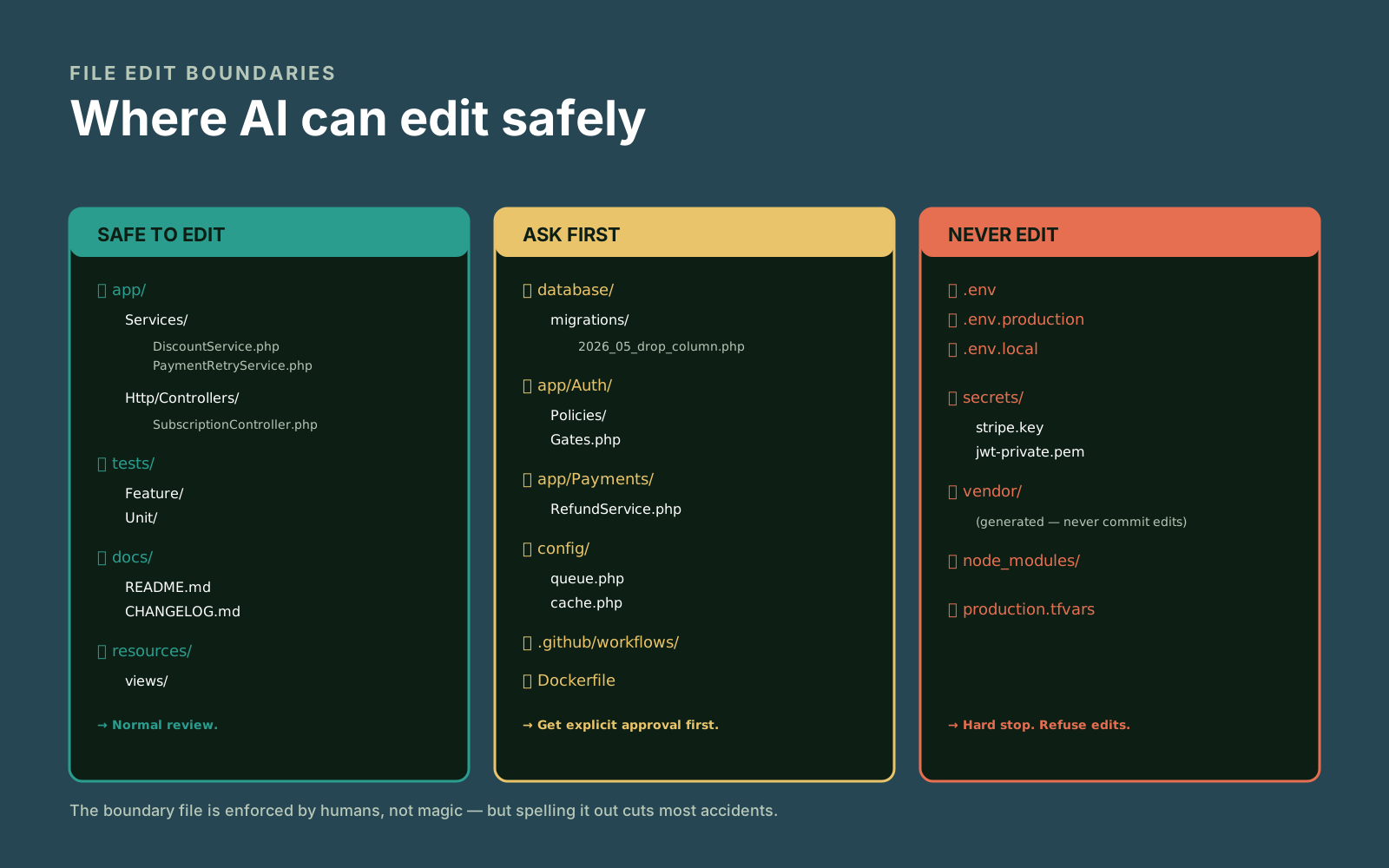
This is one of the most useful rule categories. The model can edit anything it can read; spelling out what it should and shouldn't touch is the cheapest defense you have:
# File Edit Boundaries

Safe to edit with normal review:
- app/Services
- app/Http/Controllers
- tests
- docs

Ask first:
- database/migrations
- app/Auth
- app/Payments
- config
- .github/workflows
- Dockerfile
- infrastructure files

Never edit:
- .env
- secrets
- production credentials
- generated vendor files
This reduces accidental risky changes — and it makes it obvious to a reviewer when the AI ignored the rule.
Rules For Migrations And Production Configs
Migrations and production configs deserve special rules — they're the ones where a wrong AI commit can cause an outage:
# Database Migration Rules

- Do not create destructive migrations without approval.
- For large tables, explain locking risk.
- Prefer backward-compatible migrations.
- Consider rolling deploy compatibility.
- Do not rename columns in one step unless explicitly approved.
- Add indexes carefully and explain write overhead.
Production config:
# Production Config Rules

- Do not change production environment variables.
- Do not change queue, cache, or session drivers without approval.
- Do not modify CI/CD or infrastructure files unless the task is specifically about infrastructure.
- Explain deployment impact for config changes.
AI can edit config files quickly — that's exactly why you need boundaries.
Why Instructions Reduce Inconsistent Output
AI models respond to context. If the only context is the current file, the output may follow the local pattern, even if the local pattern is old or deprecated. Project instructions give a stable reference — they help with consistent architecture, consistent test style, fewer random dependencies, safer file edits, better PR summaries, better risk explanations, and less repeated prompting.
They don't guarantee perfect behavior. But they make good behavior more likely, and they shift the burden from "argue with the AI on every PR" to "write the rule once."
Keep Rules Short
A common mistake is writing a giant instruction file. Too many rules become noise — the model glosses past them like a human glosses past a 30-page onboarding doc. Better:
Small global rules.
Focused project rules.
Task-specific prompts.
Deterministic hooks/checks for enforcement.
Instead of 200 lines about testing, write:
# Testing

- Add regression tests for bug fixes.
- Feature tests cover HTTP behavior.
- Unit tests cover pure domain logic.
- Mock external APIs, not business logic.
- Run the relevant test command before final summary.
Short and actionable. If a rule needs an explanatory paragraph, it's probably two rules.
Instructions Are Not Enforcement
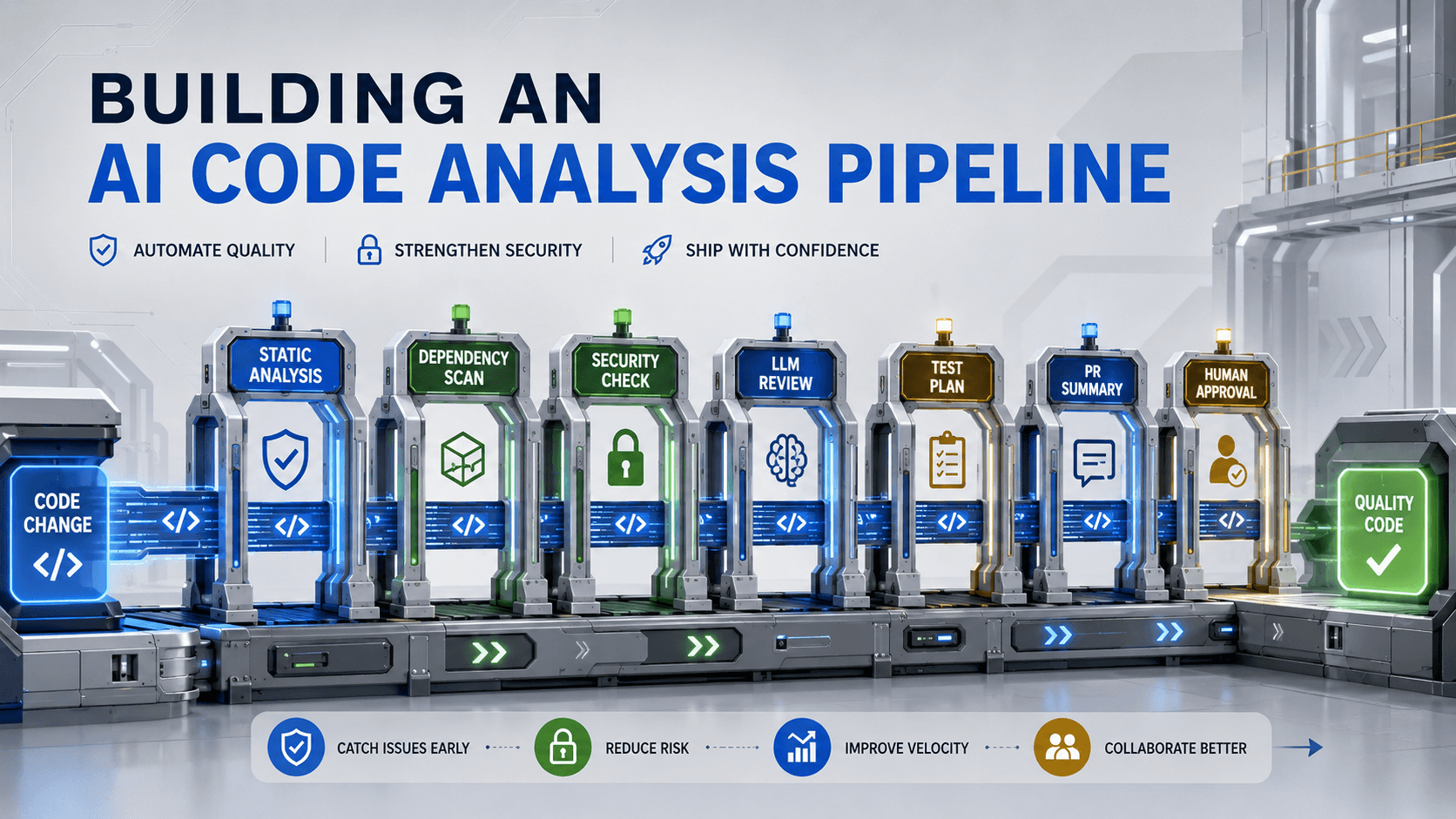
Project instructions guide the AI — they don't enforce behavior like a compiler. For enforcement, use deterministic checks: tests, linters, static analysis, CI, hooks, code owners, branch protection, required reviews. Claude Code hooks, for example, can run deterministic commands at lifecycle events — that's different from asking the model to remember to run something.
A good setup combines both:
Instructions tell AI what to do.
Hooks and CI verify what happened.
Humans review the result.
Three layers, each doing what it's good at.
Final Template
Here's a compact starting template — edit it to your stack and remove sections that don't apply:
# AI Project Instructions

## Project
Briefly describe the app and stack.

## Architecture
- Where controllers live.
- Where services live.
- Where jobs/commands/events live.
- What patterns to follow.
- What patterns to avoid.

## Coding Standards
- Language/runtime version.
- Type rules.
- Naming rules.
- Dependency rules.

## Testing
- Required tests for bug fixes/features.
- Test commands.
- Mocking rules.

## Security
- Auth/authorization rules.
- Input validation rules.
- Secret handling rules.
- Risky areas.

## File Boundaries
- Safe to edit.
- Ask first.
- Never edit.

## Commands
- Test command.
- Static analysis command.
- Formatting command.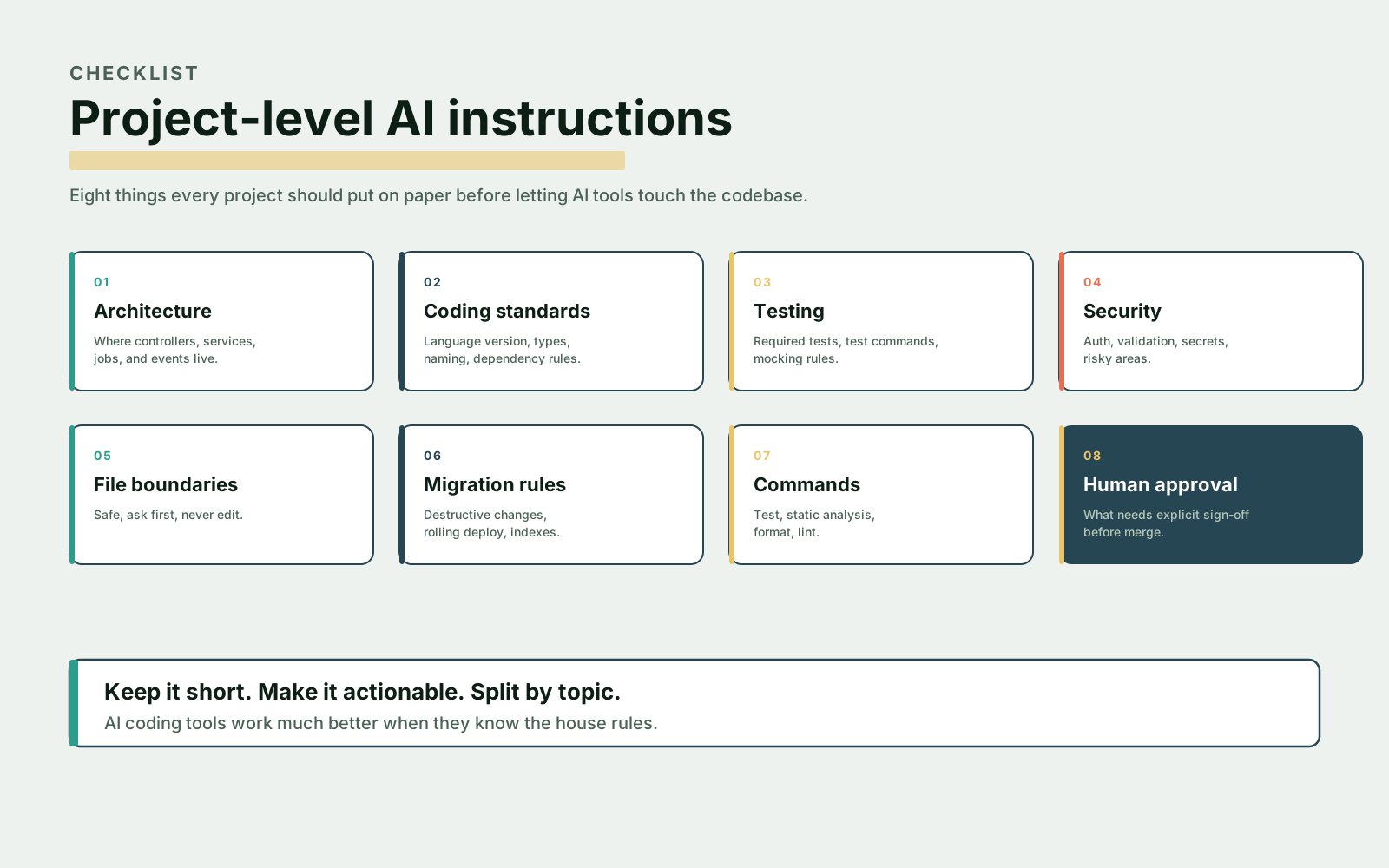
Final Thoughts
Cursor Rules, Windsurf Rules, and Claude instructions are not magic — they're project onboarding documents for AI. The better you explain your architecture, testing expectations, security boundaries, and risky files, the more consistent the AI becomes.
Keep instructions short. Make them actionable. Split them by topic. Use deterministic tools for enforcement. AI coding tools are much better when they know the house rules.