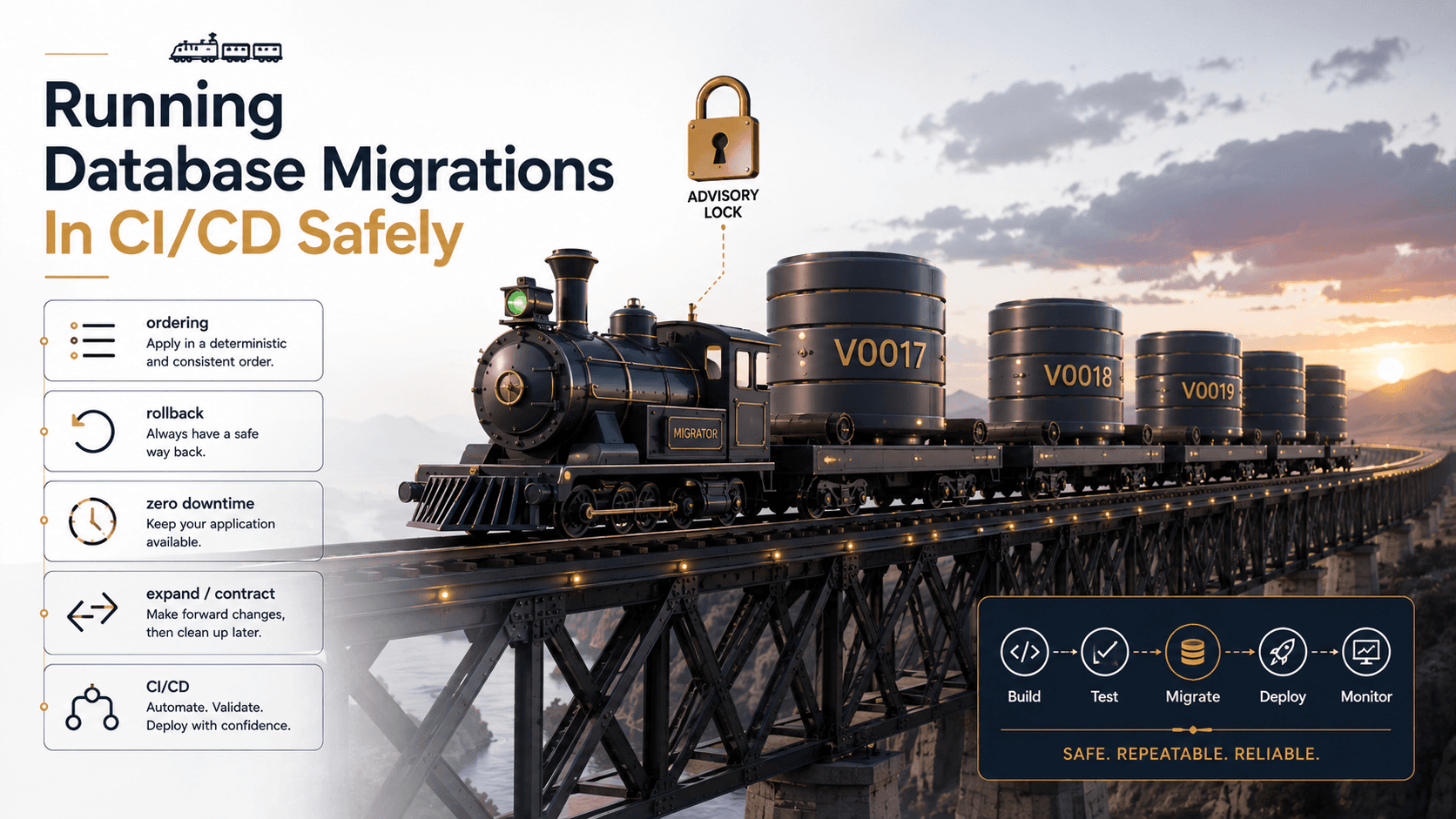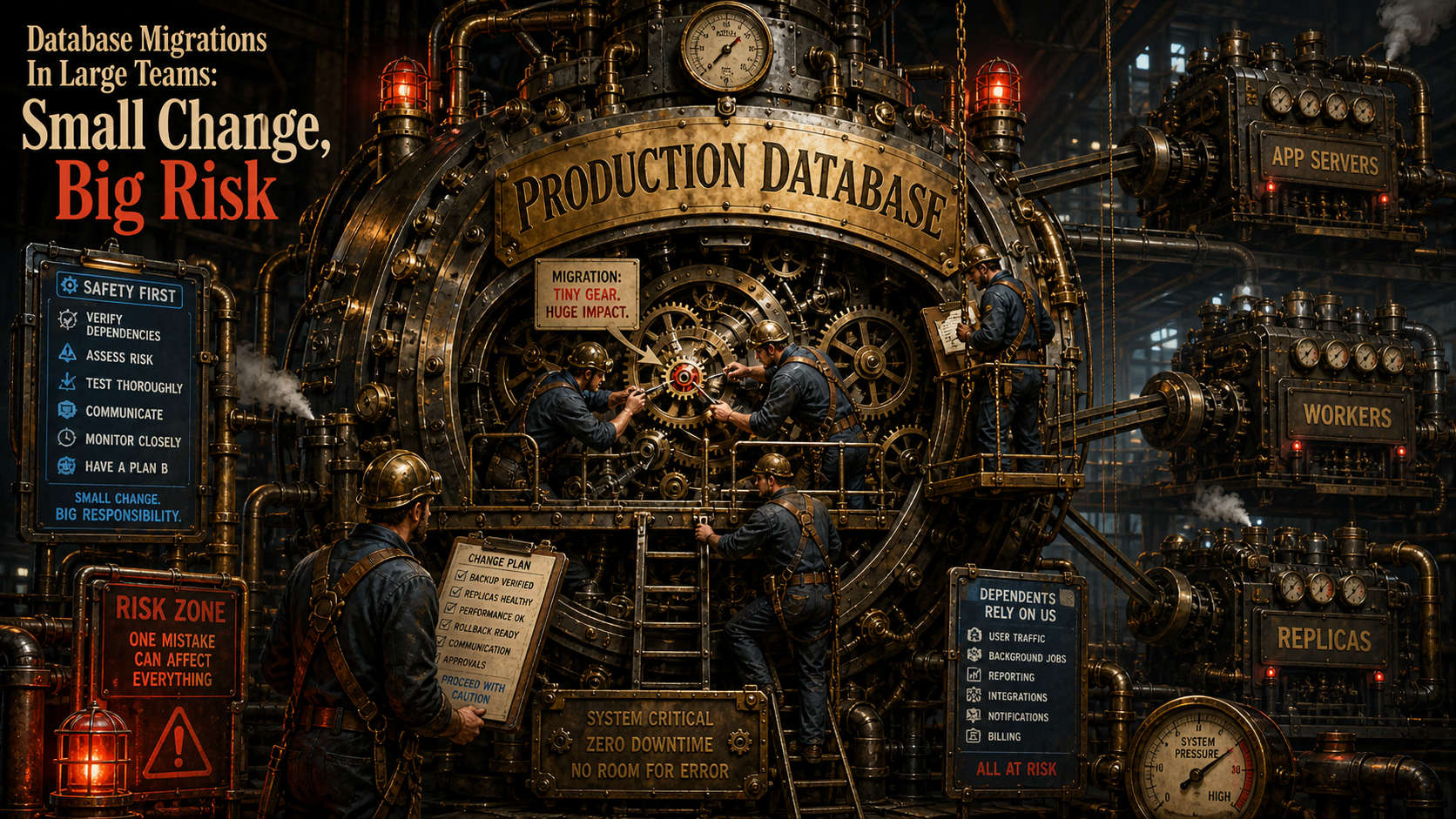
The Dangerous Migration Is Usually Boring
The migration that breaks production rarely looks dramatic.
It's not always a massive redesign. Sometimes it's just:
$table->renameColumn('full_name', 'name');Looks harmless.
But if old application code is still running on one server while new code runs on another, the old code expects full_name and the new database no longer has it.
Now your deployment is a race condition.
In large teams, a database migration is not just a schema change. It's a compatibility event across code, database, workers, queues, replicas, deploy order, and rollback strategy.
Zero-Downtime Migrations Are About Compatibility
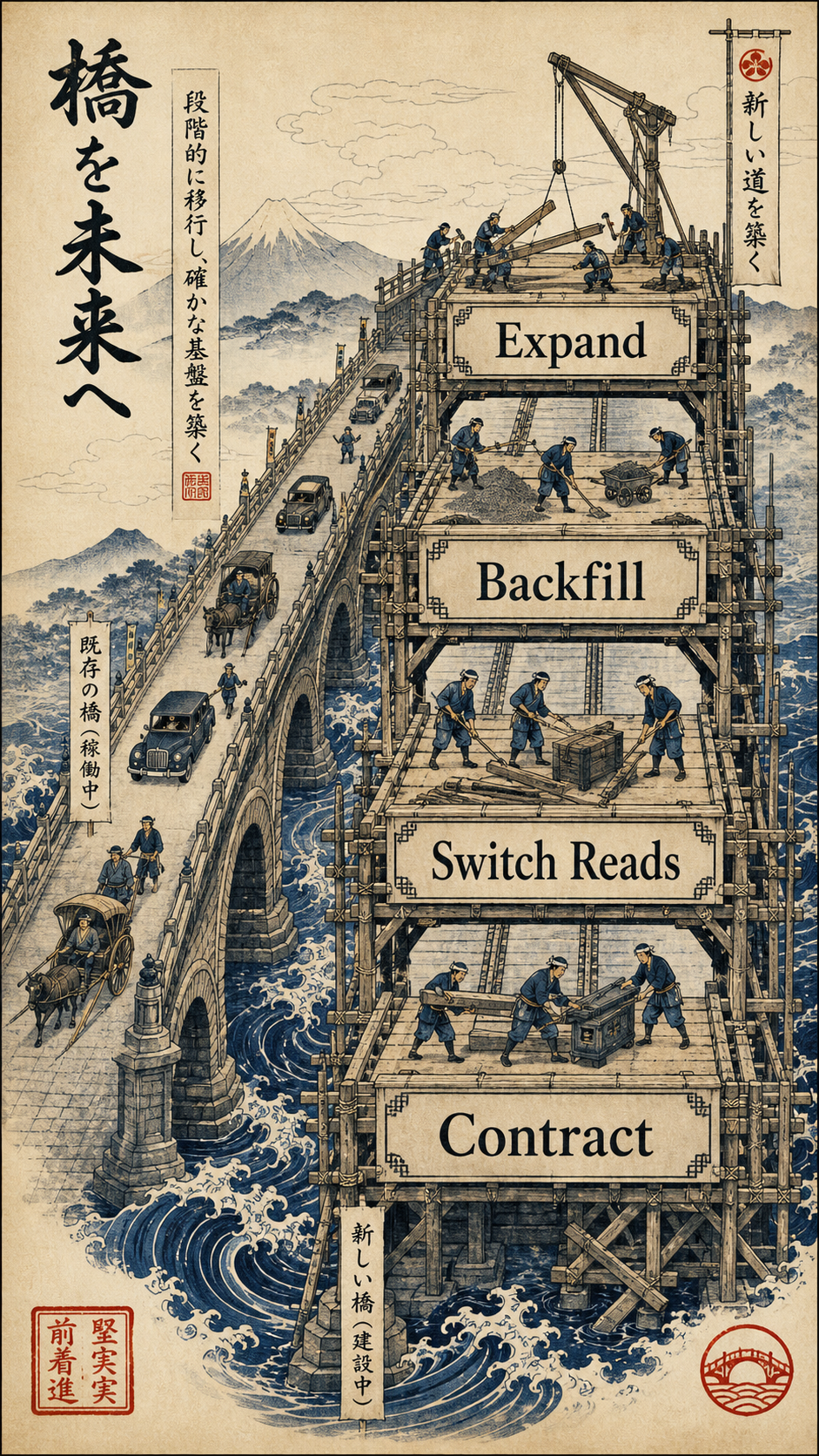
A safe migration usually follows the expand and contract pattern.
Instead of changing the schema in one risky move, you split it into phases:
- Expand. Add the new structure without removing the old one.
- Deploy compatible code. Write or read both as needed.
- Backfill. Move existing data safely.
- Switch reads. Use the new structure.
- Contract. Remove old columns later.
It's like renovating a bridge while traffic still crosses it. You build the new lane before closing the old one.
Example: Renaming A Column Safely
Unsafe version:
Schema::table('users', function (Blueprint $table) {
    $table->renameColumn('full_name', 'name');
});
Safer version, phase one:
Schema::table('users', function (Blueprint $table) {
    $table->string('name')->nullable();
});
Then deploy code that writes both columns:
$user->full_name = $request->name;
$user->name = $request->name;
$user->save();
Then backfill old rows:
UPDATE users
SET name = full_name
WHERE name IS NULL;
For a large table, do not backfill everything in one giant transaction. Use batches.
User::whereNull('name')
    ->orderBy('id')
    ->chunkById(1000, function ($users) {
        foreach ($users as $user) {
            $user->name = $user->full_name;
            $user->save();
        }
    });
After all app code reads name, you can remove full_name in a later deploy.
Adding Columns Is Usually Safer Than Changing Columns
Adding a nullable column is often safe:
Schema::table('orders', function (Blueprint $table) {
    $table->string('external_reference')->nullable();
});
Changing an existing column can be riskier:
Schema::table('orders', function (Blueprint $table) {
    $table->string('external_reference', 500)->change();
});
The database may need to rewrite data, lock the table, or apply engine-specific behavior.
The exact risk depends on database engine, version, table size, indexes, constraints, and operation type. That's why "it worked locally" means almost nothing for migrations.
Your laptop table has 20 rows. Production has 200 million.
Indexes Are Safe Until They Aren't
Adding an index can improve reads, but building it on a large table can be expensive.
CREATE INDEX idx_orders_created_at
ON orders (created_at);
On PostgreSQL, CREATE INDEX CONCURRENTLY can reduce blocking, though it has its own rules and takes more work internally.
CREATE INDEX CONCURRENTLY idx_orders_created_at
ON orders (created_at);
On MySQL/InnoDB, online DDL can allow concurrent operations for many changes, but not every operation is equally safe, and long-running DDL can still affect replicas and performance.
The practical rule is simple: test migration behavior on production-like data, not tiny local fixtures.
Backfills Should Be Treated Like Jobs
A backfill is not just a migration. It's a workload.
Bad backfill:
User::all()->each(function ($user) {
    $user->update(['normalized_email' => strtolower($user->email)]);
});
This can load too much memory, run too long, and create unnecessary writes.
Better backfill:
User::whereNull('normalized_email')
    ->select(['id', 'email'])
    ->chunkById(1000, function ($users) {
        foreach ($users as $user) {
            User::whereKey($user->id)->update([
                'normalized_email' => strtolower($user->email),
            ]);
        }
    });
For very large tables, use a queue job, rate limits, progress tracking, and pause/resume capability.
A backfill should behave like a polite guest in production, not a bulldozer.
Rollbacks Are Often A Lie
Frameworks make rollback methods look comforting:
public function down(): void
{
    Schema::table('users', function (Blueprint $table) {
        $table->dropColumn('name');
    });
}
But in real systems, rollback can be complicated or impossible.
If a migration drops a column, the data is gone unless you have backups. If new code writes data in a new format, old code may not understand it. If a backfill modifies millions of rows, reversing it may not be safe.
A better strategy is forward-only recovery:
- Prefer additive changes. They are easier to survive.
- Deploy compatibility first. Old and new code should coexist.
- Avoid destructive changes during the same release. Drop later.
- Have backups and restore drills. Hope is not a rollback plan.
Migration Review Checklist
Before approving a migration in a large team, ask:
- Is it backward compatible? Can old and new app versions both run?
- Does it lock a large table? Verify engine-specific behavior.
- Does it rewrite data? Large rewrites need planning.
- Does it affect replicas? Watch lag and deployment order.
- Is there a backfill? It needs batching and monitoring.
- Can it be paused? Long-running work should not trap you.
- Is the rollback real? If not, document forward recovery.
Final Tips
The scariest migrations I've seen were not clever. They were normal changes applied with too much confidence and not enough production empathy.
In small projects, migrations feel like code organization. In large teams, they're operational choreography.
Make small additive changes, deploy in phases, and treat the database like a shared system that stays alive during your release.
Good luck shipping migrations nobody notices 👊