A common pattern in JavaScript performance discussions: people argue about whether for is faster than forEach, whether Map beats objects for lookups, whether destructuring costs anything. These conversations are entertaining and almost never matter in production.
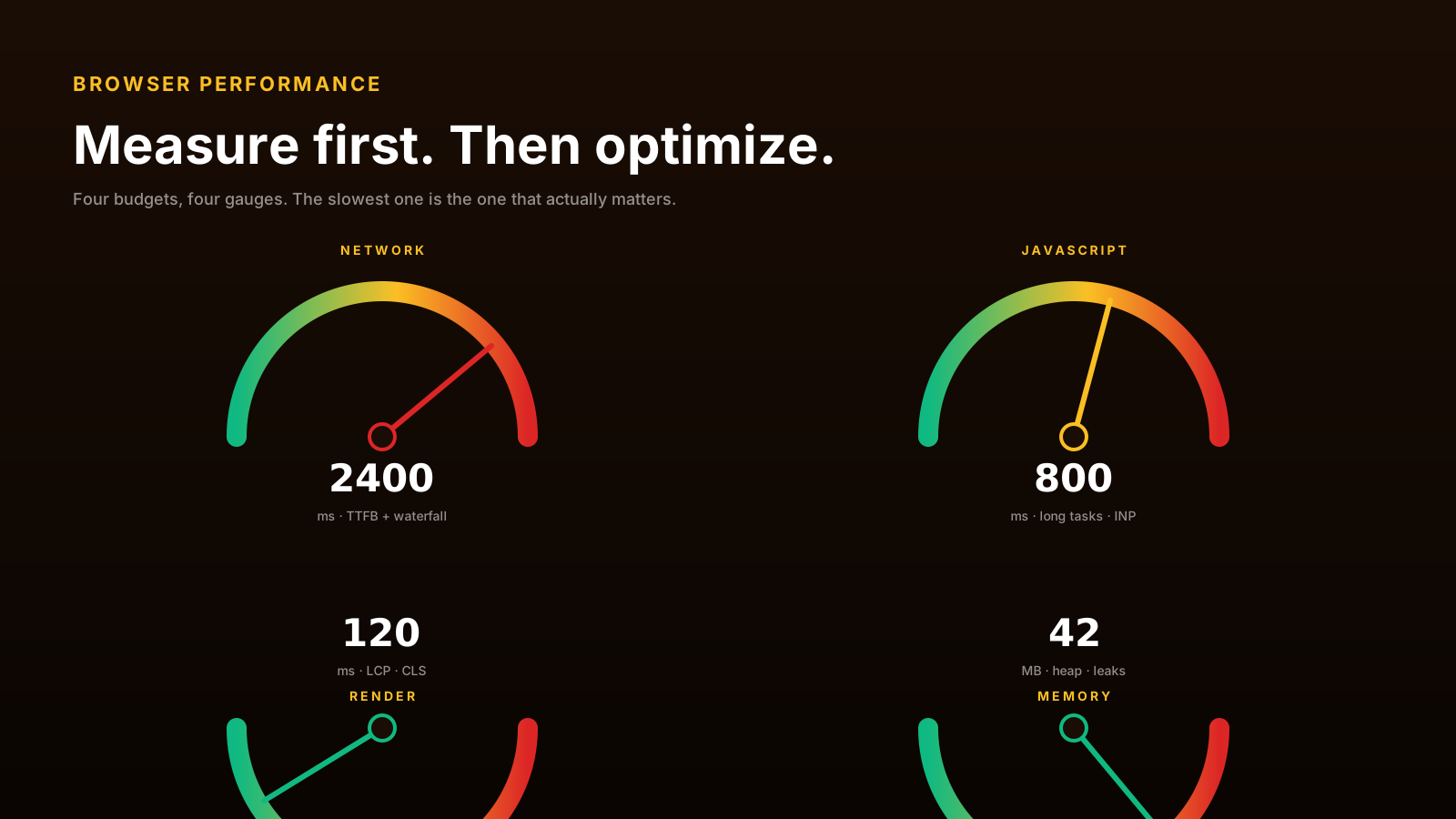
The actual bottlenecks in browser apps are bigger and more boring: network, hydration, render cost, and main-thread work. Fix those first. The rest is noise.
Network Usually Wins The Blame Game
The first request a user makes determines whether they stick around. If your bundle is 800KB gzipped, the user sees nothing for 4 seconds on a 3G connection. No forEach micro-optimization fixes that.
The unflattering truth: most apps ship more JavaScript than they need. React + dependencies + a router + a state library + a form library + an icon library + the actual app code adds up fast.
Three habits that move the number:
- Code-split by route. Vite, Next.js, Remix all do this with
lazy()or dynamicimport(). The login page shouldn't ship the dashboard's chart library. - Audit your dependencies.
bundle-analyzershows what's actually shipping. The result is usually surprising — that 50KB date library you imported for oneformat()call. - Use modern formats. Brotli compression, ES2020+ output, HTTP/2 or HTTP/3.
Cache your static assets aggressively (Cache-Control: public, max-age=31536000, immutable for hashed assets). The fastest network request is the one that never happens.
JavaScript Execution Can Block Users
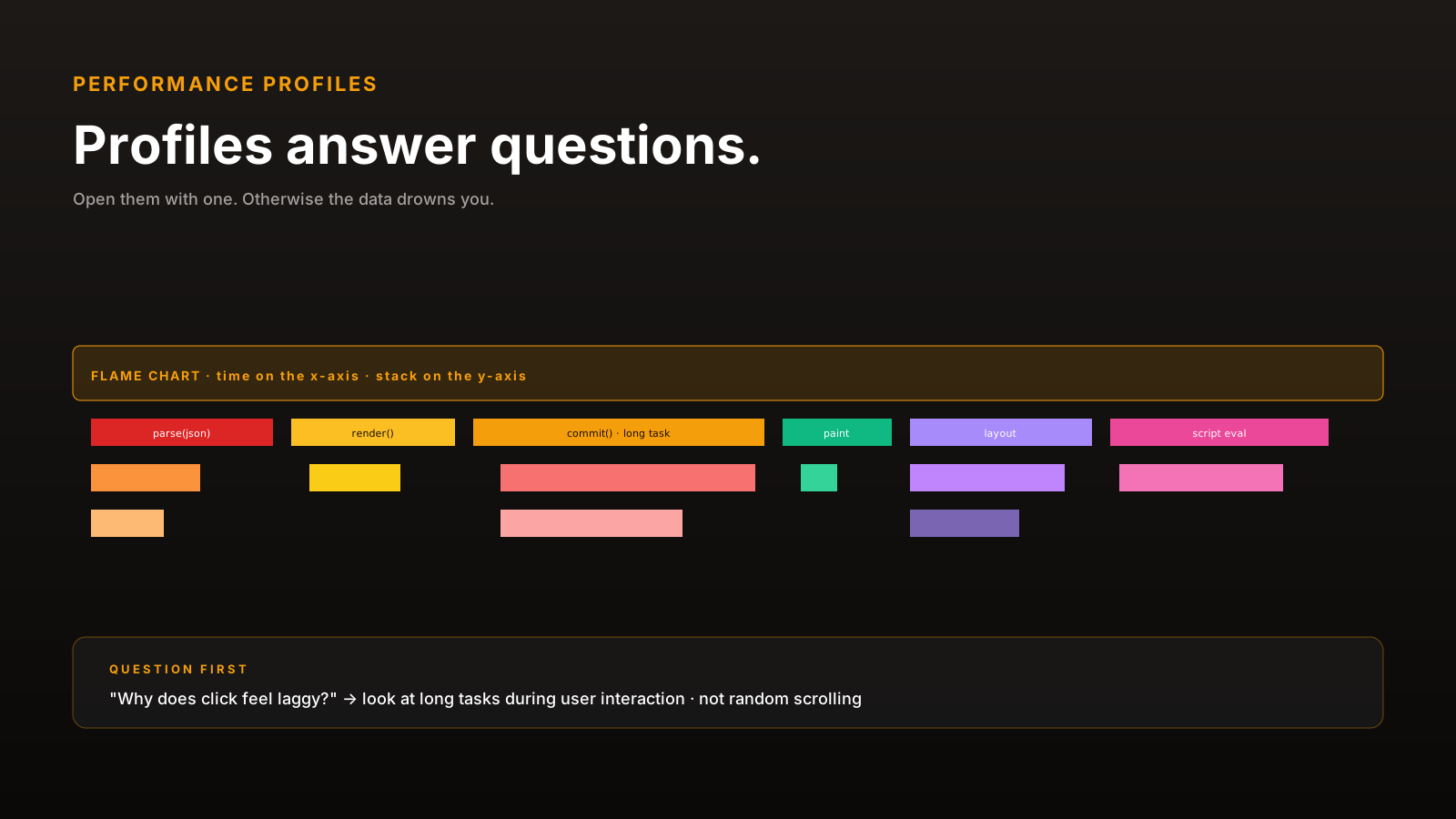
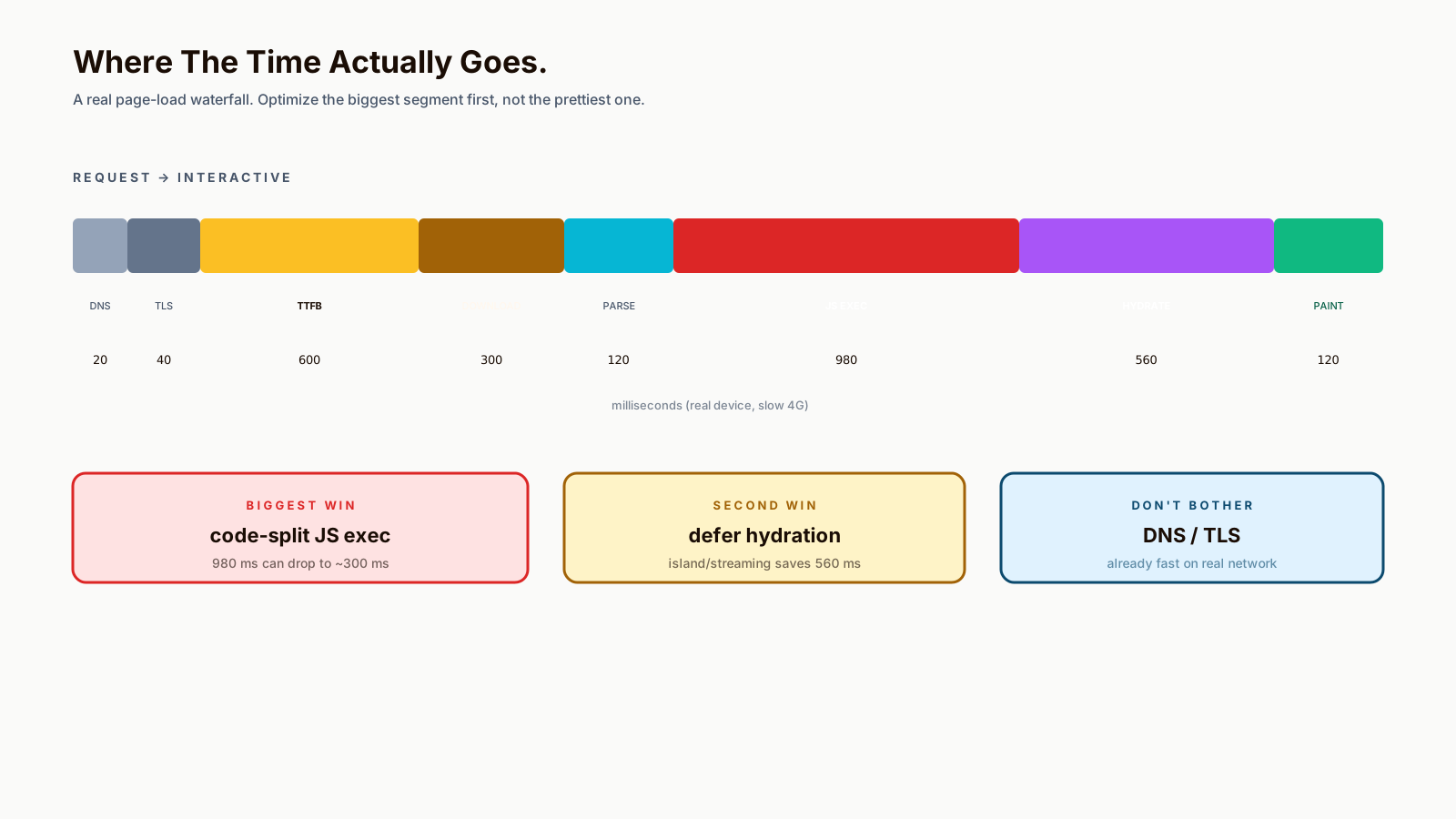
Once the bundle has downloaded, it has to execute. Long synchronous tasks block the main thread, which means clicks don't register, scrolling stutters, and animations skip frames.
The Long Tasks API surfaces this:
const observer = new PerformanceObserver((list) => {
  for (const entry of list.getEntries()) {
    console.warn(`long task: ${entry.duration.toFixed(0)}ms`, entry.name);
  }
});
observer.observe({ entryTypes: ['longtask'] });
Anything over 50ms shows up. The fix is breaking up work:
// 🐛 blocks for 800ms
items.forEach(processItem);

// ✅ yields between batches
async function processInChunks(items, work) {
  for (let i = 0; i < items.length; i++) {
    work(items[i]);
    if (i % 100 === 0 && 'scheduler' in window) {
      await scheduler.yield();
    }
  }
}
scheduler.yield() (now widely supported in modern browsers) is the cleanest "let the browser breathe" primitive. For older browsers, setTimeout(0) is the fallback.
Hydration Has A Cost
Server-rendered apps (Next.js, Remix, SvelteKit) ship HTML that's already painted. Then JavaScript loads, runs, and "hydrates" the page — attaching event handlers, restoring state, taking over interactivity.
The user sees content fast (good). The page can feel unresponsive between paint and hydration (bad). Click a button before hydration completes and nothing happens.
Modern frameworks have several answers — partial hydration, islands architecture, server components — all variants of "ship less JavaScript that runs at hydration time." If your app is slow on metrics like INP (Interaction to Next Paint), hydration cost is usually the suspect.
Measure Before Optimizing Syntax
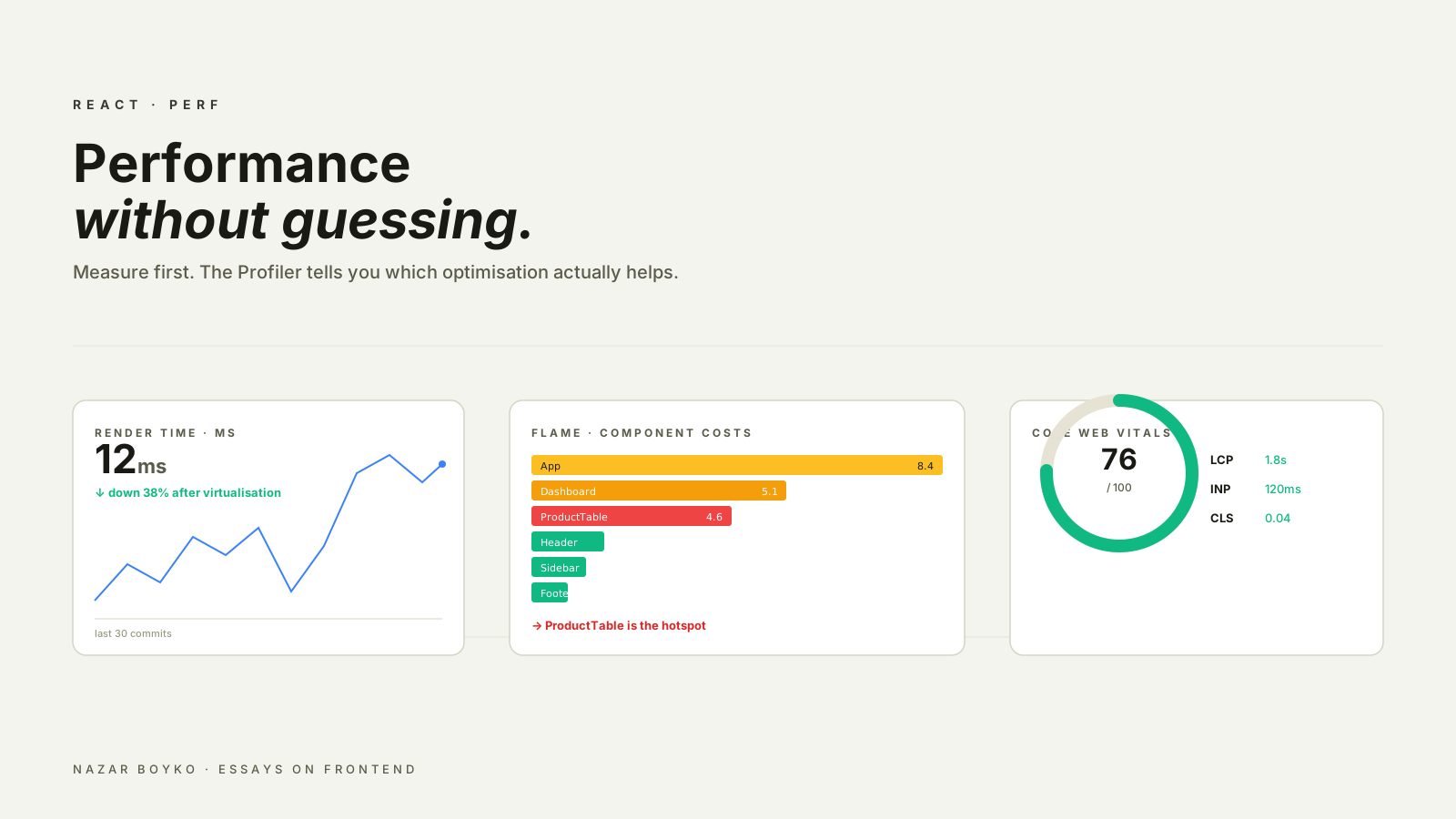
Core Web Vitals — LCP, CLS, INP — measure what users actually feel. Optimizing things they don't measure is decoration.
// real measurements, not micro-benchmarks
new PerformanceObserver((list) => {
  for (const entry of list.getEntries()) {
    console.log(entry.entryType, entry.name, entry.startTime);
  }
}).observe({ entryTypes: ['largest-contentful-paint', 'layout-shift', 'event'] });
Better: send these to RUM (Real User Monitoring) — your users on real devices in real network conditions are the only honest source of performance data. DevTools on a fiber connection lies to you.
Three tools that pay back: Chrome DevTools Performance tab (for understanding traces), Lighthouse (for catching regressions), and a RUM provider (for the truth).
What Actually Matters
In rough order of impact for typical web apps:
- Bundle size. Smaller is faster, always.
- Network waterfall. Critical resources first, defer the rest.
- Long main-thread tasks. Break them up.
- Hydration cost. Less JS on first interaction.
- Image and font sizes. Often bigger than the JavaScript.
- Render cost. CSS containment, avoiding layout thrash.
Map vs object, for vs forEach, + vs template literals — none of these matter at any normal scale.
Pro Tips
- Run Lighthouse in CI. Performance regressions get caught at PR time.
- Use
<link rel="preload">for critical resources — fonts, hero images. - Defer non-critical JS with
asyncor dynamicimport(). - Profile before optimizing. Guesses are usually wrong.
- Send INP to your RUM. It's the new "fast feels fast" metric.
Final Tips
The performance work that pays back the most isn't the most fun. It's removing dependencies, splitting routes, deferring non-critical work, and watching the actual numbers users see. Reaching for requestIdleCallback is satisfying. Removing 200KB of unused JavaScript is what users actually feel.
Optimize what users measure. Skip the rest.
Good luck — and may your bundles only shrink 👊