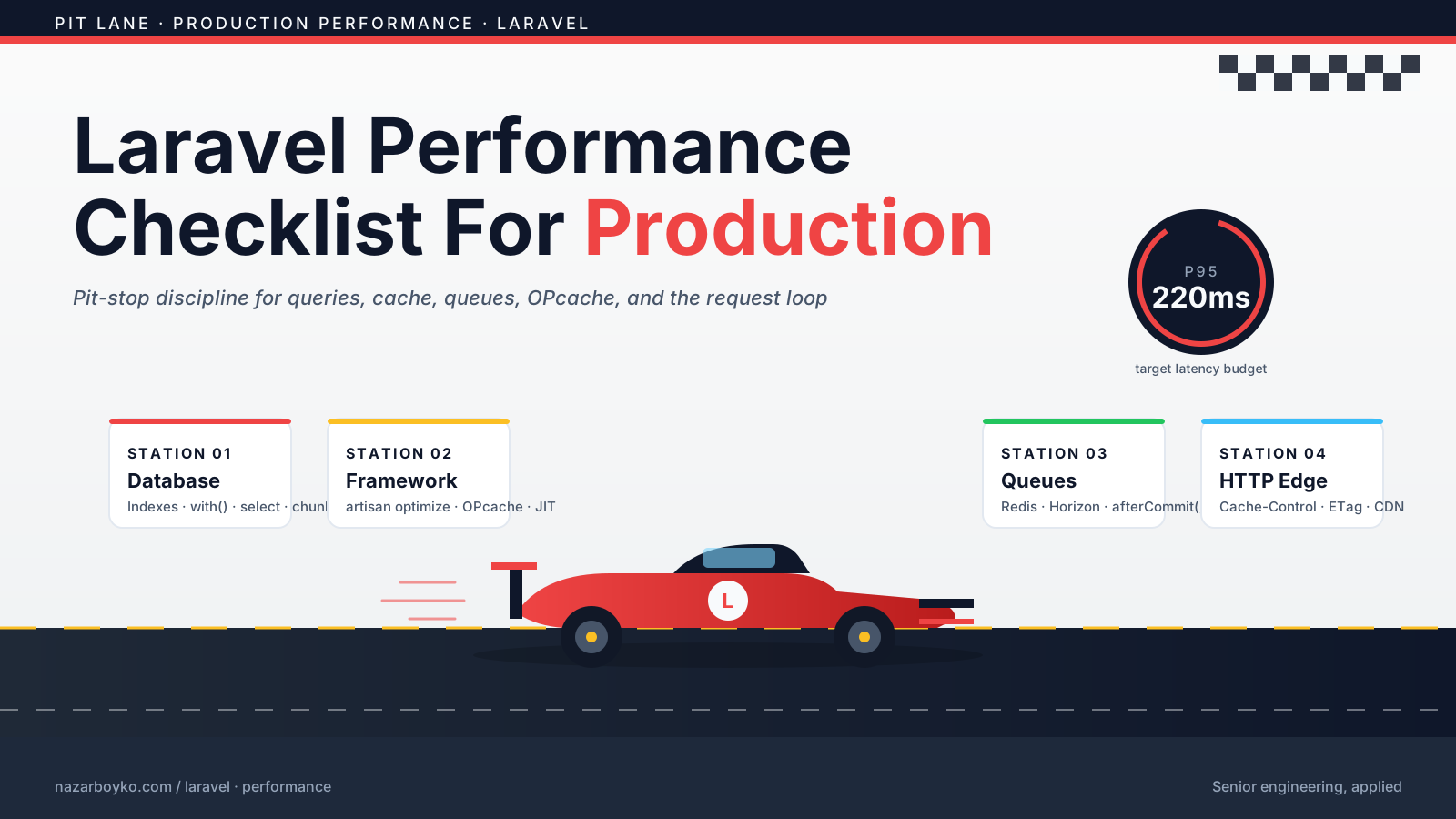
Laravel performance problems usually don't arrive as one giant monster.
They arrive as small things. One missing eager load. One unindexed filter. One slow external API call. One endpoint returning too much JSON. One queue worker quietly falling behind.
Then traffic grows, and all those little things form a committee. A very annoying committee.
This checklist is not about chasing micro-optimizations. It's about fixing the boring production issues that actually move response time, reliability, and cost.
Start With Database Queries
Most Laravel performance work starts with the database.
Not always, but often enough that it should be your first suspect.
Check For N+1 Queries
This code looks clean but can trigger a query per order:
$orders = Order::latest()->take(50)->get();

return $orders->map(fn ($order) => [
    'id' => $order->id,
    'customer' => $order->customer->email,
]);
Use eager loading:
$orders = Order::query()
    ->with('customer:id,email')
    ->latest()
    ->take(50)
    ->get();
The fix is small, but the impact can be massive.
N+1 queries are like making 50 separate grocery trips because you forgot to write a shopping list.
Select Only What You Need
Avoid loading large columns by accident:
Customer::query()
    ->select(['id', 'name', 'email', 'created_at'])
    ->latest()
    ->paginate(50);
If your table has JSON blobs, notes, descriptions, or metadata, select * can become expensive fast.
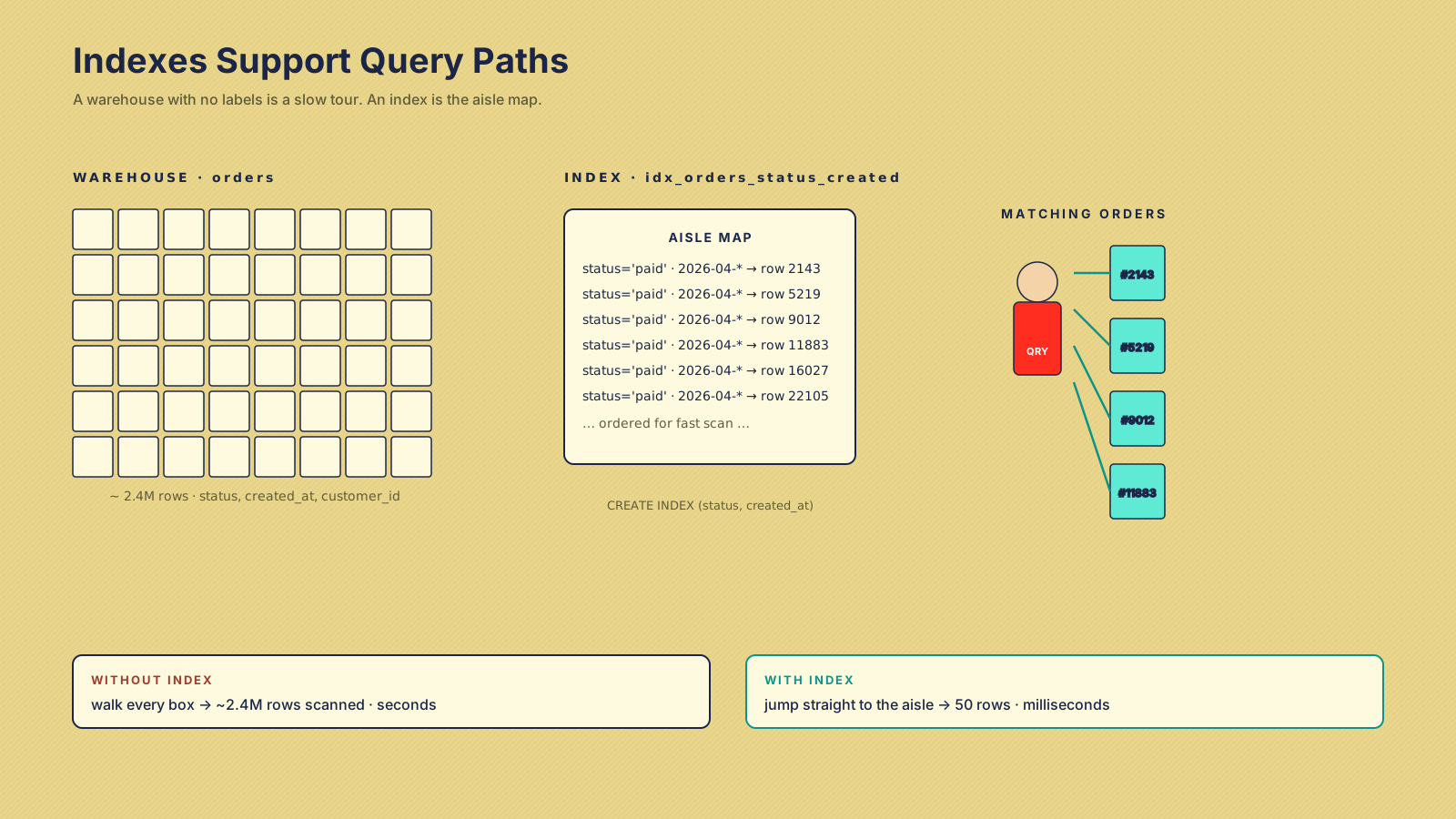
Add The Right Indexes
A missing index can turn a simple query into a table scan.
If you filter by status and sort by created_at, think about whether an index supports that pattern:
Schema::table('orders', function (Blueprint $table) {
    $table->index(['status', 'created_at']);
});
Indexes are not magic stickers. They help specific query patterns and add write overhead. Add them based on real queries, not vibes.
Good Index Candidates
- Foreign keys — Relationship lookups need support.
- Common filters —
status,tenant_id,user_id,created_at. - Sort + filter pairs — Match how the query actually runs.
- Unique business keys — Email, slug, external IDs.
- Job lookup fields — Status columns used by workers.
Use database EXPLAIN to verify. Otherwise, you're decorating the table and hoping performance improves.
Cache Expensive Repeated Work
Caching is powerful when the data is expensive to compute and safe to reuse.
This example caches dashboard stats for one minute:
public function forTeam(int $teamId): array
{
    return Cache::remember("teams:$teamId:dashboard-stats", 60, function () use ($teamId) {
        return [
            'active_users' => User::where('team_id', $teamId)->active()->count(),
            'open_orders' => Order::where('team_id', $teamId)->open()->count(),
        ];
    });
}
The hard part is not writing Cache::remember(). The hard part is knowing when cached data should expire or be invalidated.
Cache is like leftovers in the fridge. Great when labeled and fresh. Dangerous when forgotten.
Move Slow Work To Queues
Users should not wait for work that can happen later.
Emails, exports, webhook calls, image processing, report generation, and external syncs often belong in queues.
public function store(CreateReportRequest $request)
{
    $report = Report::create([
        'user_id' => $request->user()->id,
        'status' => 'pending',
    ]);

    GenerateReportJob::dispatch($report->id);

    return new ReportResource($report);
}
This returns quickly while the job handles the heavy work.
Queues are like restaurant kitchen tickets. The cashier doesn't cook the meal while the line waits.
Queue Checks
- Monitor failed jobs — A quiet failed queue is dangerous.
- Use separate queues — Critical jobs should not sit behind slow exports.
- Set timeouts intentionally — Don't let jobs hang forever.
- Make jobs idempotent — Retries should not double-charge or duplicate work.
- Use Horizon for Redis queues — If you use Redis queues, Horizon gives visibility and control.
Optimize Laravel's Runtime Configuration
Laravel has built-in optimization commands that matter in production.
Common deployment steps include:
php artisan config:cache
php artisan route:cache
php artisan view:cache
These commands reduce repeated runtime work by caching configuration, routes, and compiled views.
Do not run config cache locally if you frequently change .env values and forget to clear it. That confusion has stolen real hours from real people. Ask me how I know :)
Production should be optimized. Local development should be easy to change.
OPcache And JIT Are Free Speed (Mostly)
Before reaching for fancy tools, make sure PHP itself is configured for production.
OPcache stores precompiled PHP bytecode in shared memory so PHP doesn't re-parse files on every request. On a Laravel app, that single setting is often the biggest single-step speedup you can apply.
A reasonable production php.ini baseline:
opcache.enable=1
opcache.memory_consumption=256
opcache.interned_strings_buffer=16
opcache.max_accelerated_files=20000
opcache.validate_timestamps=0
opcache.revalidate_freq=0
validate_timestamps=0 is the important one. It tells OPcache not to check whether files changed on disk, which removes a real cost per request. The trade-off: after a deploy you must reset OPcache (php artisan opcache:clear if you have an extension for it, or restart PHP-FPM/the Octane server). Make that part of your deploy script.
JIT (the just-in-time compiler) was added in PHP 8 and helps CPU-heavy code like math, parsing, and image work. For typical web apps, JIT's wins are smaller than OPcache's — most Laravel time is spent in I/O, not pure CPU. Enable it, measure, but don't expect miracles:
opcache.jit_buffer_size=128M
opcache.jit=tracing
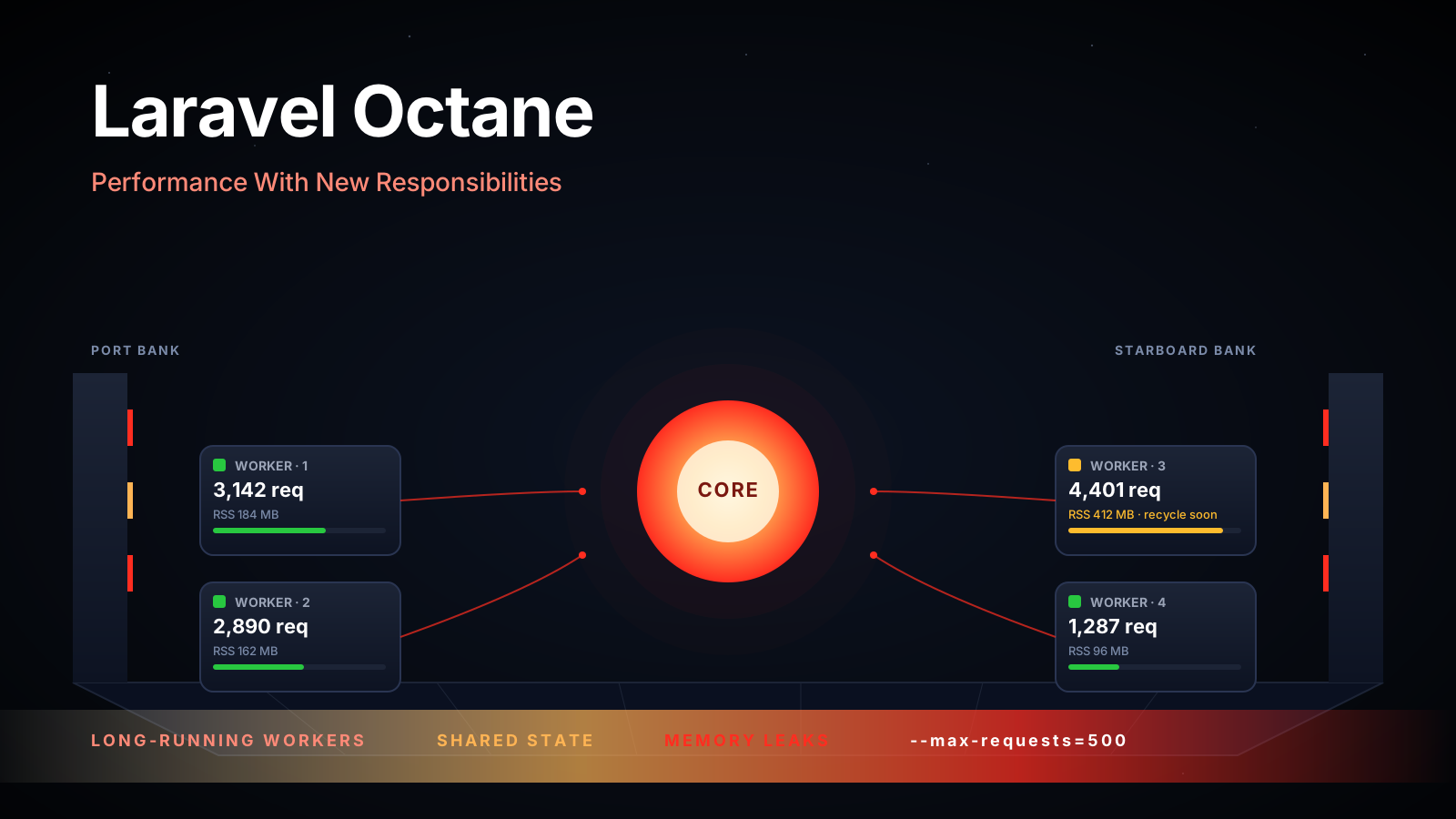
The honest order of operations: OPcache first (always), JIT second (measure), Octane third (when boot overhead actually matters).
HTTP-Level Wins You Get For Almost Free
Laravel performance work tends to focus on PHP. But the bytes leaving your server matter just as much.
Three settings to verify at the web-server / reverse-proxy level:
- Compression. Make sure your responses are gzip- or brotli-compressed. A 220 KB JSON response compresses to roughly 25 KB; on mobile networks that's the difference between snappy and laggy. nginx:
gzip on;plusgzip_types application/json text/css application/javascript;. Most managed platforms (Vercel, Cloudflare, Fly) do this by default. - HTTP/2 (or HTTP/3). Single TCP connection, multiplexed requests, header compression. If you're still on HTTP/1.1 in 2026, your CDN provider is probably one toggle away from giving you HTTP/2 for free.
- Sensible cache headers for static assets. Vite-built assets in
public/buildare content-hashed, so they're safe to serve withCache-Control: public, max-age=31536000, immutable. Don't ship that header for HTML — that's how you get stale pages stuck on someone's iPad for a year.
These are not micro-optimizations. They're the difference between a 1.5s and a 400ms first paint, especially on mobile. And none of them require changing PHP code.
Watch Payload Size And Serialization
A fast query can still become a slow response if you serialize too much data.
API resources help control output:
class UserResource extends JsonResource
{
    public function toArray(Request $request): array
    {
        return [
            'id' => (string) $this->id,
            'name' => $this->name,
            'avatar_url' => $this->avatar_url,
        ];
    }
}
Avoid returning entire model graphs unless the client truly needs them.
Large JSON responses are like moving apartments with no boxes. Everything technically moves, but it's painful and inefficient.
Use Observability, Not Guesswork
You can't fix what you can't see.
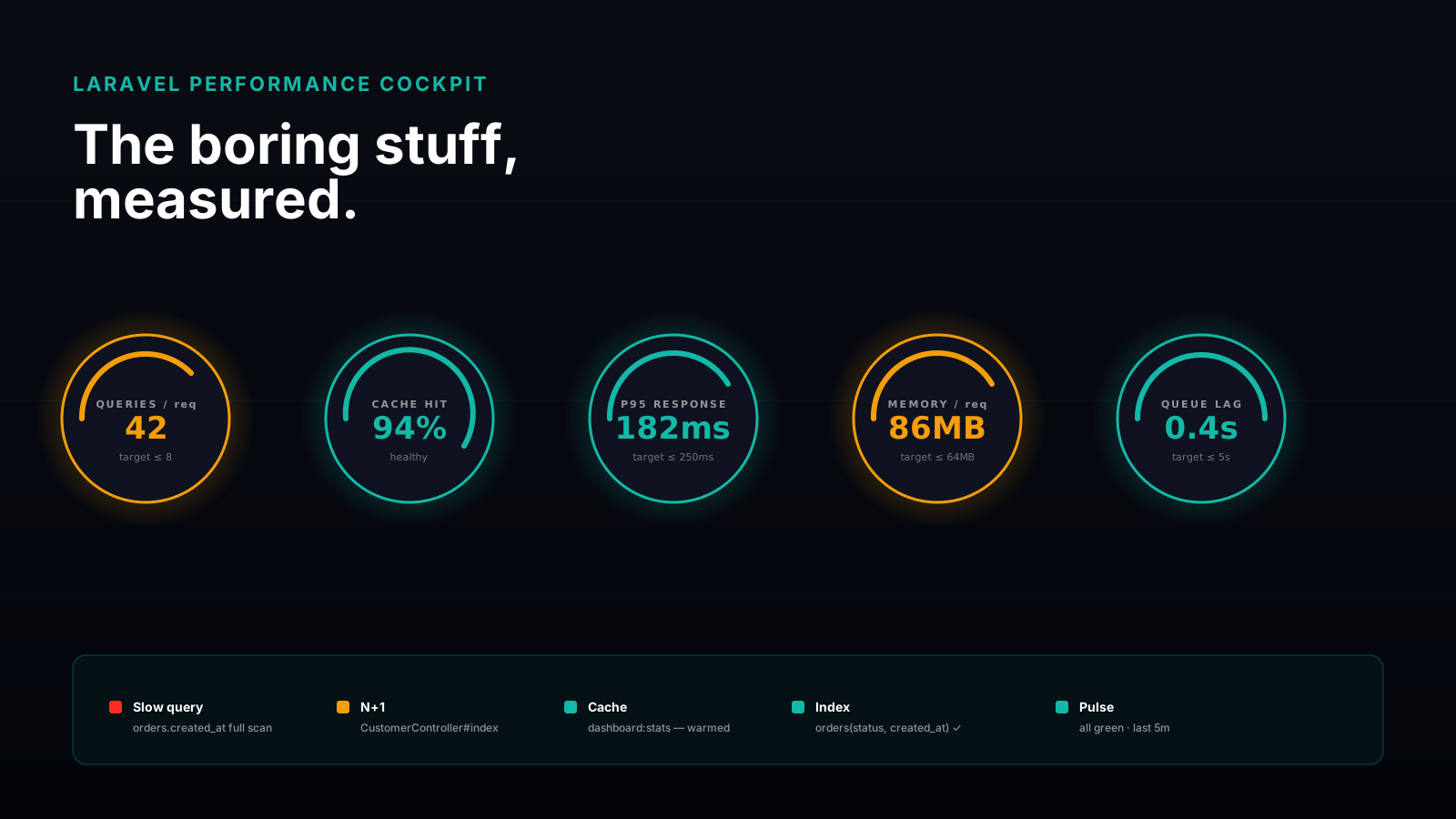
Laravel gives you helpful tools and integrates well with external monitoring. Laravel Pulse can show high-level performance and usage insights, while tools like Telescope, logs, database slow query logs, APMs, and infrastructure metrics help you inspect deeper problems.
Track:
- Slow endpoints — Which routes actually hurt users?
- Slow queries — Which SQL statements need indexes or rewrites?
- Queue depth — Are workers falling behind?
- Memory usage — Are requests or jobs leaking memory?
- Cache hit rate — Is cache helping or just adding complexity?
Observability is your dashboard. Without it, performance tuning is driving at night with the headlights off.
Final Tips
I've seen teams spend days debating framework-level optimizations while one endpoint quietly made hundreds of queries. The best performance work is often embarrassingly practical: eager load, add the right index, cache one expensive count, move one API call to a job, turn on OPcache.
Going forward, build a performance habit instead of a performance panic. Check queries during code review. Watch queue depth. Look at response times after releases. Keep the boring stuff healthy.
Laravel can handle serious production traffic when you respect the basics. Go make it fast where it actually counts ⚡