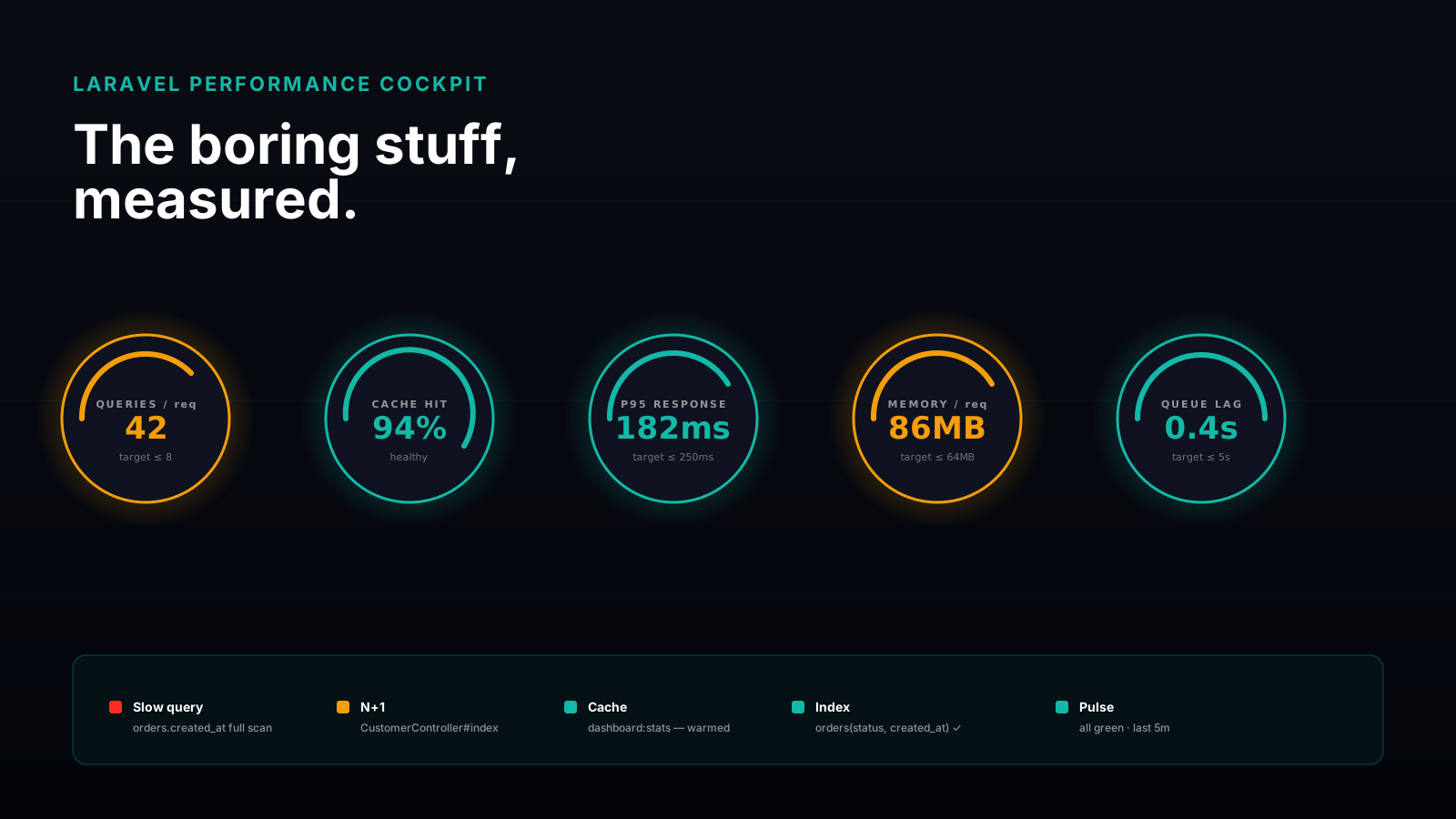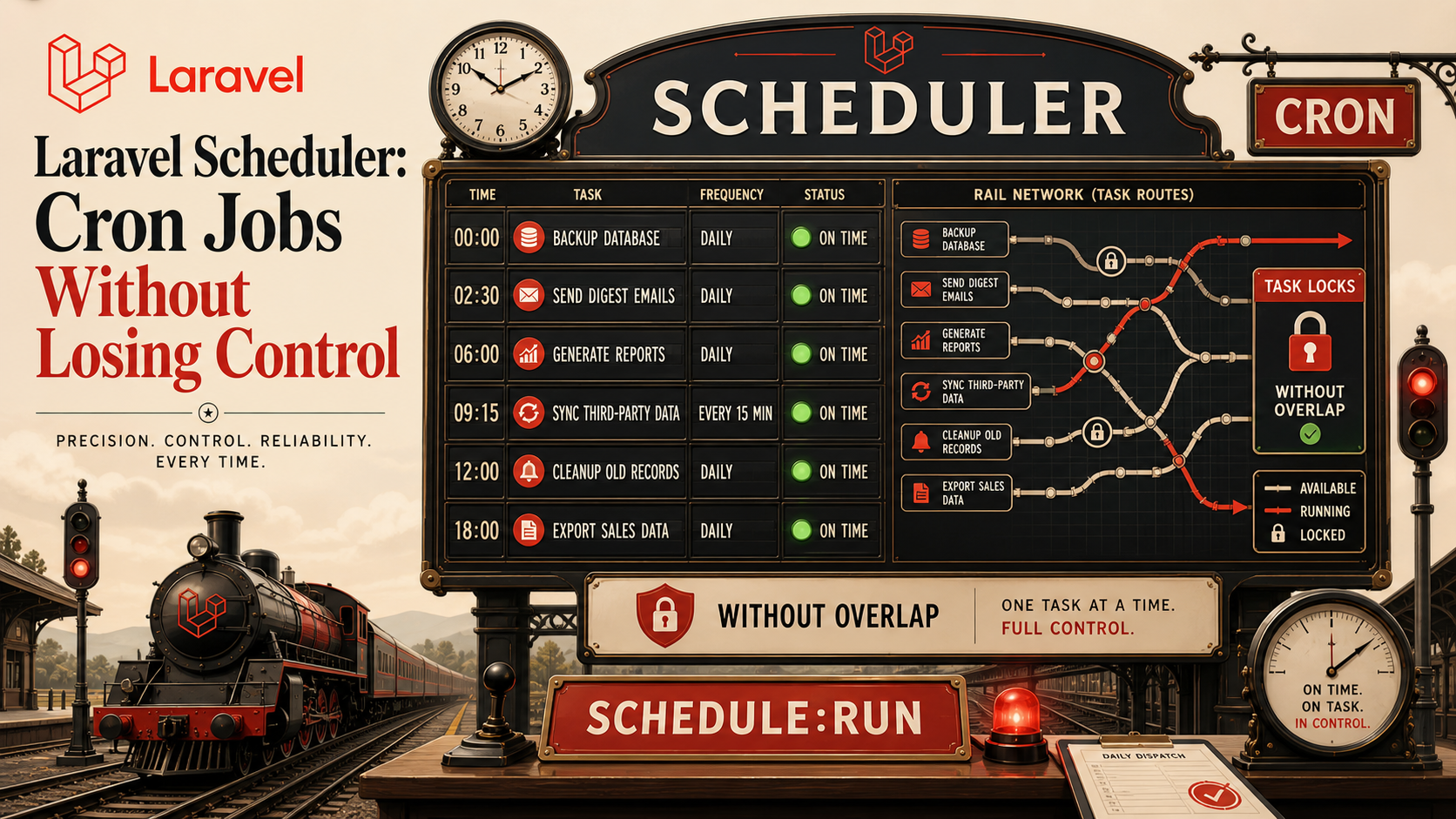
The scheduler is the part of Laravel that quietly runs your business while you sleep. Nightly invoices, hourly imports, the every-five-minutes job that syncs Stripe, the once-a-week newsletter. By the time a project is two years old, there are usually thirty scheduled tasks, and nobody on the team can name all of them.
That's fine when each task takes a second and never overlaps. It stops being fine the night your "send weekly digest" job runs twice on two different servers, every customer gets two emails, and your support inbox fills before breakfast. The Laravel scheduler is excellent, but only if you know what it actually guarantees and what you have to enforce yourself.
One Cron Entry, Many Tasks
The whole scheduler runs from a single system cron entry that fires once a minute:
* * * * * cd /var/www/app && php artisan schedule:run >> /dev/null 2>&1Everything else lives in PHP. In Laravel 11+ you define schedules in routes/console.php; on older versions it's app/Console/Kernel.php. The shape is the same:
use Illuminate\Support\Facades\Schedule;

Schedule::command('reports:daily')->dailyAt('06:00');
Schedule::command('imports:run')->everyFiveMinutes();
Schedule::job(new RebuildSearchIndex)->hourly();
Schedule::call(fn () => Cache::forget('homepage'))->everyMinute();
Four task types — Artisan commands, queued jobs, closures, and shell commands via exec(). Use commands when you want named, testable units; jobs when the work belongs on Horizon and needs retries; closures only for trivial things you don't mind not being able to grep for.
Frequencies Read Like English On Purpose
The chainable frequencies cover almost anything you'll need:
Schedule::command('app:nightly')
    ->weekdays()
    ->dailyAt('02:30')
    ->timezone('Europe/Kyiv');

Schedule::command('app:health-check')
    ->everyMinute()
    ->between('06:00', '22:00');

Schedule::command('app:rebuild-feed')
->cron('*/15 8-20 * * *');everyMinute, everyFiveMinutes, everyTenMinutes, hourly, daily, weekly, monthly, plus weekdays, weekends, and combinators like between / unlessBetween / when / skip / environments give you a fluent way to describe almost any windowed schedule. When the English runs out, drop to cron('* * * * *') and write the expression yourself — Laravel will respect it.
environments('production') is the underrated one. Without it, your local machine and your CI runner will both happily try to send the weekly newsletter the next time someone runs schedule:run.
Overlapping Is The Bug You Will Hit
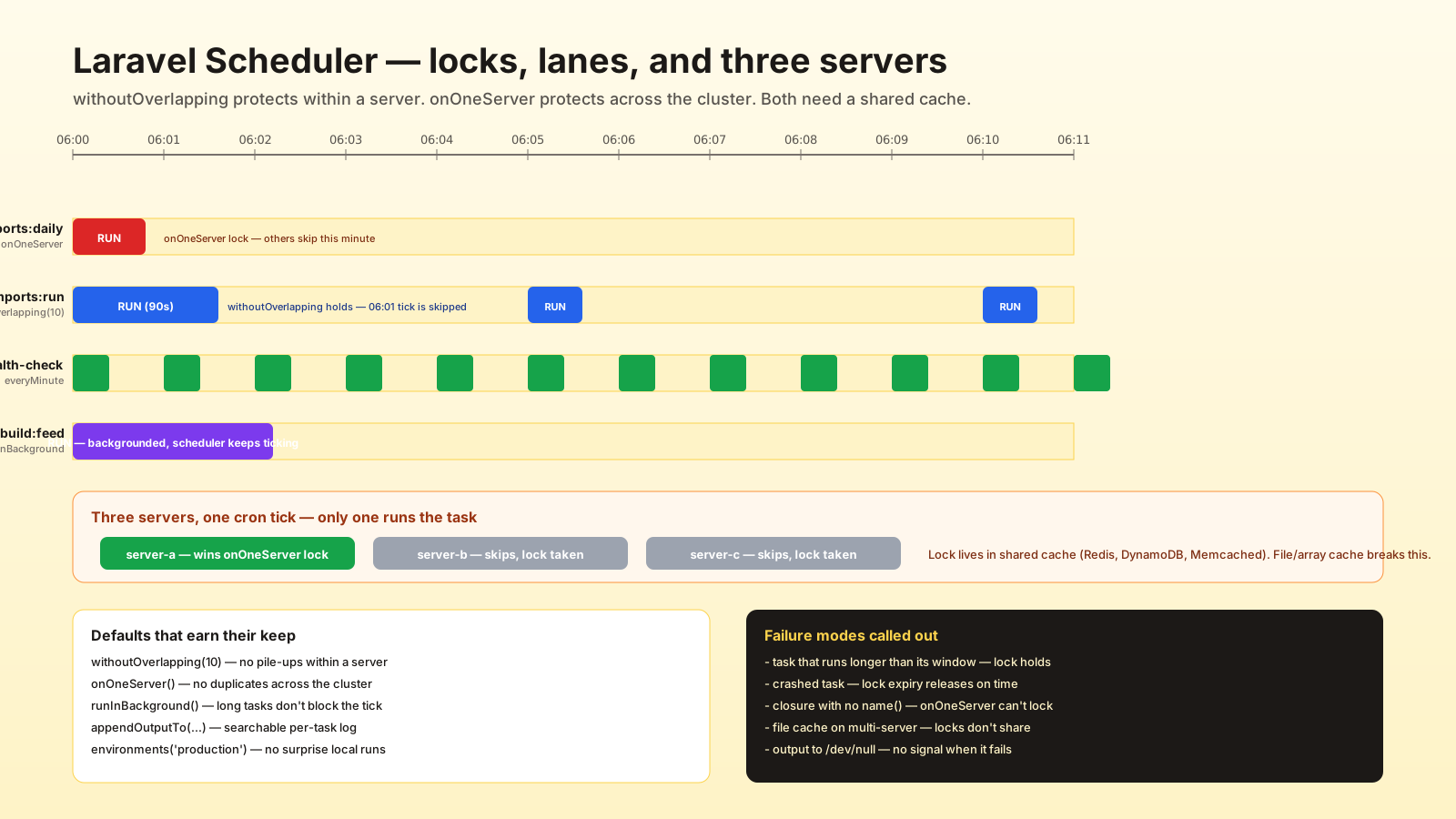
The scheduler runs once a minute. If your "process pending payouts" job takes 90 seconds, the next minute will start a second copy on top of the first. Two workers, same rows, race conditions and double charges.
withoutOverlapping() is the fix:
Schedule::command('payouts:process')
    ->everyMinute()
    ->withoutOverlapping(10);
The argument is the lock expiry in minutes — if a task crashes hard enough that the lock isn't released, it expires after that many minutes and the next run can take over. Pick a value that's longer than your slowest legitimate run but shorter than "I'd notice this is stuck." Ten minutes is usually a good default.
The lock lives in the cache — make sure your cache driver is shared between all the servers that run schedule:run, otherwise the lock is per-machine and you're back where you started.
One Server Or All Of Them
Most teams run more than one app server in production. Without configuration, every server runs schedule:run every minute, which means every server tries to send the daily report, run the import, fire the cron-style cleanup. That's how customers get four copies of the same email.
onOneServer() is the answer:
Schedule::command('reports:daily')
    ->dailyAt('06:00')
    ->onOneServer();
When the minute hits, the first server to take the lock wins; the rest skip the task. This requires a shared cache (Redis, DynamoDB, Memcached — anything centralized; the file or array cache will not work) because that's where the lock lives.
If a task is identified by command name, onOneServer() is enough. For closures and inline jobs you also need name('something-stable') so Laravel can build a deterministic lock key:
Schedule::call(fn () => purgeOrphanFiles())
    ->daily()
    ->name('purge-orphan-files')
    ->onOneServer();
This is one of the few "you must add this or you have a bug" rules in Laravel. Add it everywhere it matters and add it on day one.
Backgrounding And Why Tasks Block Each Other
Without runInBackground(), each task runs sequentially within the same schedule:run invocation. If your every-minute health check accidentally grew to take 30 seconds, every other task that minute waits for it. The next minute's run won't start until the current one finishes, and now your every-minute job runs every two minutes.
Schedule::command('reports:daily')
    ->dailyAt('06:00')
    ->runInBackground();
runInBackground() forks the task into its own process so the scheduler tick keeps moving. Use it for anything that takes more than a few seconds. The trade-off: the parent process can't see the exit code, so failure handling moves to whatever the task itself reports.
Combine it with withoutOverlapping and onOneServer and you've got a task that won't pile up, won't duplicate across servers, and won't block the rest of the schedule.
Where Did The Output Go
The most common bug in scheduled tasks is "I don't know if it ran." By default, output disappears. The cron entry redirects to /dev/null, the task runs in a subprocess, and the only thing in your logs is whatever you logged from inside the command.
The scheduler gives you three handles:
Schedule::command('imports:run')
    ->everyFiveMinutes()
    ->appendOutputTo(storage_path('logs/imports.log'));

Schedule::command('reports:daily')
    ->dailyAt('06:00')
    ->emailOutputOnFailure('ops@example.com');

Schedule::command('app:weekly-cleanup')
    ->weekly()
    ->sendOutputTo('/tmp/last-cleanup.txt');
appendOutputTo is the production default for any non-trivial task — you get a per-task log file you can tail when something looks wrong. emailOutputOnFailure is gold for nightly business jobs where "no email" is the success signal. sendOutputTo overwrites; usually you want appendOutputTo.
For real observability, log inside the command and tag it with a job ID. The output capture is a safety net, not the primary signal.
![Five-card scheduler-habits checklist arranged around a central icon labeled "schedule:run every minute · 3 servers · 30 tasks". Card 01 withoutOverlapping(10) — cache lock prevents the next tick from starting a second copy of a 90-second job; expiry should outlast the slowest run. Card 02 onOneServer + Shared Cache — first server takes the lock, the rest skip; without it three servers send the daily report three times. Card 03 runInBackground For Slow Tasks — forks the task so a 30-second job doesn't push every-minute work into every-other-minute. Card 04 Tell Us Where The Output Went — appendOutputTo per-task log file, emailOutputOnFailure where silence is the success signal. Card 05 Pin To The Right Environment — environments(['production','staging']) so the laptop and the CI runner don't mail real customers. Bottom strip shows the full chain on one Schedule::command call.](/assets/imgs/articles/laravel-scheduler-cron-jobs-without-losing-control/inline-2.svg)
Testing And Listing What's Actually Scheduled
php artisan schedule:list is the command that earns its keep on day one. It prints every scheduled task with its next run time, frequency, and whether it has overlapping protection or one-server protection. Run it in code review when you're not sure what changed.
php artisan schedule:test lets you pick a task interactively and run it now without waiting for the cron tick. That's the fastest way to verify "yes, this task does the right thing" without faking the clock.
For real tests, write a feature test that calls the underlying command or job directly — the scheduler is just a wiring layer. You don't need to test that dailyAt actually fires at 6 AM. You need to test that php artisan reports:daily produces the right rows.
A Sane Default For New Tasks
When I add a new scheduled task to a project, the default shape is:
Schedule::command('payouts:process')
    ->everyFiveMinutes()
    ->withoutOverlapping(10)
    ->onOneServer()
    ->runInBackground()
    ->appendOutputTo(storage_path('logs/payouts.log'))
    ->environments(['production', 'staging']);
Six method calls. Two of them (withoutOverlapping, onOneServer) are about correctness, two (runInBackground, appendOutputTo) are about operations, one (environments) is about not running the wrong thing in the wrong place. None of them are interesting on their own; together they're the difference between a scheduler you trust and one that wakes you up at 3 AM.
The scheduler is one of Laravel's quietly excellent features. Treat its defaults as a starting point, not the finished design, and it'll keep your business running while you actually sleep.