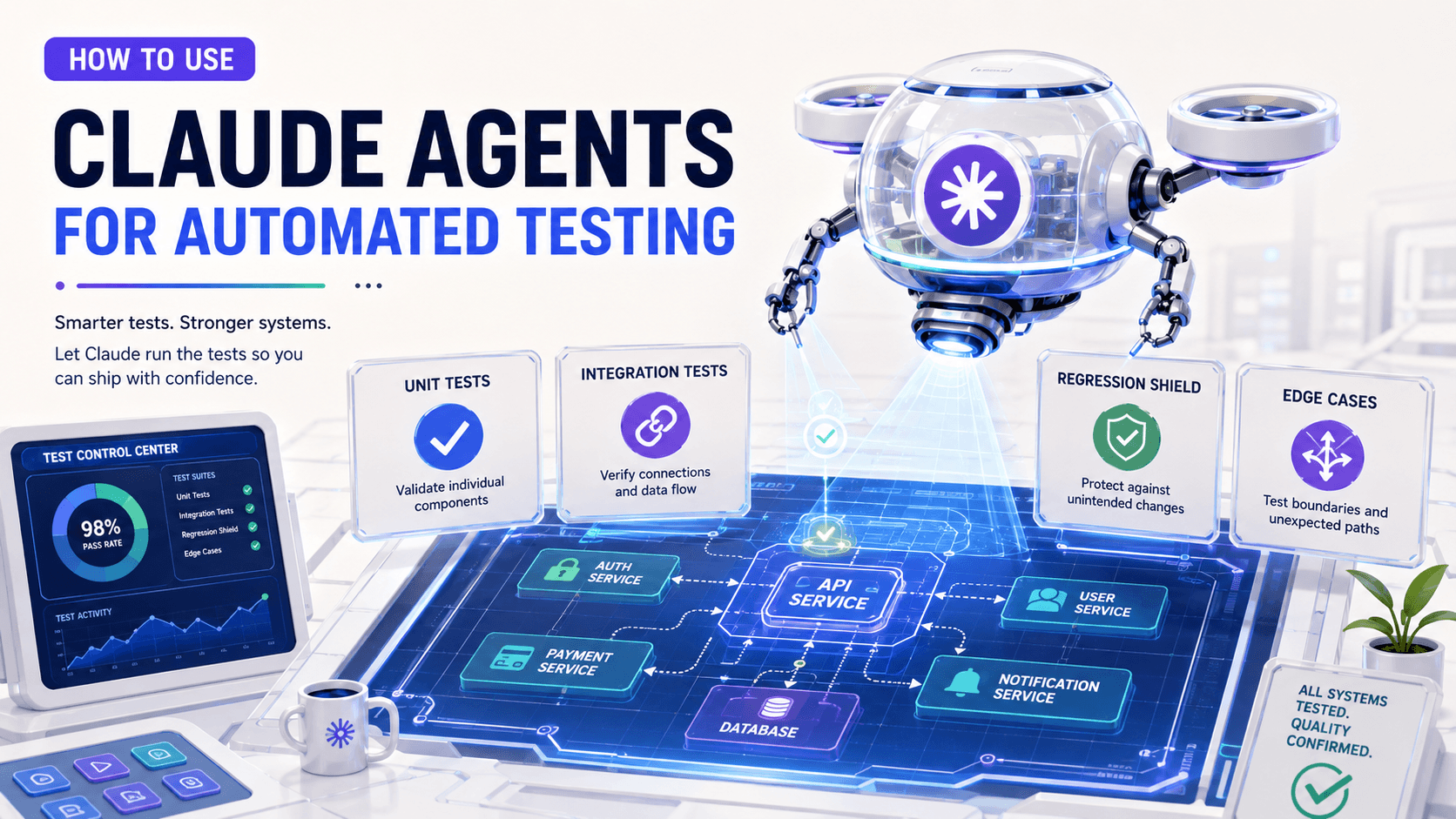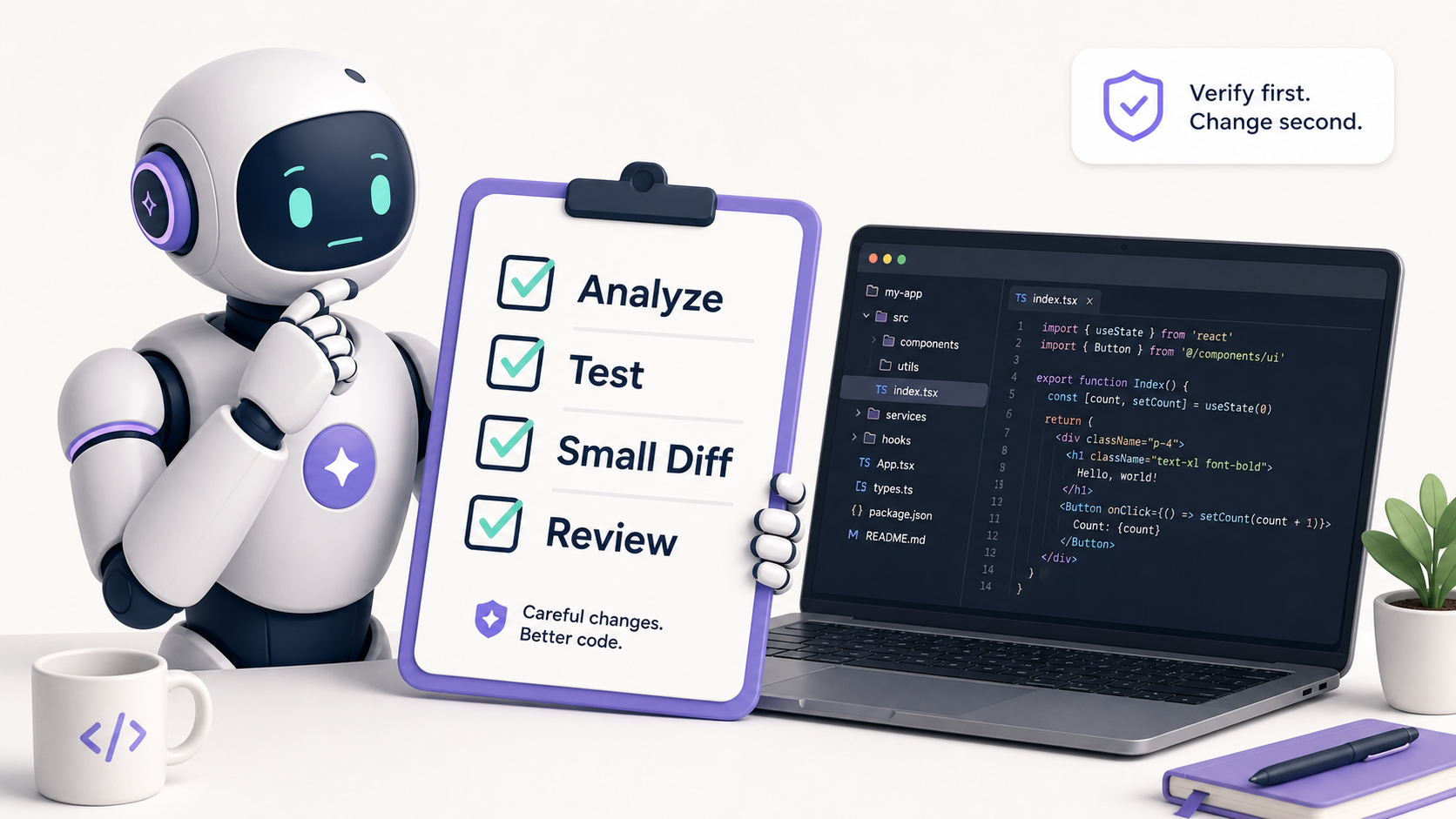
So, you've opened Claude Code, Cursor, Copilot agent mode, Codex-style tooling, or Windsurf, and the agent says something like: "I'll inspect the codebase, make the changes, run tests, and prepare a summary."
That sounds amazing. It also sounds like the exact sentence a very confident intern says before accidentally changing production configuration.
AI coding agents are real productivity tools now. They can inspect repositories, modify multiple files, run tests, explain code, and propose pull requests. But the question isn't whether they're useful. The question is whether you're managing them like a coworker or trusting them like an oracle.
What Makes A Coding Agent Different From Autocomplete
Classic autocomplete is like a helpful passenger suggesting the next turn. A coding agent is more like handing someone the car keys and saying, "Drive us to the destination, but please don't hit anything."
That difference matters.
A coding agent doesn't only suggest the next line. It can form a plan, inspect files, execute commands, update tests, and produce a diff. In some tools, it can work in a branch or sandbox and prepare a PR for review.
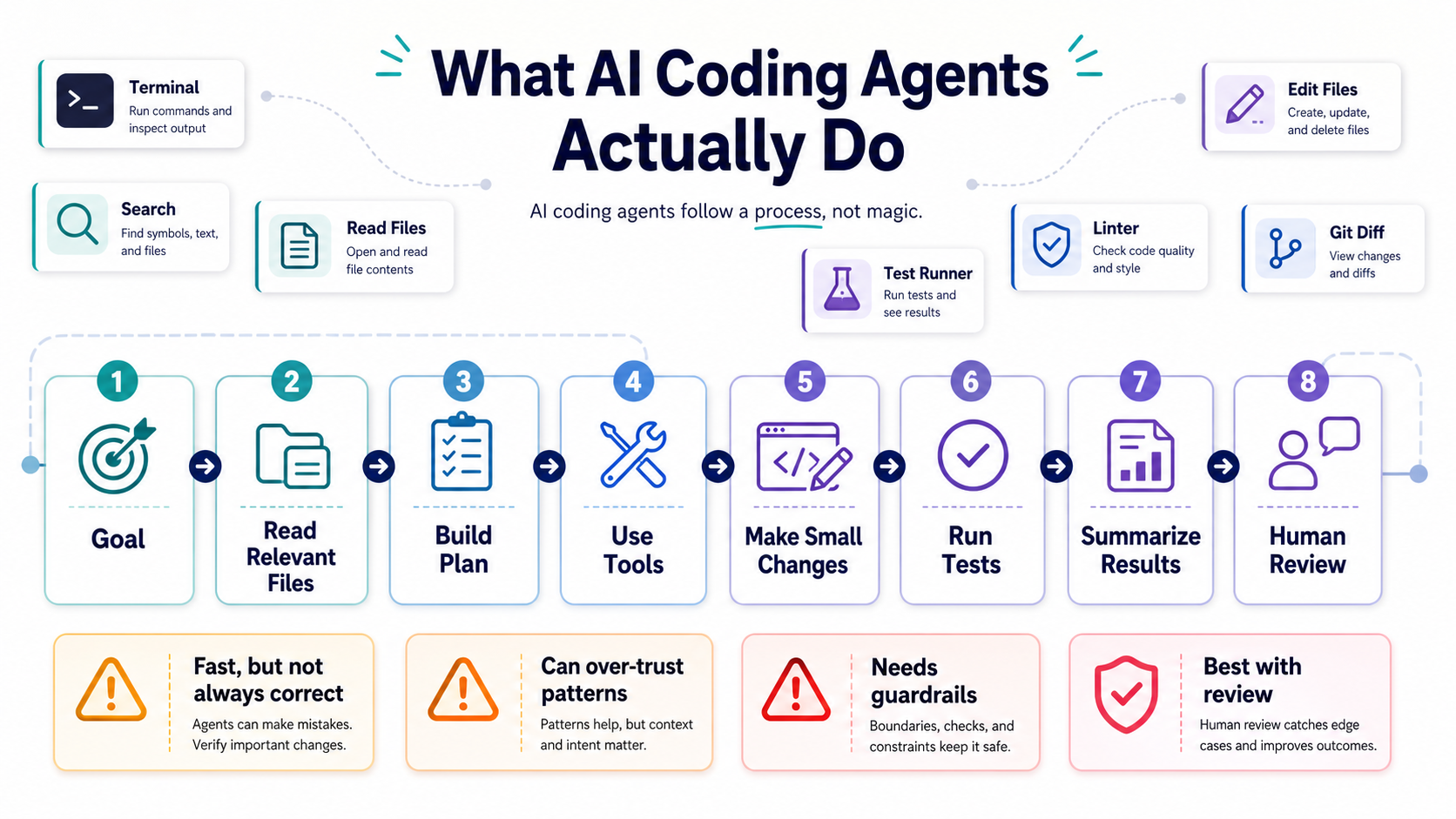
The Agent Loop
- Understand the task. The agent reads your instruction and tries to infer the goal.
- Gather context. It searches files, reads tests, checks docs, and sometimes inspects command output.
- Plan changes. It chooses which files to modify and in what order.
- Use tools. It edits files, runs tests, formats code, or queries project data.
- Report results. It summarizes what changed and what passed or failed.
Here's the key point: every step can be wrong. The agent can misunderstand the task, read the wrong files, run incomplete tests, or summarize its own work too optimistically.
That doesn't make it useless. It makes it something you supervise.
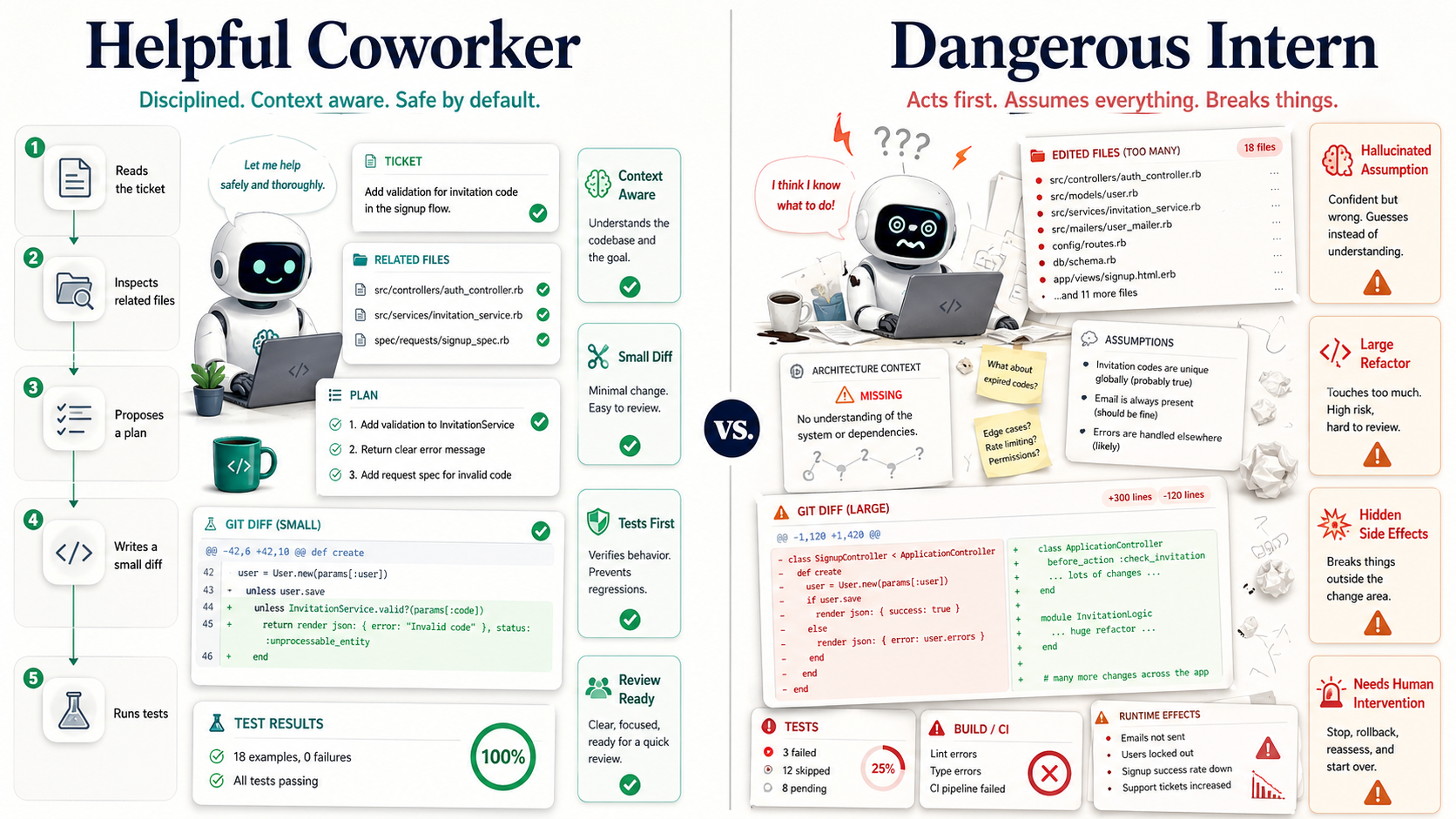
Helpful Coworker Mode
When an agent is good, it feels like pairing with someone who never gets tired of boring work.
It can trace code paths, generate test ideas, clean up repetitive refactors, write migration scaffolding, explain unfamiliar modules, and prepare first-pass documentation. That's not magic. That's leverage.
Where Agents Actually Shine
- Explaining legacy code. Ask the agent to map a flow before changing it.
- Writing tests around known behavior. Give it examples and let it cover edge cases.
- Small mechanical refactors. Renaming methods, extracting helpers, and updating repeated patterns are good fits.
- Drafting PR summaries. Agents are useful at turning diffs into readable review notes.
- Finding suspicious code paths. They can search faster than you when the repository is large.
A good starter task looks like this:
Read the checkout flow and explain how payment retries work.
Do not edit files yet.
List the files involved, the business rules you infer, and the risky areas.
That "do not edit files yet" line is underrated. It forces observation before action. In legacy systems, that's often the difference between useful help and expensive cleanup.
Dangerous Intern Mode
The danger starts when an agent is allowed to act faster than the team can understand.
A human junior engineer usually hesitates before deleting a migration, changing a payment rule, or rewriting authentication. AI agents can make those changes with perfect confidence and no emotional warning signs. No nervous Slack message. No "hey, is this safe?" Just a diff.
Common Agent Failure Modes
- Over-broad edits. The agent changes nearby code because it looks related.
- Fake certainty. It reports success after running a narrow or irrelevant test.
- Behavior drift. It "cleans up" code that contained hidden business rules.
- Permission mistakes. It touches files, commands, or data it didn't need.
- Summary mismatch. The explanation sounds safer than the diff really is.
Here's a risky instruction:
Fix all failing tests and clean up anything you notice.That's basically giving a bulldozer a vague feeling. It may work on a toy project, but in a serious codebase it invites unrelated changes.
A safer version is:
Fix only the failing tests related to PaymentRetryService.
Do not modify production code until you explain the failure.
After changes, show the diff and list any behavior changes.
That's much better. It narrows scope, requires reasoning first, and makes the review easier.
The Senior Engineer's Job Changes
AI coding agents don't remove engineering judgment. They make judgment more visible.
Your value shifts toward framing the problem, selecting the right context, designing safe constraints, reviewing diffs, and deciding which trade-offs are acceptable. The agent can move fast, but you decide where it's allowed to move.
Think of it like a power tool. A circular saw makes a skilled carpenter faster. It does not make an untrained person a carpenter. It also makes bad decisions more dangerous.
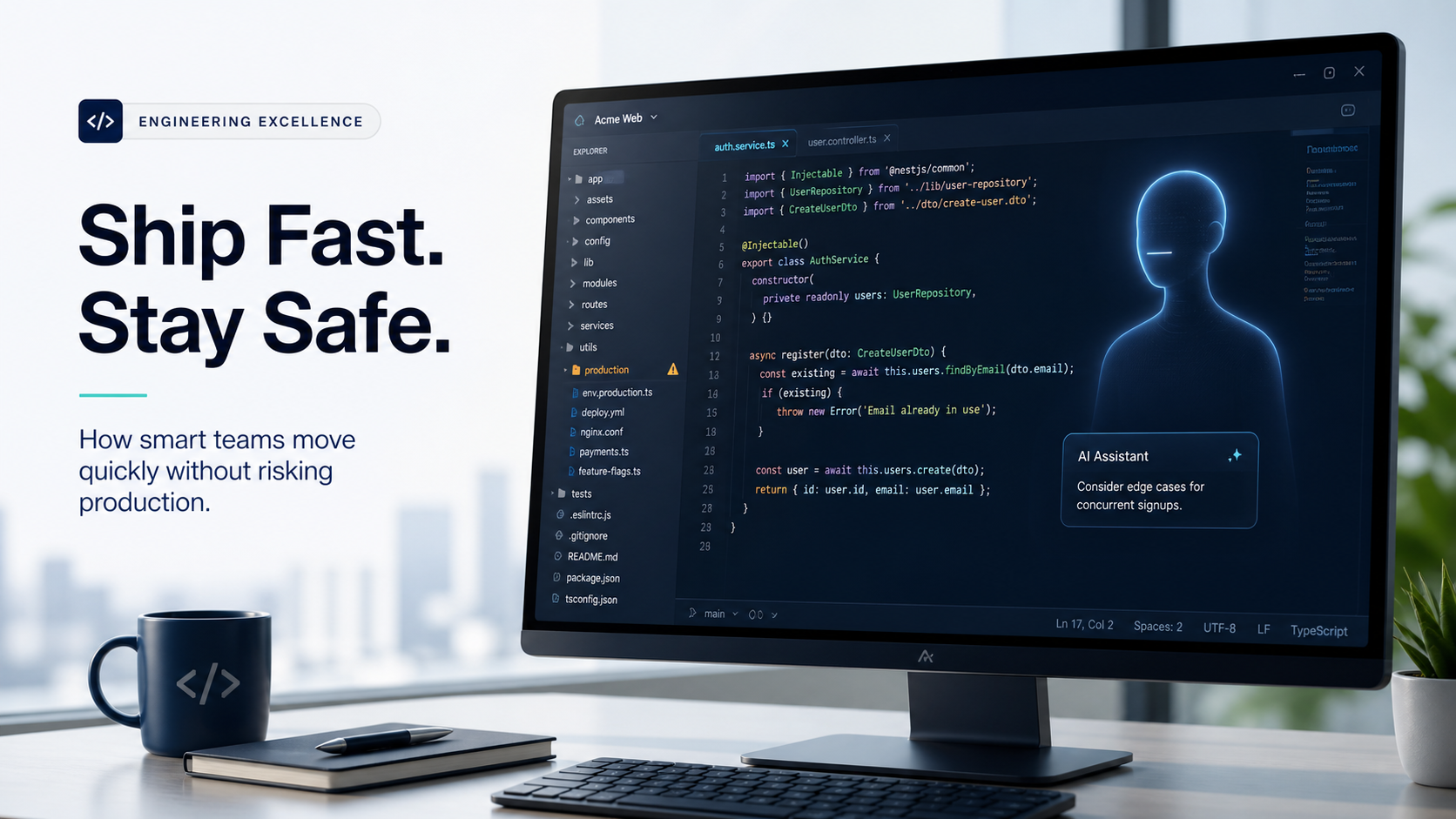
Pro Tips
- Start with read-only analysis. Ask the agent to explain before editing.
- Use small tasks. One bug, one behavior, one refactor step.
- Require tests first. Especially for legacy or business-critical code.
- Review the diff, not the summary. The summary is marketing; the diff is reality.
- Never allow blind destructive actions. Database deletes, migrations, deployments, and credential changes need explicit human approval.
- Keep an audit trail. Agent actions should be visible in commits, branches, logs, or PR comments.
Here's a practical workflow:
Step 1: Analyze the bug and identify involved files.
Step 2: Propose a test that reproduces the bug.
Step 3: Wait for approval.
Step 4: Implement the smallest fix.
Step 5: Run the approved verification command.
Step 6: Summarize the diff and risks.
This sounds slower than "just fix it." In practice, it's faster because you spend less time undoing creative nonsense.
A Practical Guardrail File
Teams can make agent behavior safer by committing project-specific rules.
# AI Coding Rules

- Do not change public behavior without tests.
- Prefer small diffs over broad refactors.
- Do not modify migrations unless the task asks for it.
- Never run destructive database commands.
- Run `vendor/bin/phpunit` before claiming success.
- Summarize risky changes separately.
This file won't make the model perfect. But it creates a shared contract. Like a team playbook, it doesn't guarantee every play works, but it reduces chaos.
Final Tips
I like AI coding agents most when I treat them like fast coworkers with no production instincts. They're great at doing legwork. They're not great at knowing which weird piece of code exists because a customer, a payment gateway, or an old mobile app depends on it.
My opinion: the best engineering teams won't be the ones that "use AI the most." They'll be the ones that build the best review, testing, and permission systems around AI.
Use the agent. Keep the judgment. Go ship carefully 👊