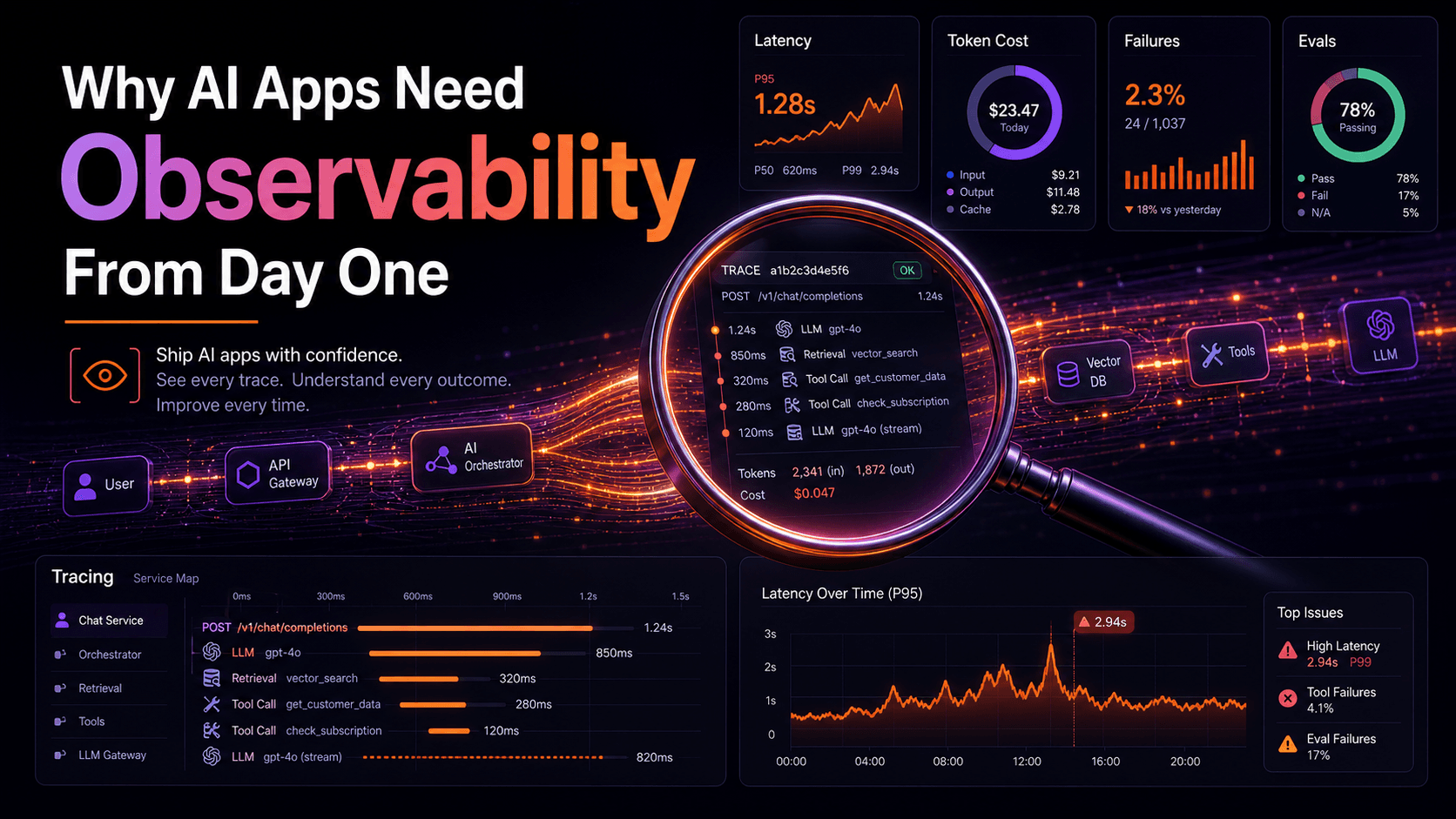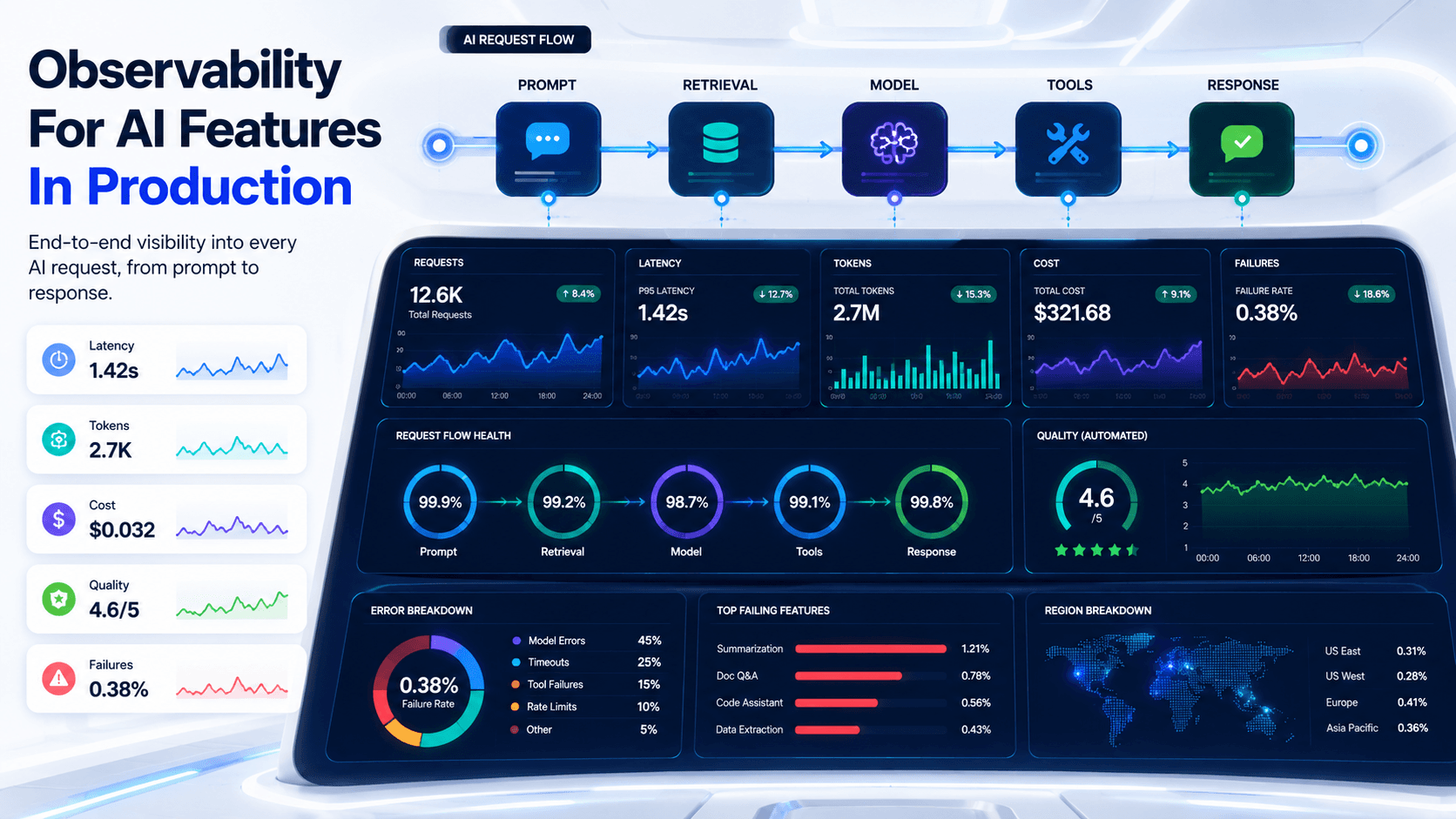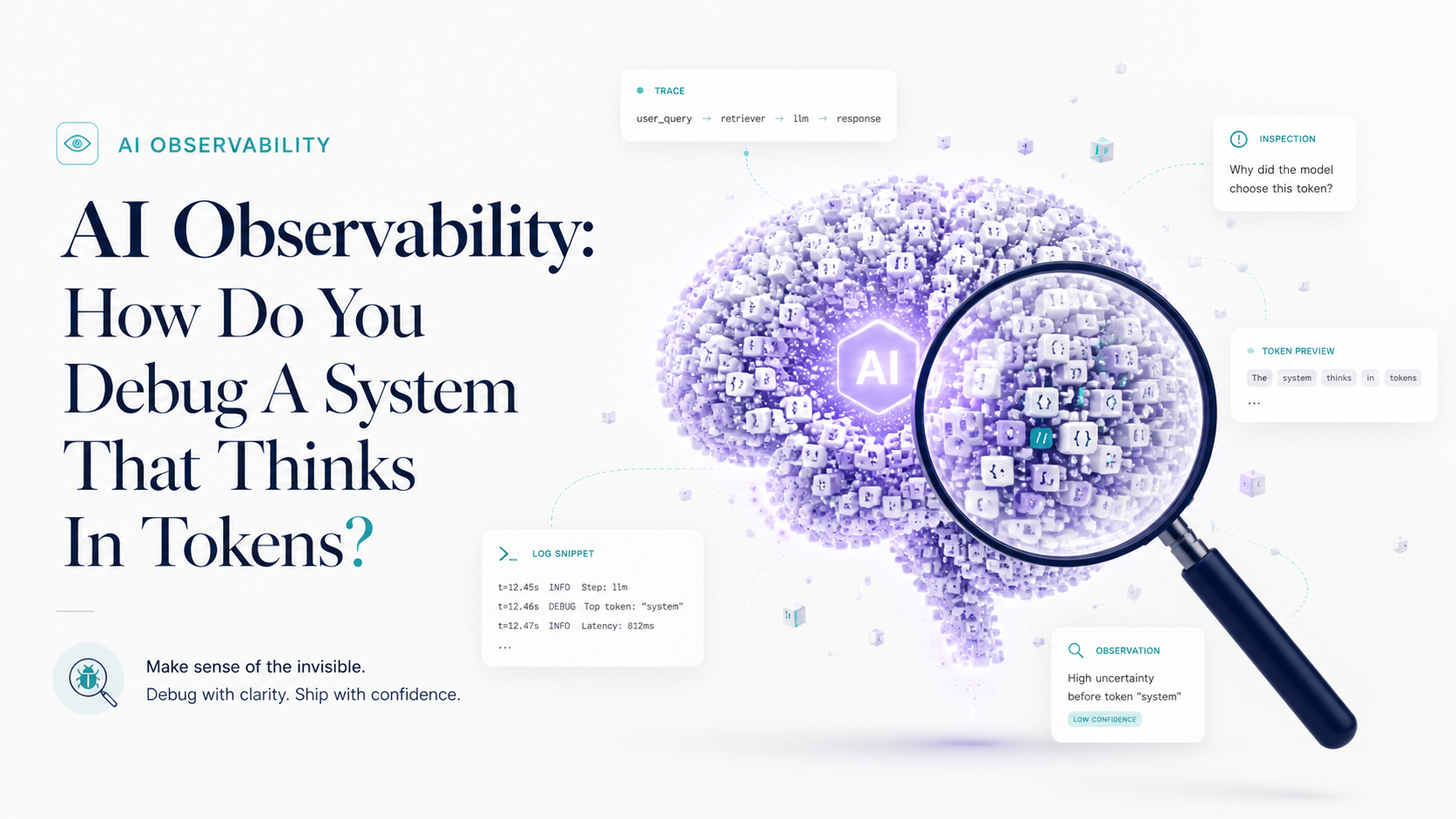
Have you ever tried debugging an AI feature where the user says, "It gave me a weird answer," and your logs only show a normal 200 response?
That's the moment traditional observability starts feeling incomplete. The request didn't crash. The database didn't time out. CPU looked fine. But the product still failed.
AI systems don't only fail with exceptions. They fail through bad retrieval, confusing prompts, wrong tool calls, missing context, stale memory, unsafe assumptions, high latency, and answers that sound correct until a human reads them twice.
Normal Logs Are Not Enough
In a classic web app, you usually debug with request logs, stack traces, database queries, metrics, and maybe distributed traces.
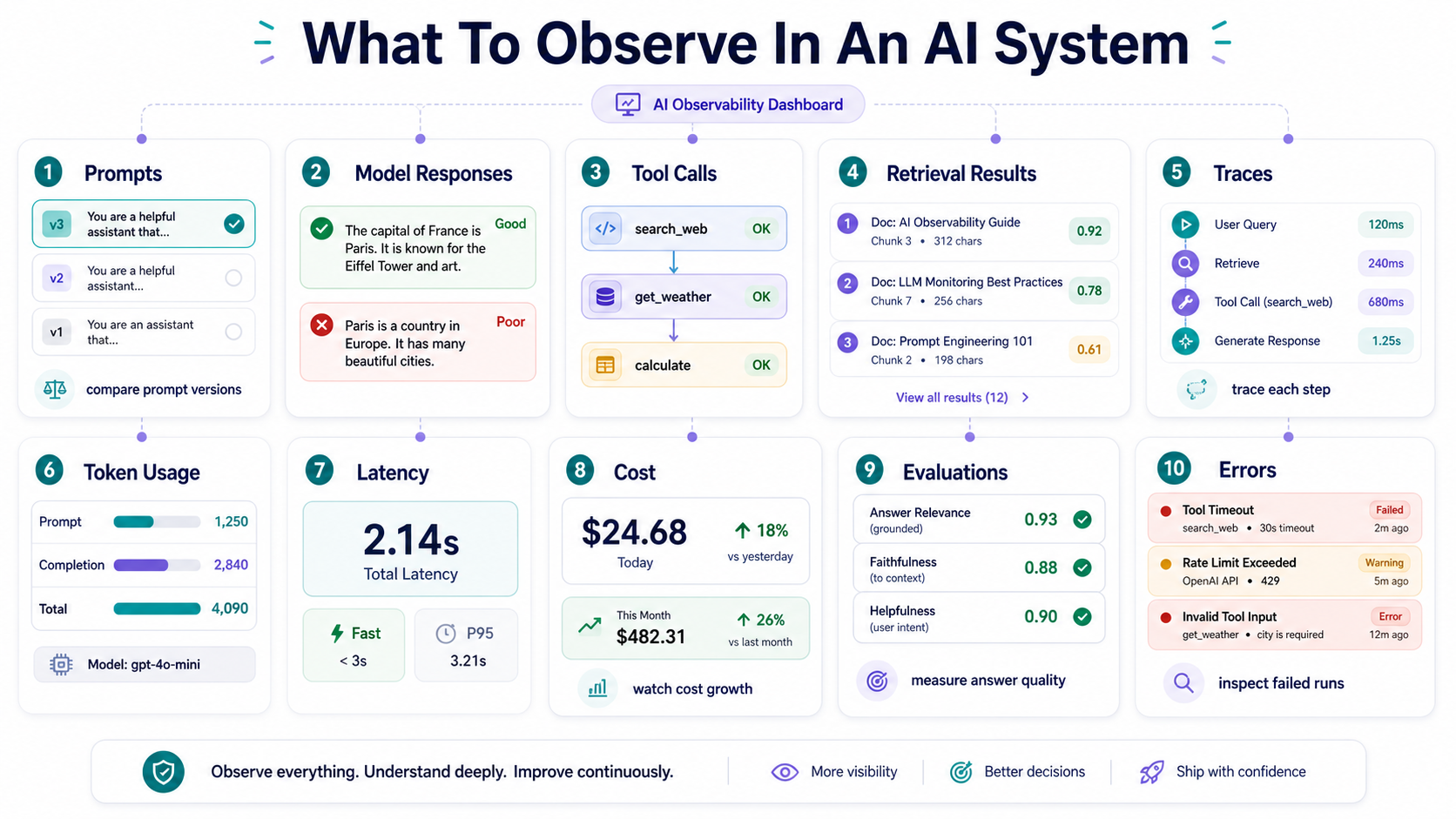
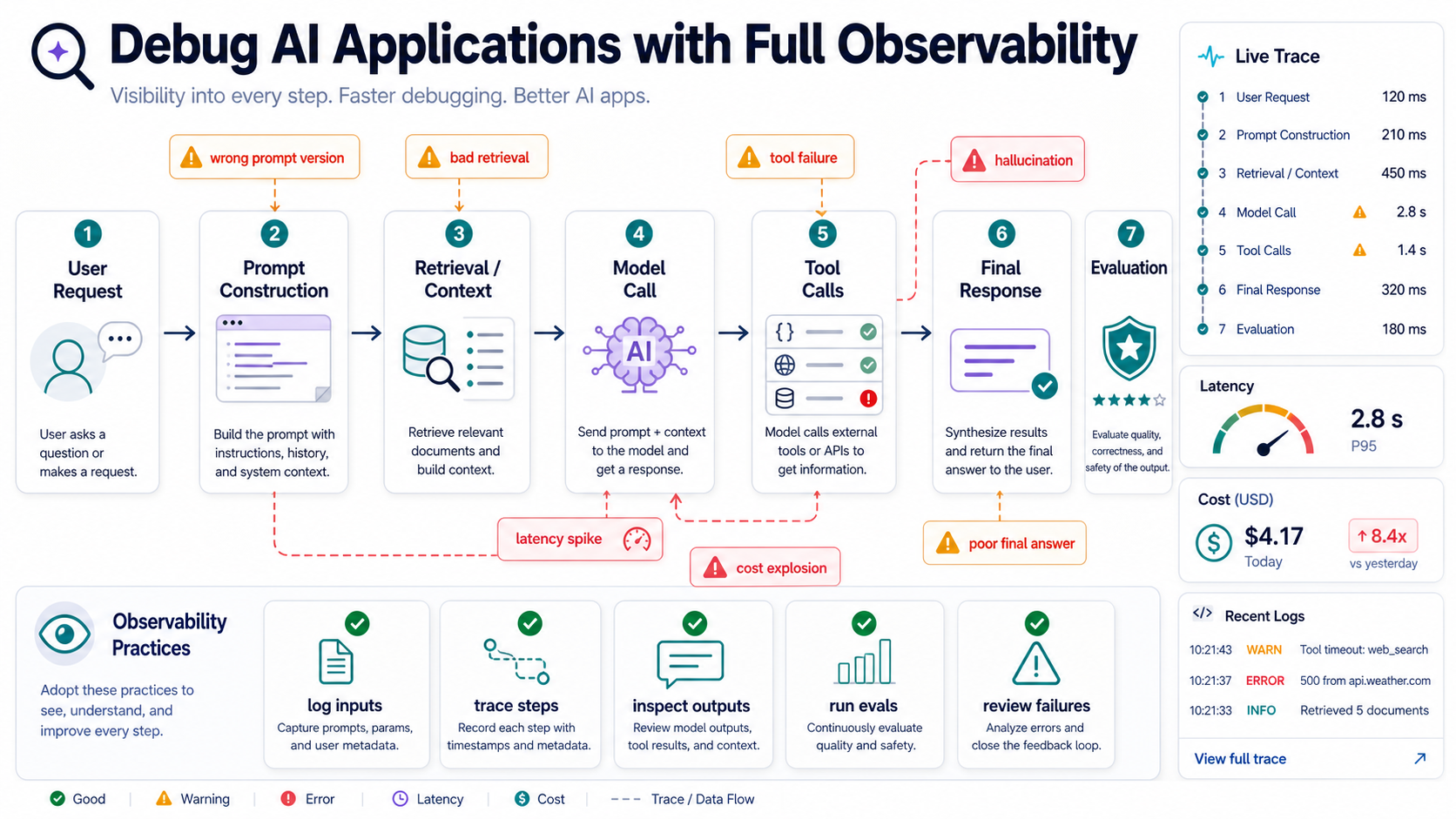
That still matters. But AI adds another layer. You need to know what prompt was sent, which context was retrieved, which model responded, which tools were called, how much it cost, how long each step took, and whether the final answer was actually good.
Debugging AI without that is like trying to diagnose a restaurant complaint by only checking whether the kitchen lights were on.
What You Need To Capture
- User input. The original request, safely redacted where needed.
- System instructions. The rules and constraints active for that run.
- Retrieved context. Documents, chunks, metadata, and scores used by the model.
- Model calls. Model name, parameters, latency, token usage, and response.
- Tool calls. Tool name, arguments, outputs, errors, and approval steps.
- Final output. The answer shown to the user.
- Feedback and evals. Human ratings, automated checks, and known test cases.
That's the trace of an AI system. Not just "request started" and "request finished," but the decision path in between.
Traces Tell The Story
A trace for an AI agent should show every meaningful step.
The user asked a question. The system rewrote it. Retrieval found five chunks. The model chose a tool. The tool returned partial data. The model answered. The user disliked the answer.
That chain matters because AI failures are often chain failures. One weak step poisons the next.
A Simple Trace Shape
{
  "run_id": "run_123",
  "user_id": "user_456",
  "steps": [
    {"type": "retrieval", "top_k": 8, "latency_ms": 120},
    {"type": "model_call", "model": "example-model", "tokens": 2400},
    {"type": "tool_call", "tool": "search_docs", "status": "ok"},
    {"type": "final_answer", "feedback": "thumbs_down"}
  ]
}
This is simplified, but the idea is practical. You want enough structure to answer: what happened, why did it happen, and where did it go wrong?
Prompt And Context Versioning
If prompts are part of the system, prompts need versioning.
A small system prompt change can alter behavior across many requests. A new retrieval filter can change which documents the model sees. A different model version can change reasoning style, latency, or tool usage.
Prompts are like database migrations for behavior. You wouldn't change schema in production without tracking it. Don't change AI instructions without tracking them either.
Pro Tips
- Version prompts. Store prompt templates with IDs and release notes.
- Record context sources. Save document IDs, timestamps, and retrieval scores.
- Track model versions. A model upgrade is a behavior change.
- Capture tool schemas. Tool argument formats affect agent behavior.
- Compare runs. Replay known examples against new prompts or models.
A prompt registry can be very simple:
id: support-answer
version: 2026-04-04
rules:
  - Answer only from retrieved context.
  - Cite the source document when possible.
  - Say you are unsure if context is insufficient.
The point is not fancy tooling. The point is change control.
Cost And Latency Are Product Signals
AI features can fail financially before they fail technically.
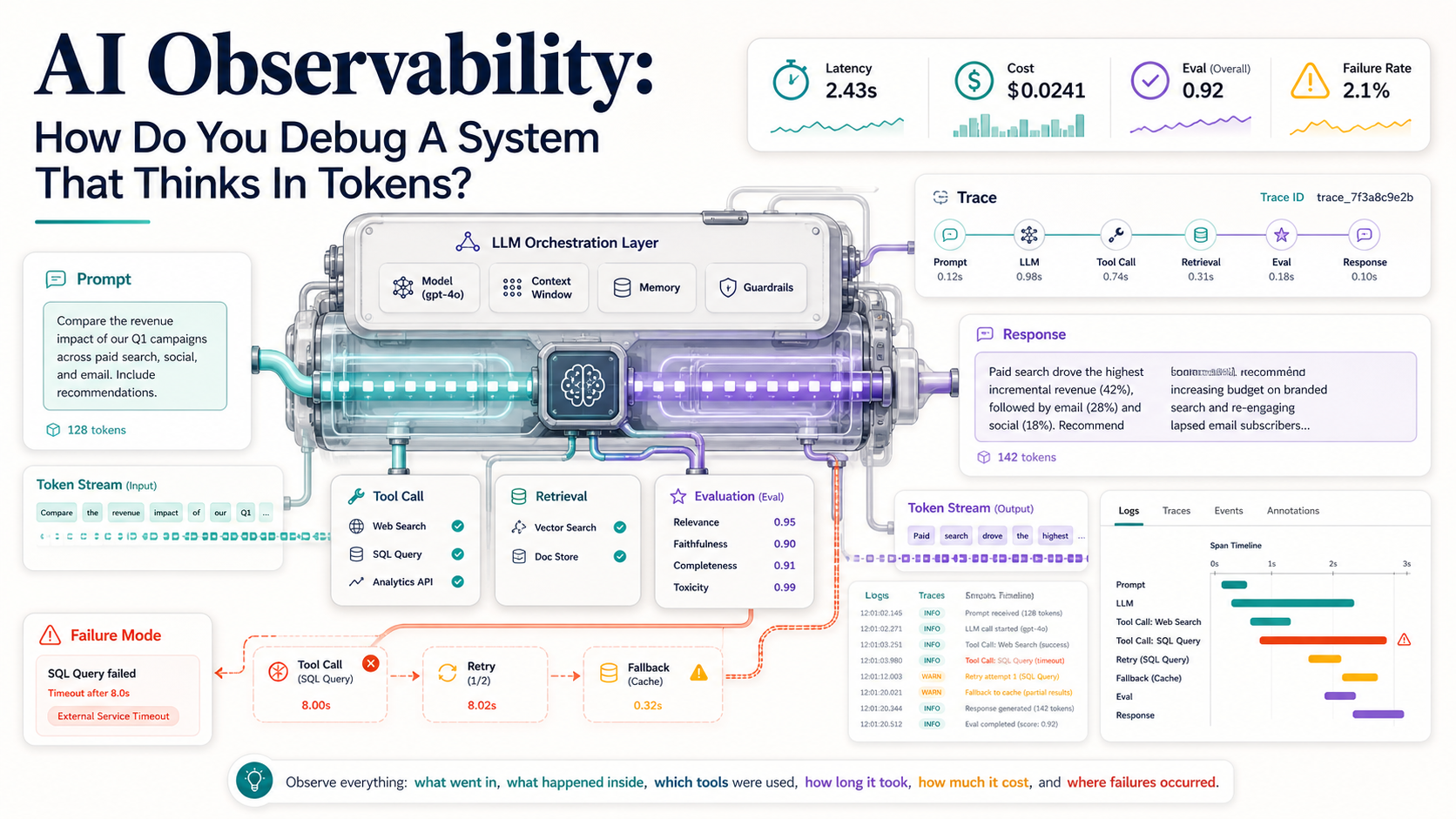
A workflow that calls the model six times, retrieves too many chunks, and uses a large model for every step may work beautifully in testing and become painful at scale. Latency matters too. Users don't care that your agent had a thoughtful inner journey if the answer arrives after they've already switched tabs.
Think of tokens like database queries in the early days of web apps. At first, nobody watches them closely. Then the bill arrives.
Metrics Worth Tracking
- Cost per request. Especially by feature, tenant, or workflow.
- Tokens per step. Input and output tokens tell different stories.
- Latency per model call. One slow step can dominate the whole experience.
- Tool-call count. Agents that wander usually cost more.
- Failure rate by step. Retrieval failures are different from tool failures.
- User feedback. A cheap bad answer is still bad.
A basic cost log might include:
{
  "feature": "support_rag",
  "tenant_id": "tenant_42",
  "input_tokens": 3200,
  "output_tokens": 480,
  "tool_calls": 2,
  "latency_ms": 4300,
  "estimated_cost_usd": 0.018
}
You don't need perfect accounting on day one. You do need enough visibility to spot runaway workflows.
Evals Are Your Regression Tests
AI behavior changes even when code doesn't.
That's why evals matter. An eval is a repeatable check that tells you whether your AI system still behaves acceptably on known examples. It's not always a unit test. Sometimes it's a score, a rubric, a human review queue, or a golden dataset.
Evals are like smoke detectors. They don't prevent fire, but they tell you when something is burning before the whole house smells like smoke.
Common Eval Types
- Exact checks. Useful for structured outputs, JSON, SQL, or classification labels.
- Source checks. Useful for RAG systems that must cite expected documents.
- Rubric scoring. Useful for answer quality, tone, completeness, and safety.
- Tool-use checks. Useful for agents that must call the right tool.
- Regression sets. Useful for real bugs that should never return.
A small structured-output eval might look like this:
def test_response_contains_required_fields(ai_response):
    assert "summary" in ai_response
    assert "risk_level" in ai_response
    assert ai_response["risk_level"] in ["low", "medium", "high"]
Simple? Yes. Useful? Also yes. Not every eval needs to be a research project.
Final Tips
The AI bugs that scare me most are not loud crashes. They're quiet wrong answers with normal HTTP status codes. That's why observability needs to include prompts, context, tools, cost, latency, and quality signals.
My opinion: AI observability will become a normal part of production engineering, just like logs and traces did. The teams that invest early will debug faster and trust their systems more.
Log the journey, not just the destination. Good luck debugging the token machine 👊