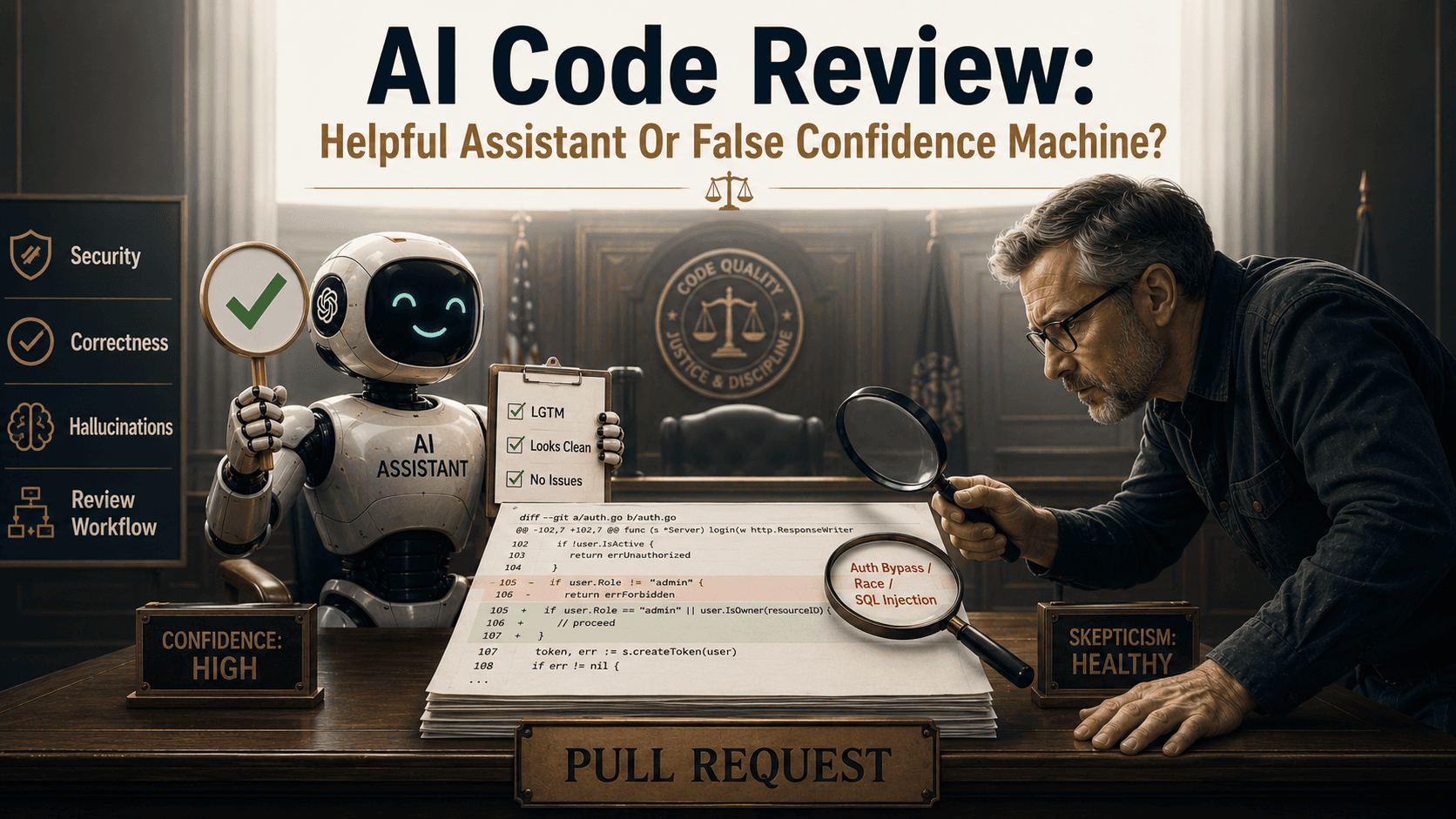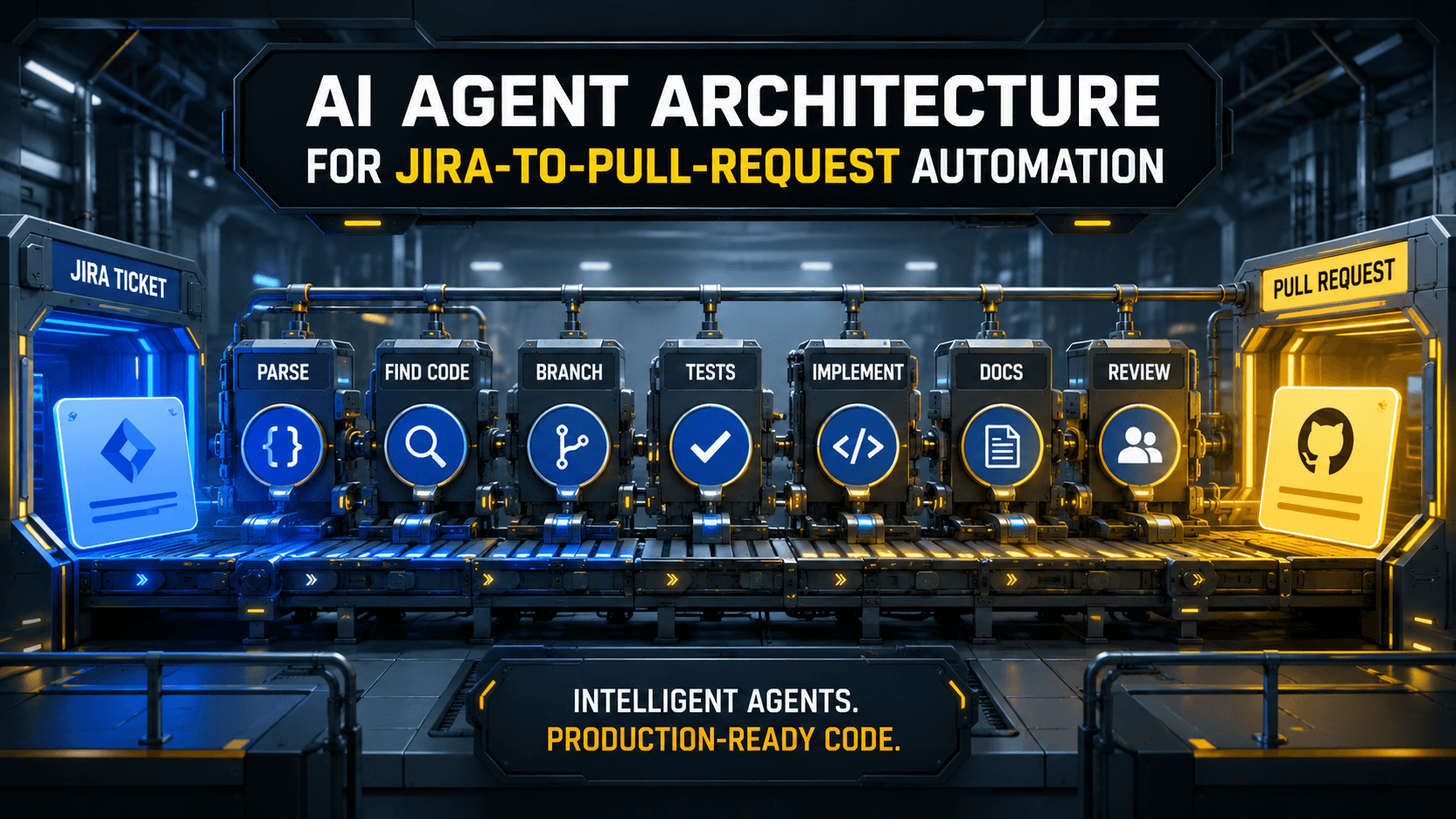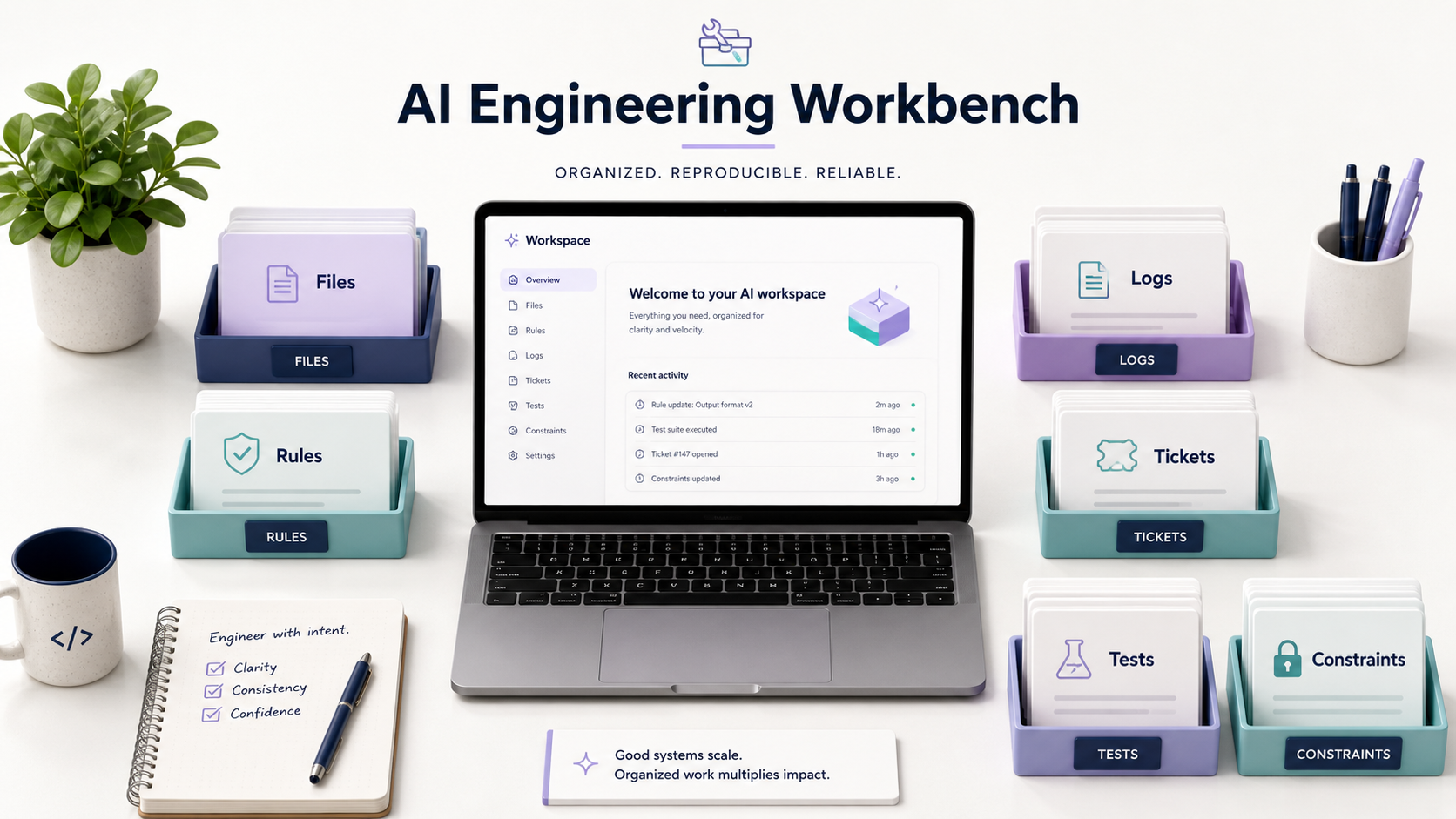
Have you ever asked an AI tool to fix a bug, watched it confidently edit three files, and then realized it solved the wrong problem beautifully?
That's the uncomfortable part of modern AI-assisted development. The model may be smart, the prompt may sound clear, and the generated code may even compile. But if the AI doesn't understand the surrounding system, it's basically a contractor dropped into your house with a hammer and no floor plan.
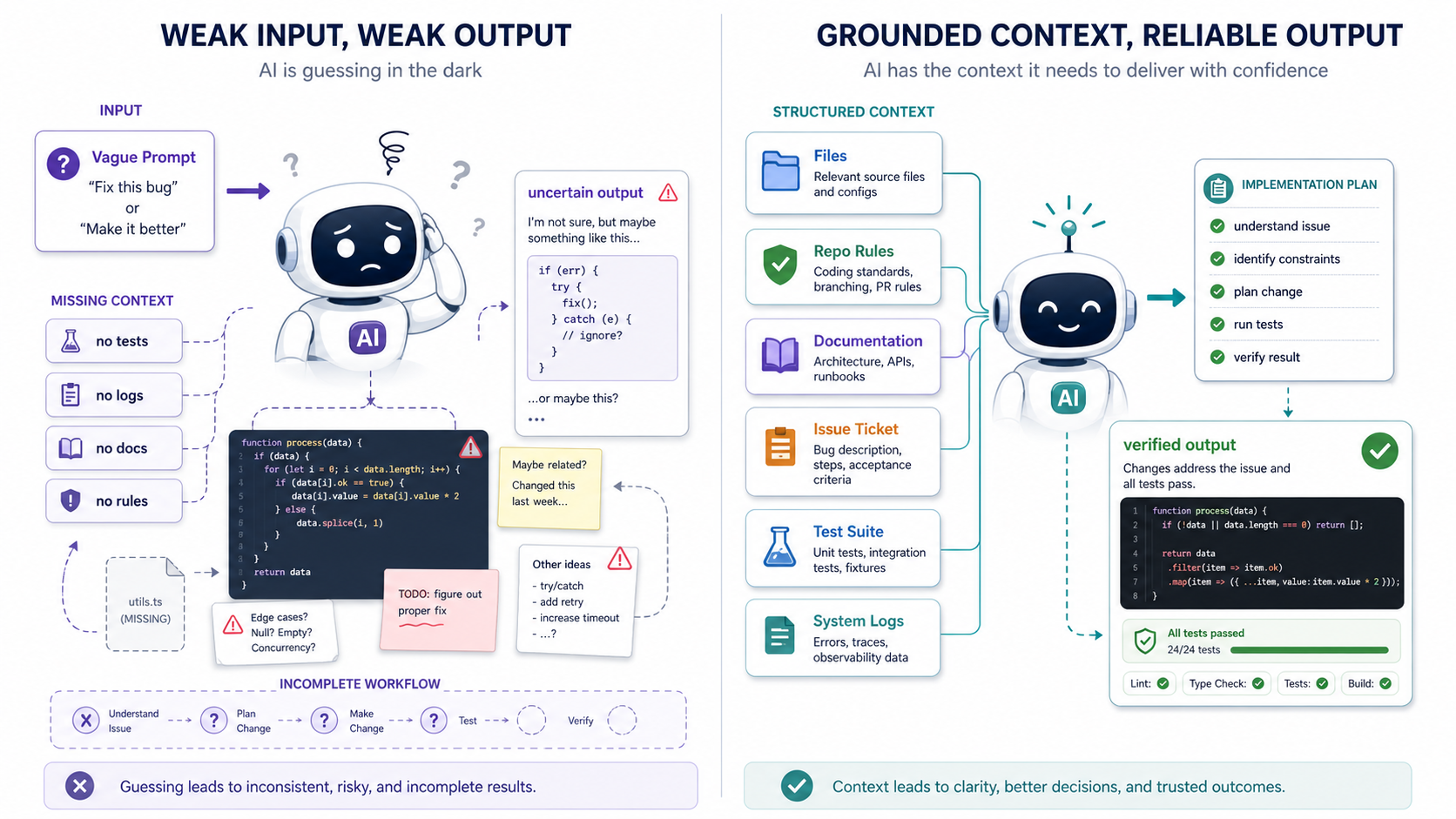
That's why context engineering is becoming more important than classic prompt engineering. The prompt is the request. Context is the workspace, the map, the checklist, the constraints, and the safety rails.
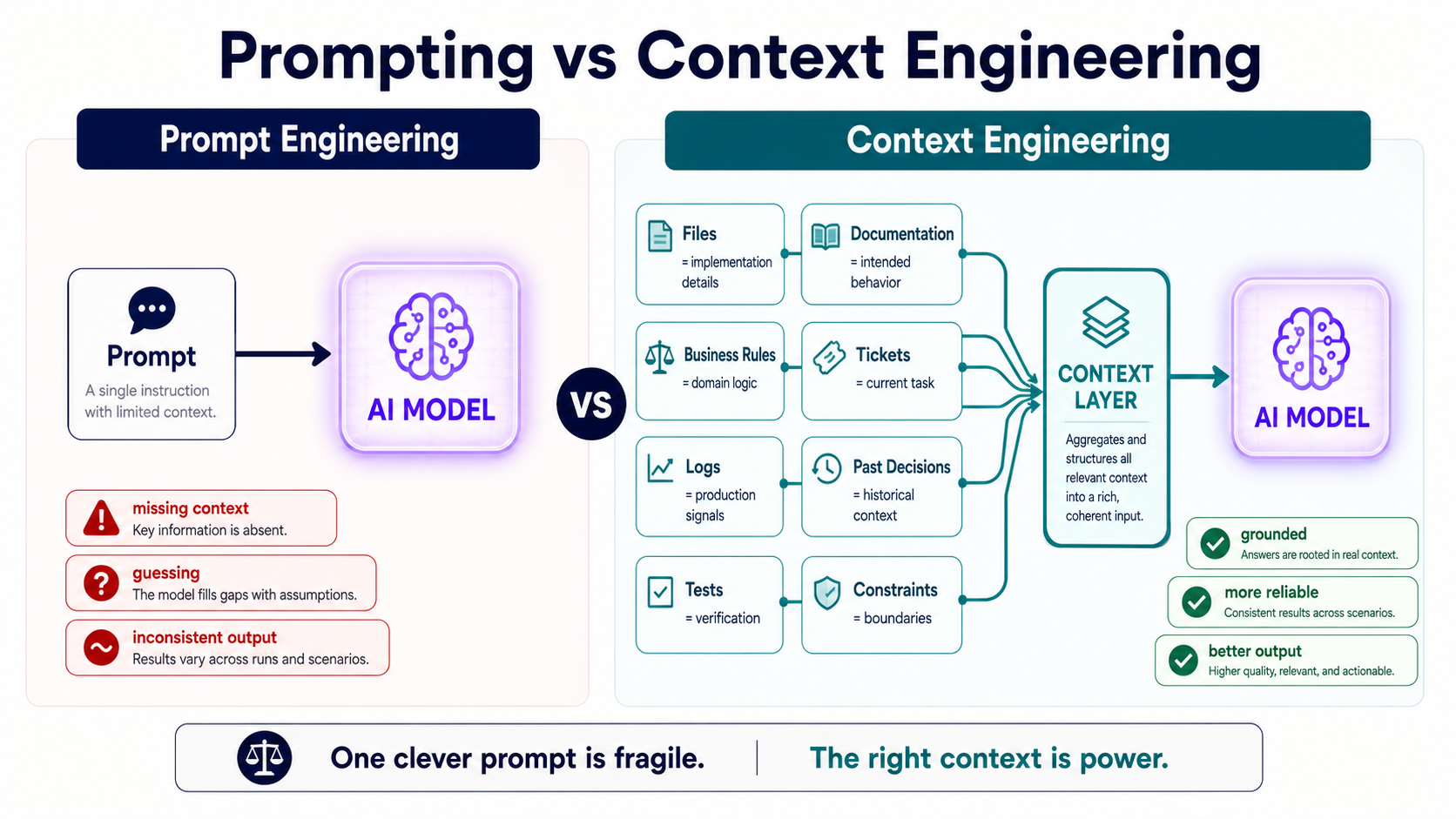
Prompt Engineering Was The First Layer
Prompt engineering got popular because early AI workflows were mostly chat-based. You wrote a better instruction, got a better answer, and felt like you'd discovered a secret keyboard shortcut.
That still matters. A vague request still creates vague output. But in real engineering work, a perfect prompt without context is like giving a chef a recipe without telling them what ingredients are in the kitchen.
What Prompting Can Still Do Well
- Clarify the task. A good prompt tells the model what outcome you want, not just what activity to perform.
- Set the role. Asking for a senior backend review is different from asking for a beginner-friendly explanation.
- Limit the shape of the answer. You can request a diff, a checklist, a migration plan, or test cases.
- Expose assumptions. A strong prompt asks the model to say what it's assuming before it changes anything.
This prompt looks useful at first glance:
Refactor this payment service to make it cleaner and easier to test.That sounds reasonable, right? The problem is that "cleaner" is not a business rule. It doesn't tell the AI which behavior is sacred, which dependencies are risky, which edge cases have burned the team before, or which tests are missing.
A better prompt starts to include constraints:
Refactor this payment service without changing public behavior.
First identify existing business rules, then suggest small steps.
Do not modify gateway response handling until tests cover it.
That's better, but it's still only one layer. The real upgrade happens when the AI has access to the files, logs, tickets, and rules that explain why the code looks weird in the first place.
Context Is The Real Productive Surface Area
Context engineering means designing what the AI can see, what it can use, and what boundaries it must respect.
Think of it like onboarding a new engineer. You wouldn't just say, "Fix checkout." You'd give them the relevant ticket, the failing logs, the payment gateway docs, the test command, the deployment risks, and the reason nobody touches LegacyCheckoutService after 3 p.m. on Friday.
AI needs the same thing. Maybe more, honestly, because it doesn't have human team memory.
The Context Stack
- Relevant files. Give the AI the actual source files, tests, configs, migrations, and interfaces involved.
- Business rules. Add the rules that aren't obvious from code, especially legacy behavior.
- Runtime evidence. Include logs, stack traces, metrics, request examples, and payloads.
- Task history. Link the ticket, previous PR, customer complaint, or incident note.
- Project constraints. Mention framework versions, coding style, database limits, release risk, and team conventions.
- Verification commands. Tell it exactly how to prove the change works.
A context pack for a bug might look like this:
Goal:
Fix duplicate reminder emails for weekly check-ins.

Relevant files:
- app/Console/Commands/SendWeeklyCheckInReminders.php
- app/Services/ReminderHistoryService.php
- tests/Feature/WeeklyReminderCommandTest.php

Rules:
- Do not send more than 3 reminders per unanswered check-in.
- Reset reminder count only after a submitted response.
- Keep email, push, and in-app notifications consistent.

Evidence:
- User 123 received reminders on Feb 3, Feb 4, and Feb 5.
- Expected interval is 7 days.

Verification:
- Add or update tests first.
- Run: php artisan test --filter=WeeklyReminderCommandTest
That's not just a better prompt. That's a better environment. It turns the AI from a text generator into a useful assistant inside a bounded engineering task.
Bad Context Is Worse Than No Context
Here's the trap: more context is not automatically better.
Dumping half the repository into the model can create noise. The model may latch onto an outdated helper, a deprecated README, or an old test that no longer reflects production behavior. Context is like food seasoning: too little and everything is bland, too much and you ruin dinner.
Common Context Problems
- Stale documentation. Old docs can make the AI confidently follow rules the team abandoned two years ago.
- Irrelevant files. Extra files increase distraction and cost without improving the answer.
- Missing negative constraints. If you don't say what must not change, the AI may "improve" behavior users rely on.
- Hidden permissions. In RAG or agent systems, context must respect access control, not just semantic similarity.
- No verification loop. Context without tests is still a story, not proof.
A practical pattern is to split context into layers:
Always include:
- task goal
- relevant files
- constraints
- test command

Include only when useful:
- logs
- docs
- previous PRs
- architecture notes
- production examples
The takeaway is simple: context should be curated, not dumped. You're building a clean workbench, not throwing the whole garage onto the floor.
Context Engineering In Code Workflows
In software work, context engineering often becomes a repeatable workflow.
You don't want every developer inventing a new prompt from scratch. You want project-level rules, task templates, test commands, and review steps that make AI safer by default.
A Practical AI Task Template
This is the kind of file I'd actually keep in a repo for AI-assisted work:
## Goal
Describe the exact behavior change.

## Relevant Files
List files the agent should inspect first.

## Constraints
Mention behavior that must not change.

## Verification
List commands to run before suggesting completion.

## Review Notes
Explain risky areas for human review.
That template is boring in the best way. It forces the work to become explicit before the AI starts editing code.
For example, a legacy payment task might use it like this:
## Goal
Prevent duplicate retry attempts when Adyen returns a refused payment.

## Relevant Files
- app/Payments/AdyenGateway.php
- app/Payments/PaymentRetryService.php
- tests/Feature/PaymentRetryTest.php

## Constraints
Do not change Braintree behavior.
Do not retry hard declines.

## Verification
vendor/bin/phpunit --filter=PaymentRetryTest
This is where senior engineers become very valuable. Not because they type the longest prompt, but because they know which constraints matter.
Context Is Also A Security Boundary
Once AI can call tools, read files, query APIs, or create PRs, context becomes a security boundary.
The model should not see everything by default. It should see what the task requires. A junior engineer doesn't get production database credentials on day one, and an AI agent shouldn't either.
Pro Tips
- Use least-privilege context. Give the model only the files, docs, and tools needed for the task.
- Separate read and write permissions. Reading logs is not the same as deleting data.
- Keep secrets out. Never pass raw API keys, tokens, customer data, or private credentials into prompts.
- Log tool calls. If an agent touches files or systems, keep an audit trail.
- Require human approval for risky actions. Database writes, migrations, deployments, and destructive commands need a checkpoint.
Here's a tiny guardrail idea for shell commands:
#!/usr/bin/env bash
set -euo pipefail

vendor/bin/phpunit --testsuite=Feature
vendor/bin/phpstan analyse app --memory-limit=1G
Instead of letting an agent invent random verification steps, give it a known safe script. It's like giving someone a marked hiking trail instead of saying, "The mountain is that way."
Final Tips
I've had the best AI results when I treated the model less like a magician and more like a new teammate who needs a clean ticket. When I gave it the right files, rules, and tests, it was genuinely useful. When I gave it a vague wish and a messy codebase, it produced confident chaos.
My opinion: the next big productivity jump won't come from clever prompt tricks. It'll come from teams building better context systems around their code, docs, tools, and review process.
Good luck building better context. Your future AI assistant will thank you 👊