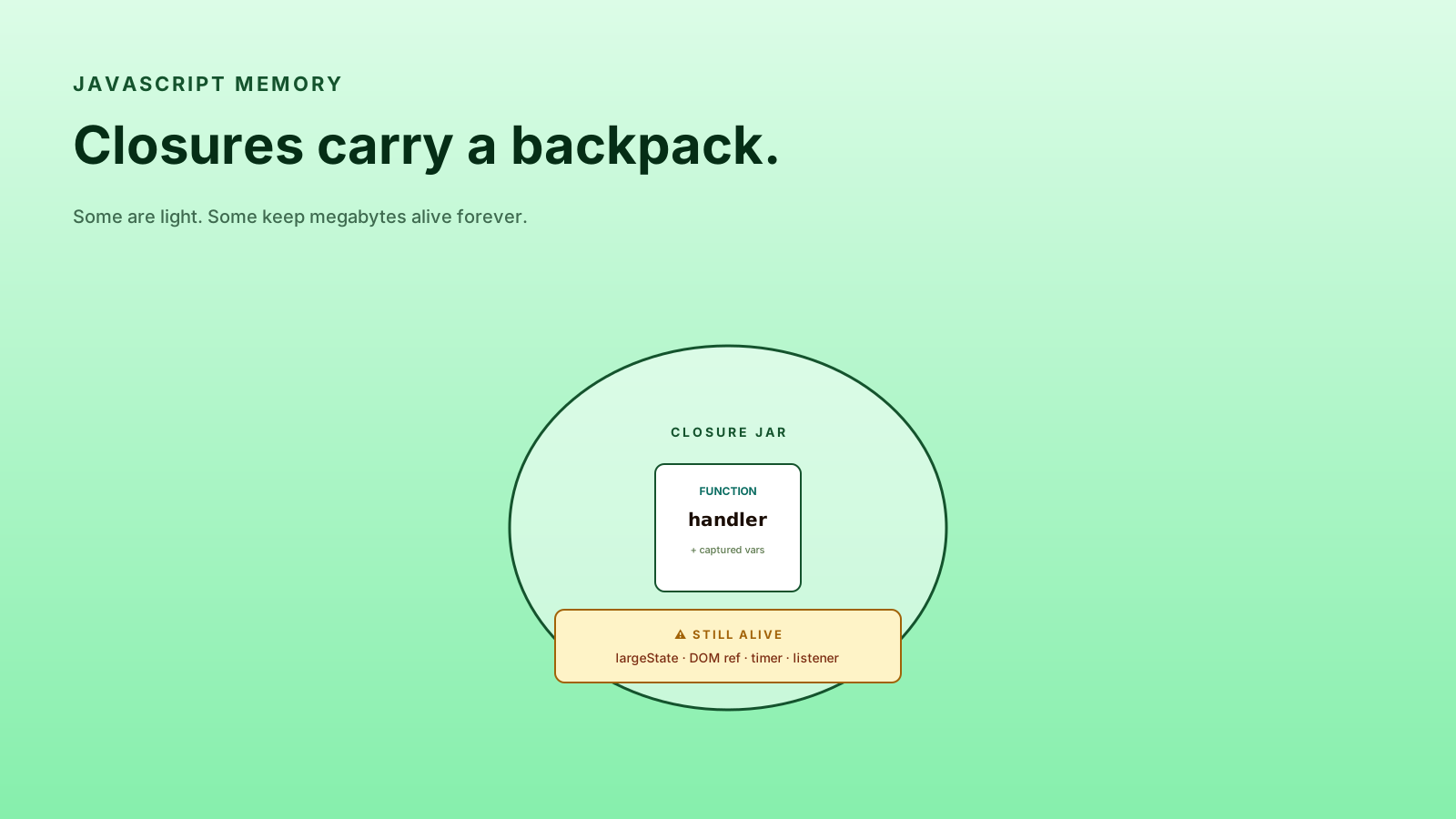
A closure is a function that remembers the variables from where it was created. That sounds clean and theoretical until you realize it means a function can quietly hold onto megabytes of memory long after the outer function returned. Or worse: hold onto a stale value that should have been updated minutes ago.
Closures are wonderful. They're also one of the most common sources of subtle JavaScript bugs.
Closures Keep Variables Alive
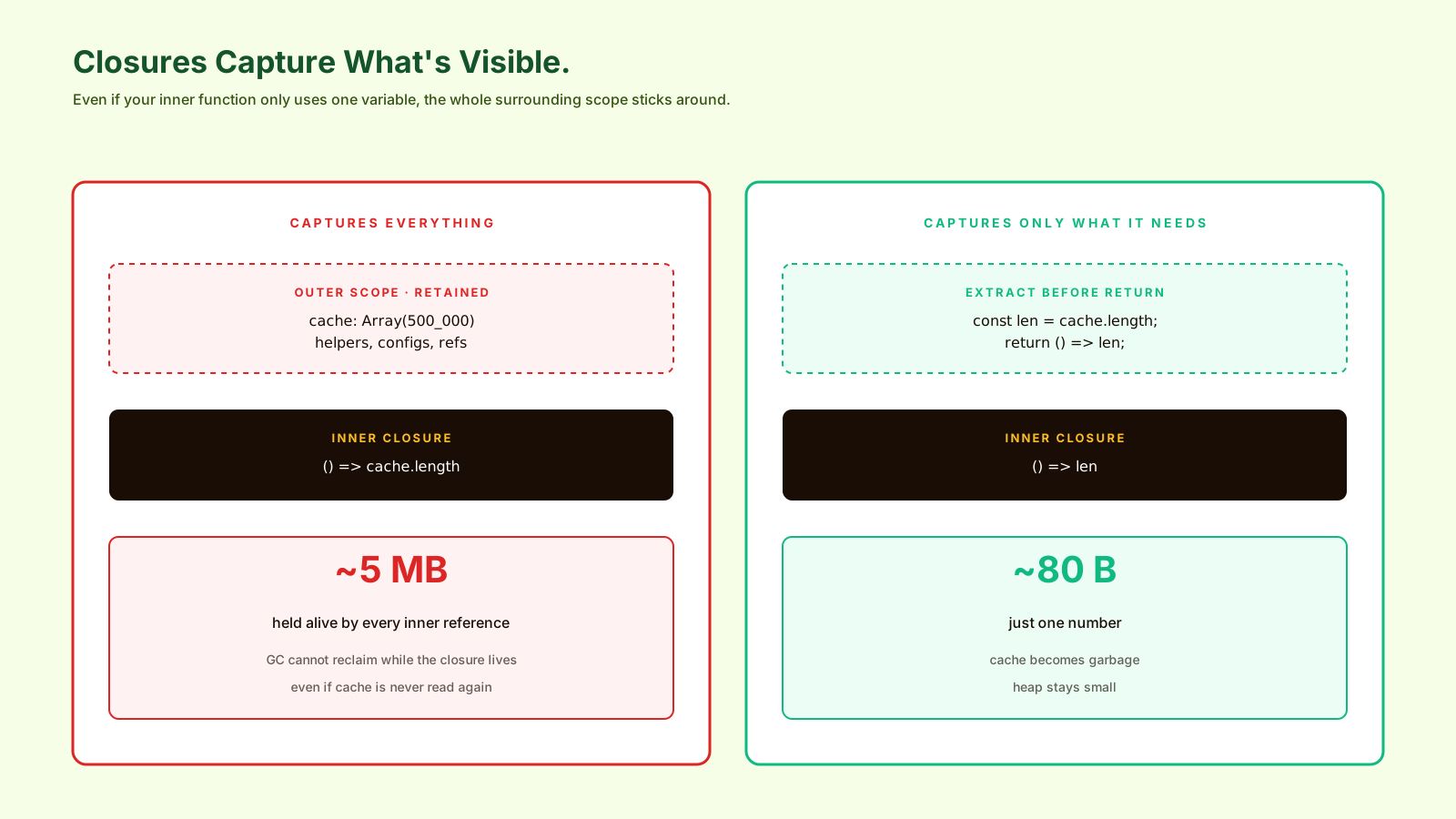
The basic mechanism: a function that references a variable from an enclosing scope keeps that whole scope alive. The garbage collector cannot free what's still reachable.
function mountButton(button) {
  const largeState = new Array(100_000).fill('cached');

  button.addEventListener('click', () => {
    console.log(largeState.length);
  });
}
After mountButton returns, largeState looks like it should be garbage. It's not. The click handler — a closure — holds a reference to it. As long as the button stays in the DOM with the listener attached, the array stays in memory.
If you mount 1000 buttons this way without ever removing the listeners, you've leaked 100 million array entries. The page slows down. Memory profilers show "detached HTMLDivElement" growing. The user reloads the tab.
Stale State Is A Logic Leak
The other closure problem isn't memory — it's correctness. A closure captures the variable at the time of definition. If the variable changes later, the closure still sees the old value.
function Counter() {
  const [count, setCount] = useState(0);

  useEffect(() => {
    const id = setInterval(() => {
      setCount(count + 1); // 🐛 always 1 — captured count = 0
    }, 1000);
    return () => clearInterval(id);
  }, []); // empty deps = closure created once
}
The classic React stale-closure bug. The interval callback captured count when it was 0; it never sees the updated value. The fix is the functional setter form (setCount(c => c + 1)) or putting count in the dep array (which has its own trade-offs).
This is the same pattern with timers, event listeners, and setTimeout callbacks anywhere in JavaScript — not just React. The closure is "frozen" with the values it captured.
Event Listeners Can Become Memory Leaks
Listeners are the most common source of closure-driven memory leaks because they live as long as the DOM node lives — even if the surrounding component, view, or page is gone.
// 🐛 listener and its captured scope outlive the component
button.addEventListener('click', heavyHandler);

// ✅ remove the same reference on cleanup
button.addEventListener('click', heavyHandler);
// ...
button.removeEventListener('click', heavyHandler);

// ✅ or use AbortController for one-shot cleanup of many listeners
const controller = new AbortController();
button.addEventListener('click', heavyHandler, { signal: controller.signal });
window.addEventListener('resize', resizeHandler, { signal: controller.signal });
// ...
controller.abort(); // removes both, releases their closures
AbortSignal for event listeners is a 2026-grade pattern. One controller, many listeners, single .abort() to clean them all up. It pairs naturally with React useEffect cleanup or any framework's unmount lifecycle.
Hooks Make Closures Visible
React hooks are basically a closure-based system. Every render creates a new closure capturing that render's props and state. Bugs come from forgetting that.
A few rules that prevent most hook-closure bugs:
- Use the dep array as a contract. If the closure references a value, it goes in deps — or you handle staleness explicitly.
- Use functional setters (
setX(prev => ...)) when the new value depends on the old one. - Use
useReffor "I want a stable mutable reference" — refs don't capture per render. - Use
useEffectcleanup for every subscription, listener, and timer.
useEffect(() => {
  const controller = new AbortController();
  fetch(url, { signal: controller.signal })
    .then(r => r.json())
    .then(setData)
    .catch(err => err.name !== 'AbortError' && setError(err));
  return () => controller.abort();
}, [url]);
That return () => controller.abort() is the cleanup. Without it, an in-flight fetch can resolve after the component unmounts and try to set state on a dead component — closure leak plus React warning plus user confusion.
How To Find Closure Leaks
Three tools:
- Chrome DevTools → Memory → Heap snapshot. Take one, do the suspect action, take another. Compare. "Detached HTMLDivElement" growing is a closure leak.
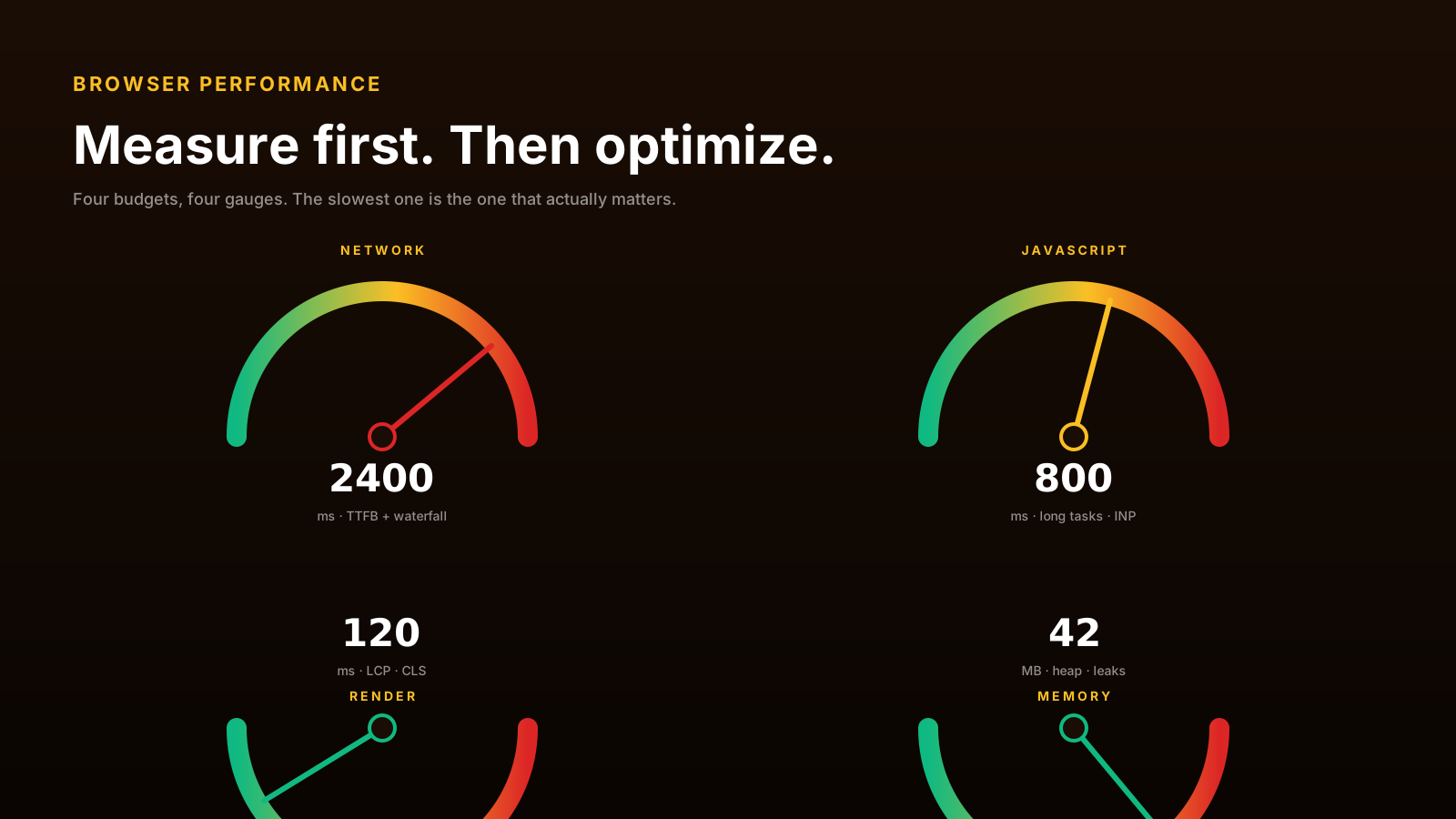
- Performance.measureUserAgentSpecificMemory() for programmatic measurement in long-running pages.
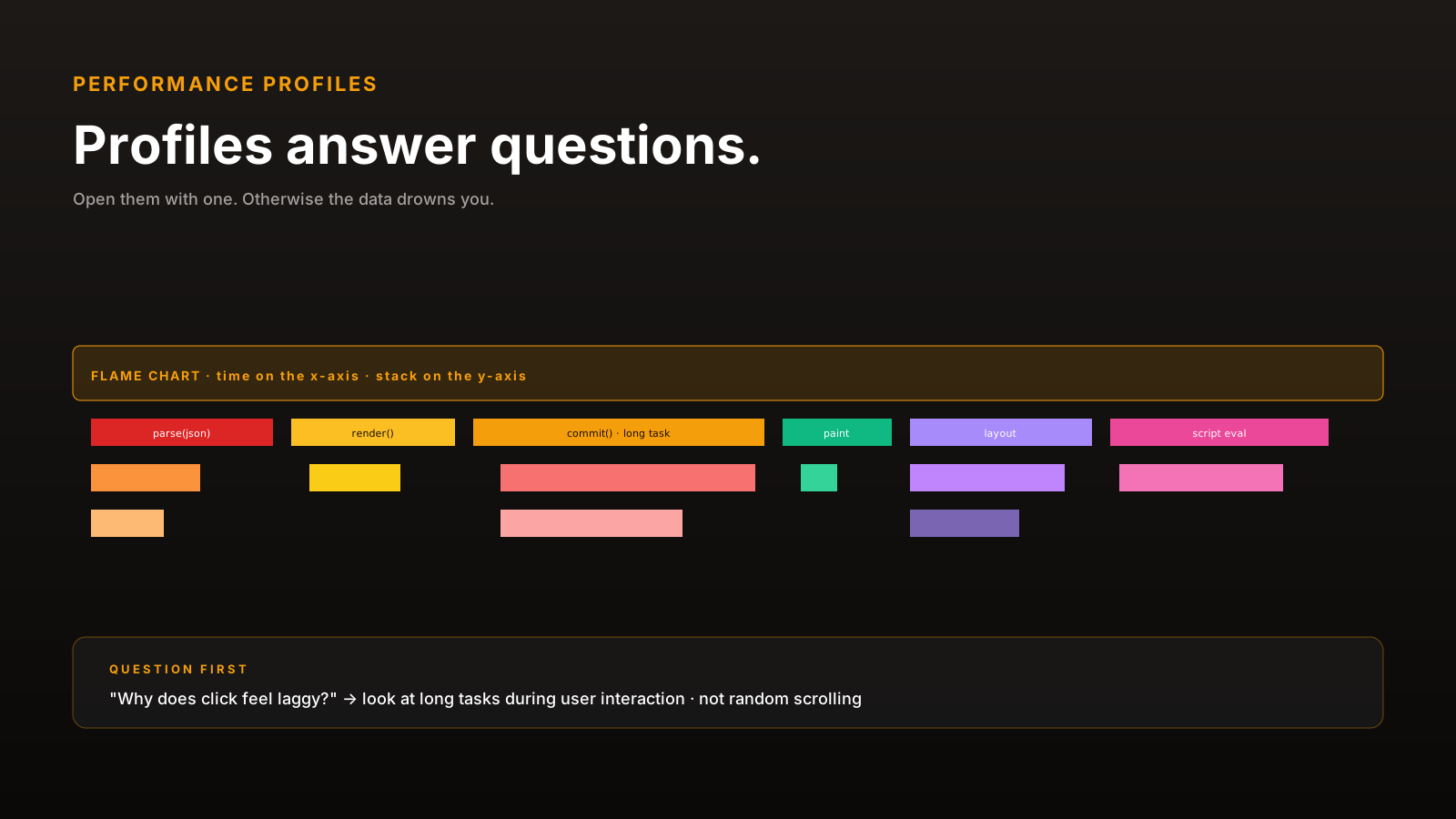
- Performance trace + JS sample to see which functions are creating long-lived closures.
The pattern in all three: you'll see object counts growing over time when they should be stable. That's the leak.
Pro Tips
- Pair every listener with cleanup.
AbortControllermakes this one line. - Use functional setters in React when state depends on previous state.
- Be suspicious of empty
useEffectdeps with logic that touches changing values. - Don't capture giant data structures. Pass IDs and re-fetch when needed.
- Take heap snapshots to confirm — guessing about memory is unreliable.
Final Tips
Closures are not a flaw of JavaScript. They're one of the language's best features — they make functional patterns work, they enable hooks, they make event listeners possible. The cost is real but manageable when you remember it exists.
The mental shortcut: every function that captures something is a small contract to release it later.
Good luck — and may your closures travel light 👊