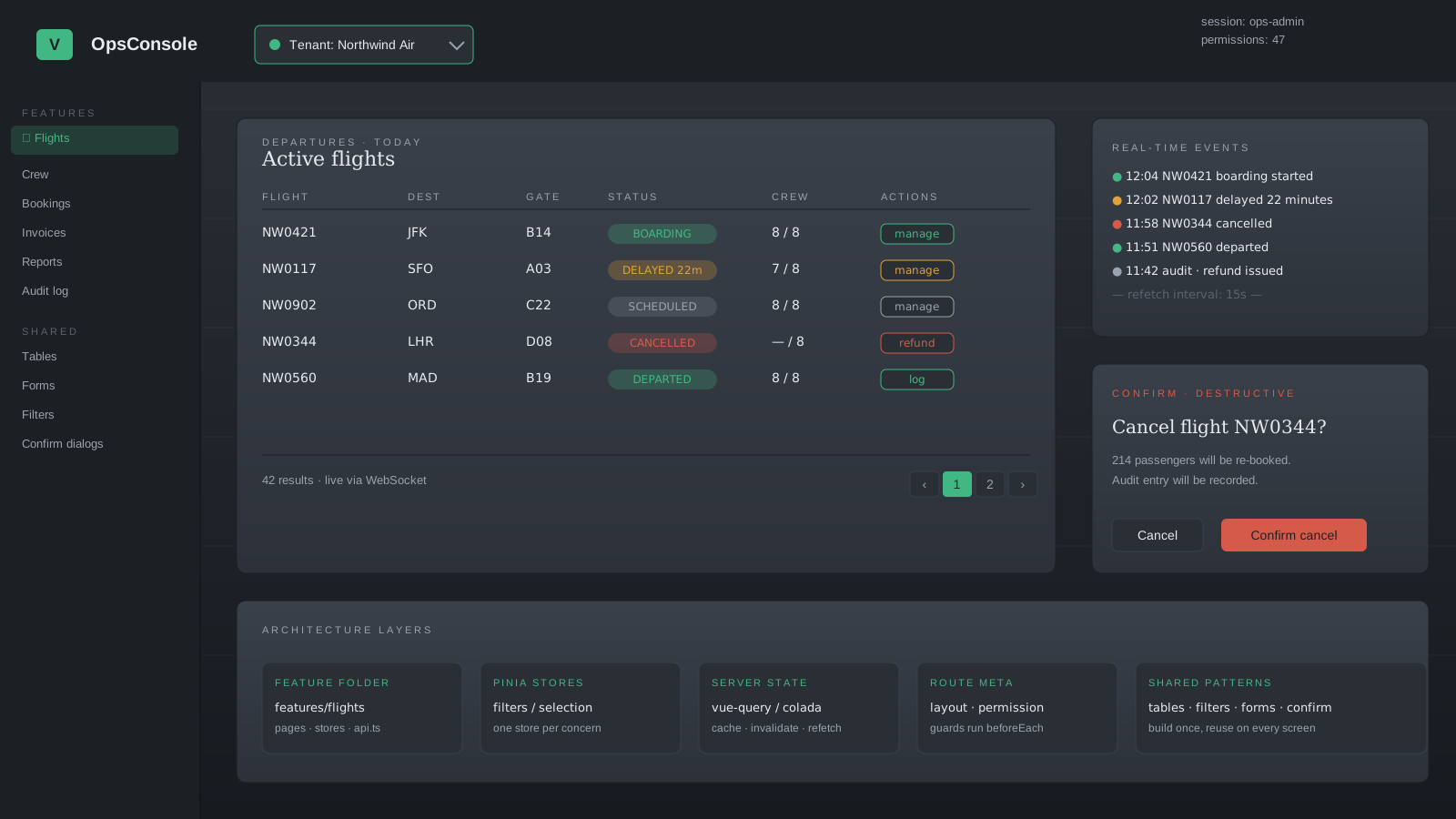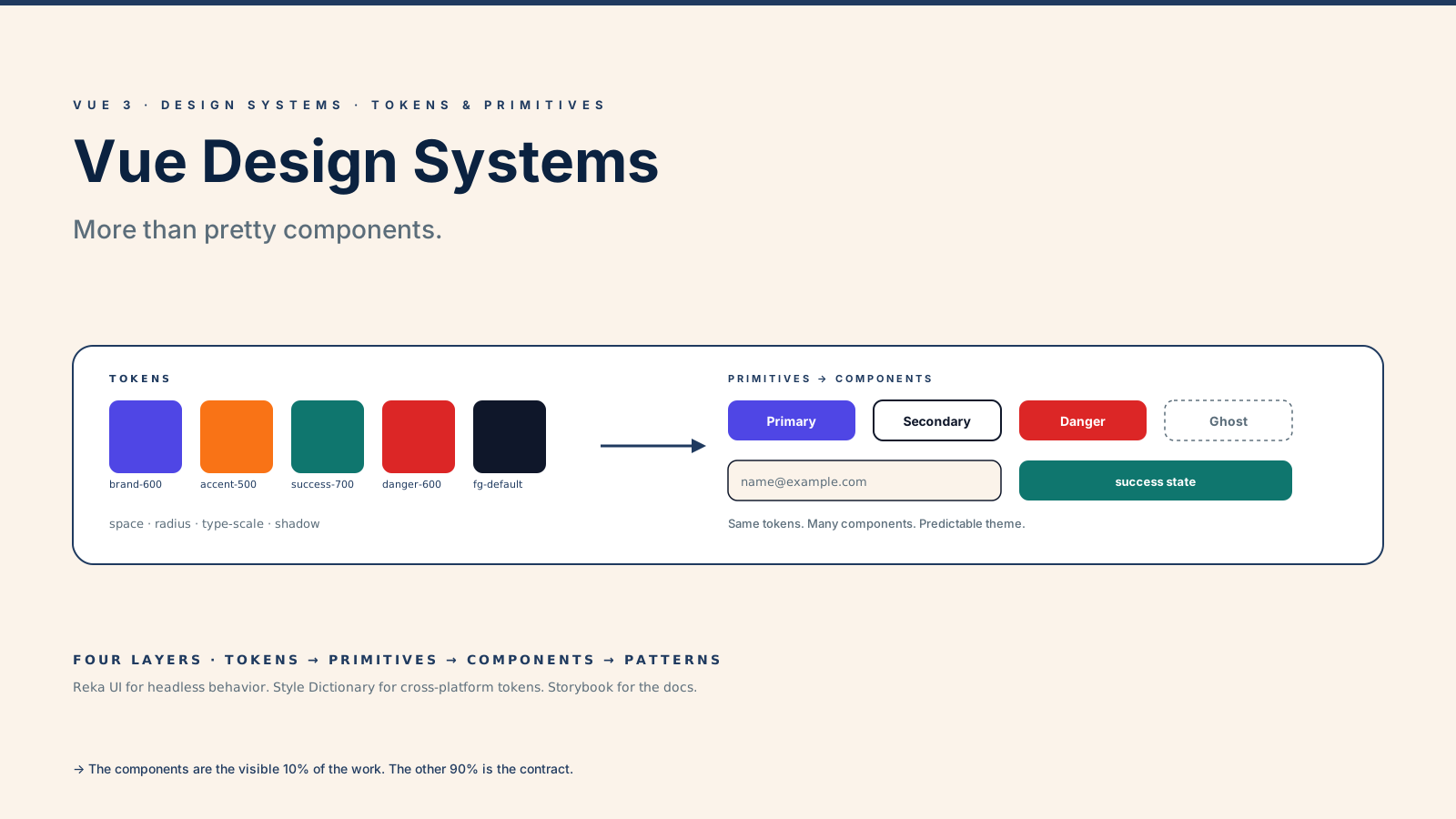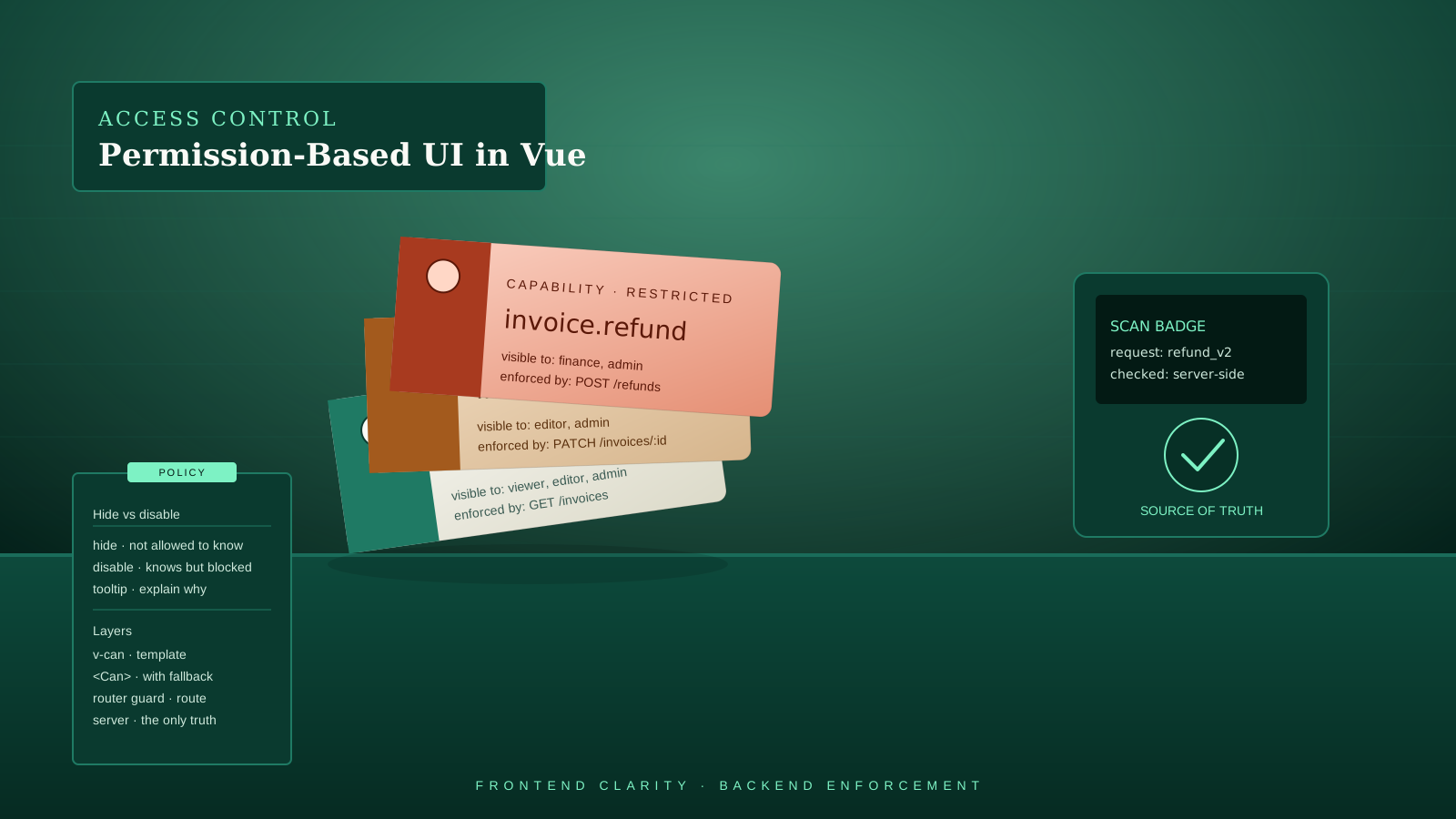
The first time someone reports that a deleted user is still seeing the "Delete user" button, you remember that the frontend was never the security layer. It was just trying to be helpful. The button is gone now, but the bug report still lands in your queue.
Permission-based UI is a clarity feature. It removes options the user doesn't have, explains the ones they can't currently use, and keeps the interface from lying about what's possible. None of that is the same as enforcement. The server is the source of truth. Always. The frontend just doesn't show controls that won't work.
This article is about the small set of patterns that actually hold up: the composable, the directive, the component, and the question of whether to hide a control or just disable it. None of it is a substitute for backend authorization.
The Server Is The Source Of Truth
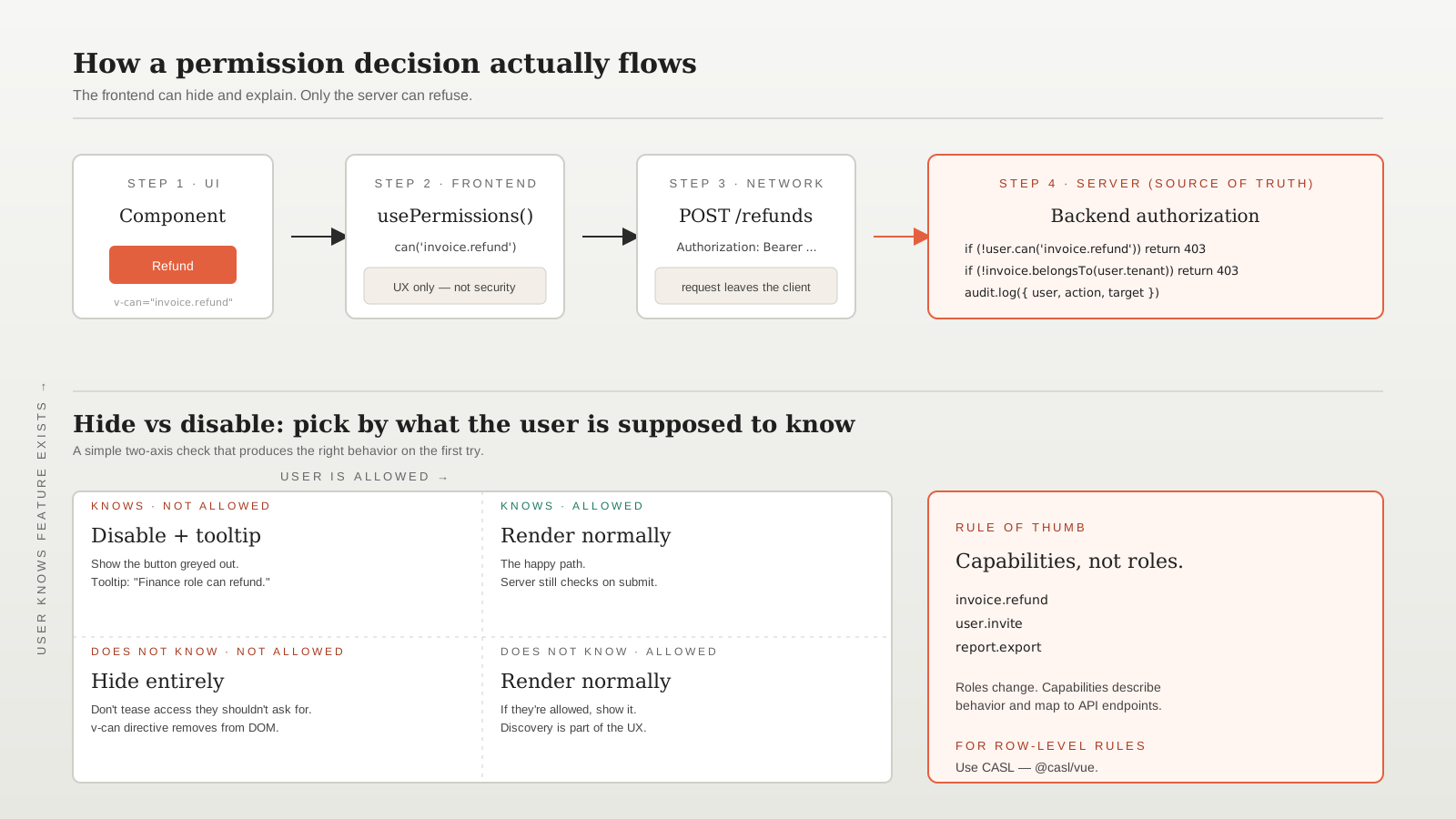
Anything sensitive must be checked on the server. The API call to DELETE /users/123 should fail with 403 if the caller can't perform it, regardless of whether the button was rendered. If your only check is v-if="canDelete", anyone with devtools can flip the flag.
The frontend's job is different. It avoids rendering buttons that would 403. It redirects routes the user can't enter. It explains why a control is unavailable when the user has enough context to know the control exists. That's UX, not security.
A useful test: if a permission rule disappeared from your frontend code tomorrow, would the API still reject the unauthorized request? If yes, your model is healthy. If no, your security lives in JavaScript and that is a problem.
The Permissions Composable
Most apps need one place that answers "can the current user do X?" A composable is the natural shape — it reads from a store, returns reactive booleans, and stays out of the components' way.
// composables/usePermissions.ts
import { computed } from 'vue'
import { storeToRefs } from 'pinia'
import { useSessionStore } from '@/stores/session'

export function usePermissions() {
  const session = useSessionStore()
  const { permissions } = storeToRefs(session)

  function can(action: string) {
    return computed(() => permissions.value.includes(action))
  }

  function canAny(...actions: string[]) {
    return computed(() => actions.some(a => permissions.value.includes(a)))
  }

  return { can, canAny }
}
Two things matter here. First, can() returns a ComputedRef<boolean>, not a raw boolean — when permissions change (a role update arrives, a token refreshes), the UI reacts. Second, the source of truth is the store, populated from the server on login. The composable is glue, not policy.
In templates, capabilities read like English:
<script setup lang="ts">
const { can } = usePermissions()
const canRefund = can('invoice.refund')
</script>

<template>
  <button v-if="canRefund">Refund</button>
</template>
Capabilities Beat Roles
Hardcoding if (user.role === 'admin') works until product introduces a "Finance" role that can refund invoices but not invite users. Now you have two if branches in every refund-related component, and the next role doubles them.
Capabilities — strings like invoice.refund, user.invite, report.export — describe behavior, not job titles. The backend maps roles to capabilities once, sends the resolved list with the session, and the frontend never has to know which role got which permission. When product adds a new role, no frontend code changes.
The convention I use: <resource>.<action>, lowercase, dot-separated. invoice.refund, team.member.remove, analytics.export. Granularity should match the API endpoints, because that's the boundary the server actually enforces.
A v-can Directive For Cleaner Templates
For the common "render only if allowed" case, a directive reads better than v-if plus a composable:
// directives/v-can.ts
import type { Directive } from 'vue'
import { useSessionStore } from '@/stores/session'

export const vCan: Directive<HTMLElement, string> = {
  mounted(el, binding) {
    const session = useSessionStore()
    if (!session.permissions.includes(binding.value)) {
      el.parentNode?.removeChild(el)
    }
  },
}
Register it once in main.ts (app.directive('can', vCan)), then use it like this:
<button v-can="'invoice.refund'">Refund</button>The catch: this version is shallow. It reads permissions once on mount, so a permission change after mount won't re-render. For most admin panels that's fine — sessions don't change mid-page. If yours do, switch to a component-based check that subscribes reactively.
The Can Component For Conditional Slots
Sometimes you want a fallback — show a "Locked" badge instead of the button, or render an upgrade prompt. A small <Can> component handles that cleanly:
<!-- components/Can.vue -->
<script setup lang="ts">
import { usePermissions } from '@/composables/usePermissions'

const props = defineProps<{ action: string }>()
const { can } = usePermissions()
const allowed = can(props.action)
</script>

<template>
  <slot v-if="allowed" />
  <slot v-else name="fallback" />
</template><Can action="invoice.refund">
<button>Refund</button>
<template #fallback>
<span class="muted">Refunds are managed by Finance.</span>
</template>
</Can>The fallback slot is what lifts this above a directive. The user sees a clear explanation instead of a mystery hole in the layout.
Route Guards For Whole Pages
Component-level checks are not enough when entire pages should be off-limits. Vue Router 4 has a global guard that runs before navigation:
// router/index.ts
import { createRouter, createWebHistory } from 'vue-router'
import { useSessionStore } from '@/stores/session'

const router = createRouter({
  history: createWebHistory(),
  routes: [
    {
      path: '/admin/billing',
      component: () => import('@/pages/Billing.vue'),
      meta: { permission: 'billing.view' },
    },
  ],
})

router.beforeEach((to) => {
  const session = useSessionStore()
  const required = to.meta.permission as string | undefined
  if (required && !session.permissions.includes(required)) {
    return { name: 'forbidden' }
  }
})
The meta.permission field keeps the policy next to the route definition, where it belongs. Adding a new protected page is one line. The forbidden route is a real page that explains the situation — not a 404 that pretends the URL doesn't exist (which is its own kind of lie).
Hide Versus Disable
Two visible options, two different signals to the user. The rule that has held up for me:
- Hide the control if the user shouldn't even know the feature exists. A "Delete tenant" button on a non-admin's screen has no business being there. Showing it disabled implies the feature exists for them and they'd unlock it somehow — they wouldn't.
- Disable with a tooltip if the user knows the feature exists but can't use it right now. A "Publish" button that's disabled because the post has unsaved changes, or because the user's role can't publish but their teammates' can. The tooltip explains why.
The wrong default is "always hide." A user who knows their teammate can refund invoices but can't see the button on their own screen will think the feature is broken. A disabled button with "You need the Finance role to refund" tells them where to ask.
CASL For Anything Beyond Simple Lists
When permissions involve the resource itself — "users can edit their own invoices but not others" — a flat list of capability strings stops scaling. CASL (@casl/vue) is the well-known Vue library for ability-based authorization:
import { createMongoAbility, AbilityBuilder } from '@casl/ability'
import { abilitiesPlugin } from '@casl/vue'

const { can, build } = new AbilityBuilder(createMongoAbility)

can('read', 'Invoice')
can('update', 'Invoice', { ownerId: currentUser.id })

const ability = build()
app.use(abilitiesPlugin, ability, { useGlobalProperties: true })
In templates, CASL ships its own <Can> component:
<Can I="update" :this="invoice">
  <button>Edit</button>
</Can>
The trade-off: more concepts (subjects, conditions, ability instances), and the rules need to round-trip from backend to frontend in a serializable shape. For role-based apps with a flat permission list, the composable in the earlier section is enough. For apps with row-level rules, CASL pays for itself.
The Honest Summary
Permission-based UI in Vue is small surface area: a composable that exposes can(), a directive or component for templates, route guards for pages, and a clear policy on hide-vs-disable. The hard part isn't the code — it's remembering that none of it is the security layer. The server enforces. The frontend explains. When those two stay separate, the UI gets clearer and the bugs get smaller.