
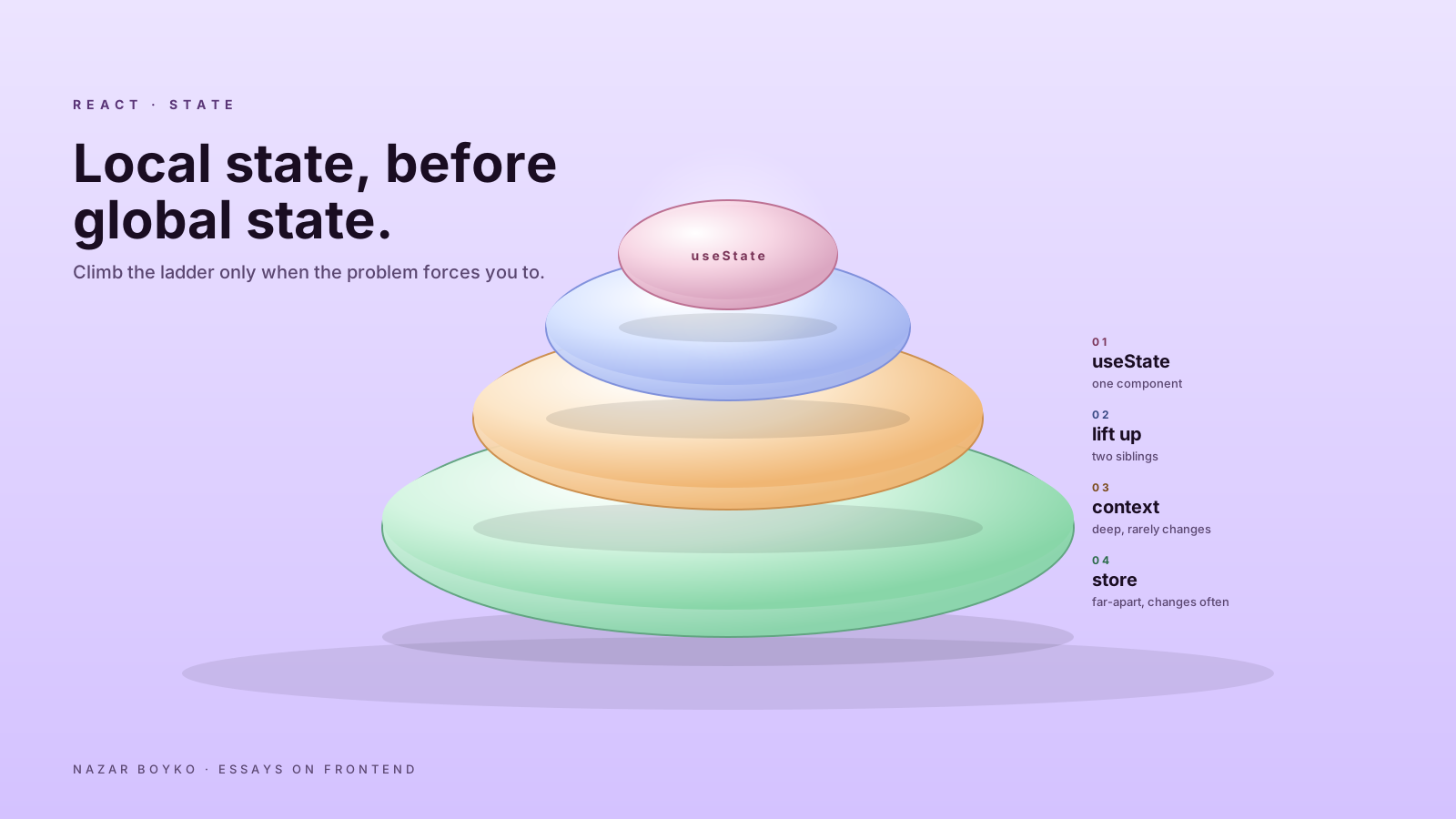
There's a phase every React team goes through. The app feels small. Components are happy. Then someone says "we should set up state management" and the next thing you know there's a Redux store, three slices, four selectors, and a dispatch for what used to be a useState. A month later the same team is asking why everything got slower.
The hard truth: most state in a React app is local. The "state management library" question rarely needs answering until much later than people think — and when it does, the answer isn't always Redux.
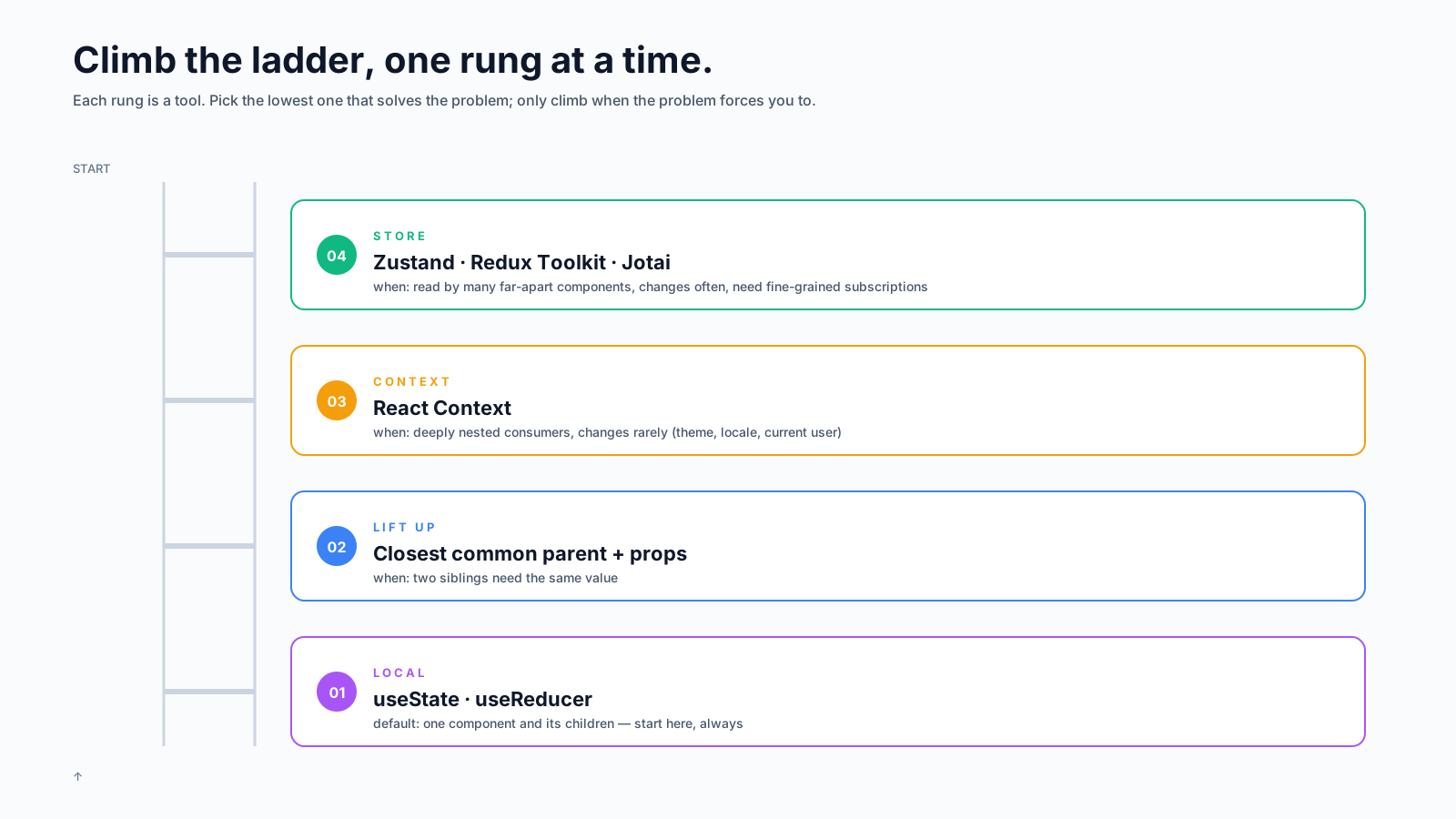
This is a practical ladder for picking the right tool, starting from the smallest one.
Step 0: Stop Calling Everything "State"
Before deciding where state lives, decide whether it's state at all. There are at least three things that get called state and shouldn't all live in the same place:
- UI state. Is this dropdown open? Is the modal visible? What did the user type into the search box?
- Server state. A user record fetched from
/me, a list of products, a search result. It lives elsewhere; you're showing a copy. - URL state. Current page, active filter, selected tab. The browser already remembers it.
Treating all three as "global state" is the original sin. A user record refreshing on focus has nothing in common with whether a dropdown is open. Putting them in the same store means writing the same caching, refetching, and invalidation by hand for things that need none of it.
For server state, use TanStack Query, SWR, or RTK Query. For URL state, use useSearchParams or your router's equivalent. The "store" only ever needs to hold UI state. That's a much smaller problem.
Step 1: Local useState
Start here. Always.
function CommentBox() {
  const [draft, setDraft] = useState('');
  const [submitting, setSubmitting] = useState(false);

  return (
    <form onSubmit={...}>
      <textarea value={draft} onChange={e => setDraft(e.target.value)} />
      <button disabled={submitting}>Post</button>
    </form>
  );
}
If the value is read by exactly one component and its children, it's local. Don't move it. Don't share it. Don't lift it "in case we need it later". You won't. And if you do, lifting one piece of state takes about ninety seconds.
Local state has a property that no other tool has: it's automatically scoped to the component instance. Two <CommentBox />s on the same page each have their own draft, no extra work.
Step 2: Lift Up When Two Components Need It
When two siblings need to read or write the same value, find the closest common parent and put the state there.
function ProductPage() {
  const [size, setSize] = useState('M');
  return (
    <>
      <SizePicker value={size} onChange={setSize} />
      <PriceLabel size={size} />
      <AddToCartButton size={size} />
    </>
  );
}
This is the entire pattern: "lift state up, pass it down". The React docs have written about it for over a decade. It's still the answer most of the time. People avoid it because passing props through three layers feels tedious — but tedious is fine. Tedious is debuggable.
If prop-drilling becomes genuinely painful (more than ~3 layers, or used in many far-apart places), that's the signal to consider step 3 — not before.
Step 3: Context For Stable, Rarely-Changing Values
Context is the right answer when the same value needs to be read by deeply nested components and changes rarely. Theme, current user, locale, feature flags.
const ThemeContext = createContext('light');

function App() {
  const [theme, setTheme] = useState('light');
  return (
    <ThemeContext.Provider value={theme}>
      <Layout />
    </ThemeContext.Provider>
  );
}

function ThemedButton() {
  const theme = useContext(ThemeContext);
  return <button data-theme={theme}>Click</button>;
}
Two important constraints. First, every component that reads the context re-renders when the value changes. That's why "rarely-changing" matters — putting cursor position or the current time in context will repaint your app on every animation frame. Second, if your context value is an object ({ theme, setTheme }), wrapping it in useMemo keeps the reference stable.
The mistake that earns context its bad reputation is jamming five unrelated values into one context. Auth, theme, sidebar-collapsed, notifications, and the current language all in one provider means a logout re-renders the language picker. Split it. Three small contexts beat one giant one.
Step 4: A Real Store, When You Actually Need One
Sometimes you do. The signs are specific:
- A piece of UI state is read in many far-apart parts of the tree (sidebar collapsed, layout mode, command-palette open).
- That state changes often (cart contents, draft document, real-time notifications).
- You want fine-grained subscriptions so consumers re-render only when their slice changes.
Context can't do the third bullet — it always re-renders all consumers. That's the moment a real store starts earning its keep. The good options in 2026:
// Zustand — the smallest API
import { create } from 'zustand';

const useCart = create((set) => ({
  items: [],
  add: (item) => set(s => ({ items: [...s.items, item] })),
  remove: (id) => set(s => ({ items: s.items.filter(i => i.id !== id) })),
}));

function CartCount() {
  // re-renders only when items.length changes
  return <span>{useCart(s => s.items.length)}</span>;
}
Zustand is the lightest. Redux Toolkit is the most opinionated and best when you need DevTools, time-travel, or middleware. Jotai is great when your state is naturally a graph of small atoms. They all support selector-based subscriptions, which is the feature that actually matters.
You don't need to standardise on one. Use server-state libraries for server state, the URL for URL state, local state for local state, and a small store for the genuine cross-cutting UI state that's left over.
A Worked Example: A Mistake I See Constantly
Here's the pattern that motivated this article. Team starts a new app, sets up Redux on day one "because we'll need it", and writes:
// store/uiSlice.js
const uiSlice = createSlice({
  name: 'ui',
  initialState: { isDropdownOpen: false, searchQuery: '' },
  reducers: {
    toggleDropdown: (state) => { state.isDropdownOpen = !state.isDropdownOpen },
    setSearchQuery: (state, action) => { state.searchQuery = action.payload },
  },
});

// in the component
function Header() {
  const isOpen = useSelector(s => s.ui.isDropdownOpen);
  const dispatch = useDispatch();
  return <button onClick={() => dispatch(toggleDropdown())}>Menu</button>;
}
Three files, two action types, a reducer, a selector — for a button that opens a menu. None of this state needs to live anywhere outside the component:
function Header() {
  const [isOpen, setIsOpen] = useState(false);
  return <button onClick={() => setIsOpen(o => !o)}>Menu</button>;
}
Six lines. Same behaviour. No store, no slice, no selector. The Redux version would only earn its keep if a different component, far away in the tree, also needed to know whether the menu is open. It almost never does.
A Decision Order, In One Place
When you're about to add state, ask in this order:
- Is this server data? → use a server-state library.
- Should it survive a refresh, share via link, or react to back/forward? → use the URL.
- Is it read by one component and its children? →
useState. - Is it read by a few siblings? → lift it up to the closest common parent.
- Is it read by many deeply nested components and changes rarely? → context.
- Is it read by many far-apart components and changes often? → a real store with selectors.
Most pieces of state stop at step 3 or 4. The few that don't are the ones a store is genuinely good at. The trick is to climb the ladder only when the problem forces you to.






