If you've spent any time writing React tests, you've probably written one of these:
test('renders without crashing', () => {
  render(<Button />);
});
It passes. It tells you nothing. The component renders — which you'd have noticed about three seconds after opening the browser. Tests like this account for a depressing percentage of test suites in real codebases: lots of green checkmarks, very little signal.
This article is the practical version of "what should I actually test in React?" — focusing on the small set of tests that pay for themselves, the patterns that make them resilient, and the antipatterns that produce tests you delete six months later.
The Question To Ask First
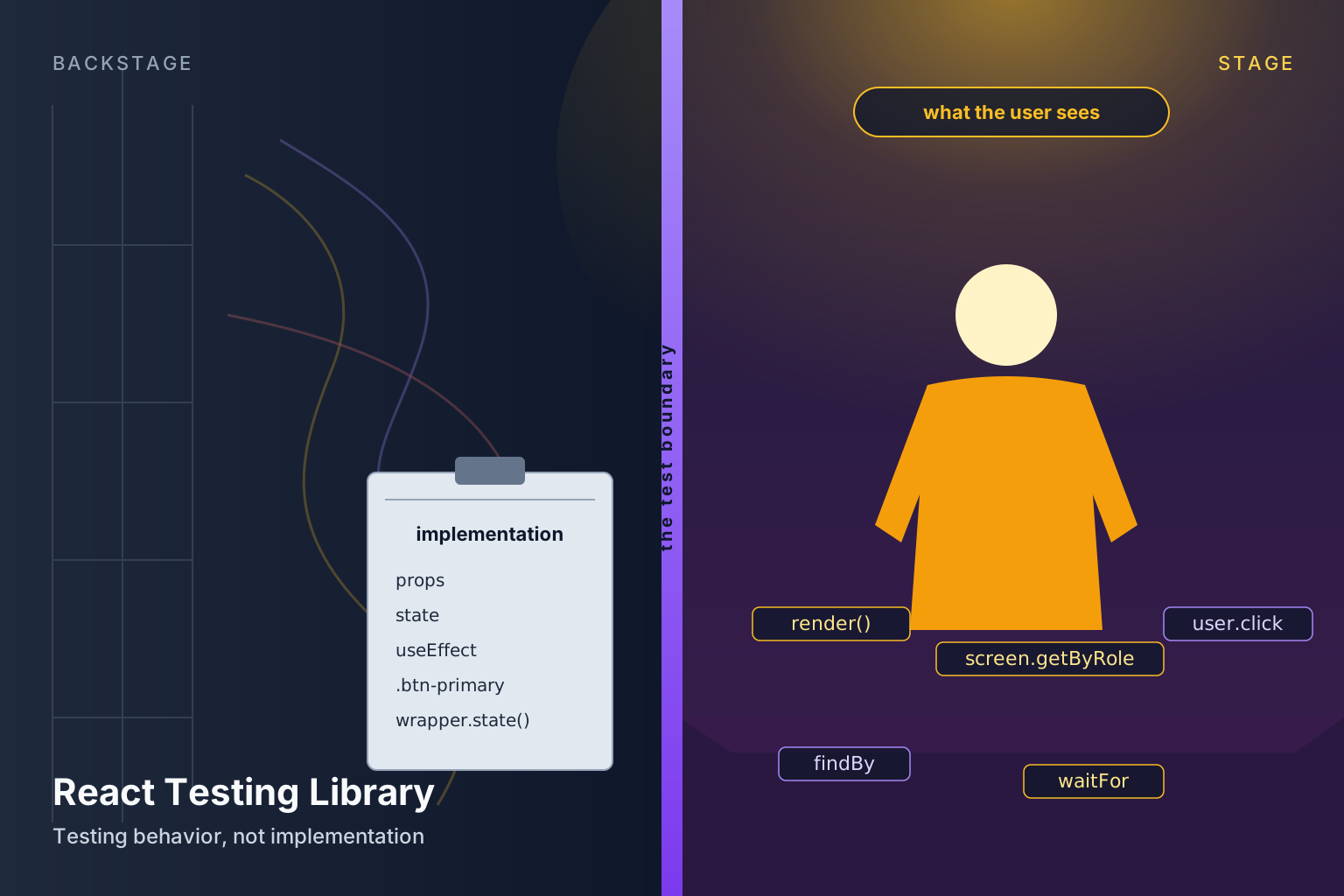
Before writing any test, ask: what would have to break for this test to fail? If the answer is "the user-visible behaviour changes", that's a useful test. If the answer is "anyone refactors this component", you've coupled the test to implementation and it'll break for the wrong reasons.
// ❌ couples to implementation
test('useState is called with initial 0', () => { ... });

// ❌ also bad — checks internal class names
expect(button).toHaveClass('btn-primary--active');

// ✅ tests behaviour the user can observe
test('shows error when email is invalid', async () => {
  render(<SignupForm />);
  await user.type(screen.getByLabelText('Email'), 'not-an-email');
  await user.click(screen.getByRole('button', { name: 'Sign up' }));
  expect(screen.getByRole('alert')).toHaveTextContent('Invalid email');
});
The second one breaks if you swap CSS frameworks. The third one breaks if the form actually stops working — which is exactly when you want it to break. Test what the user sees, not how the component is built.
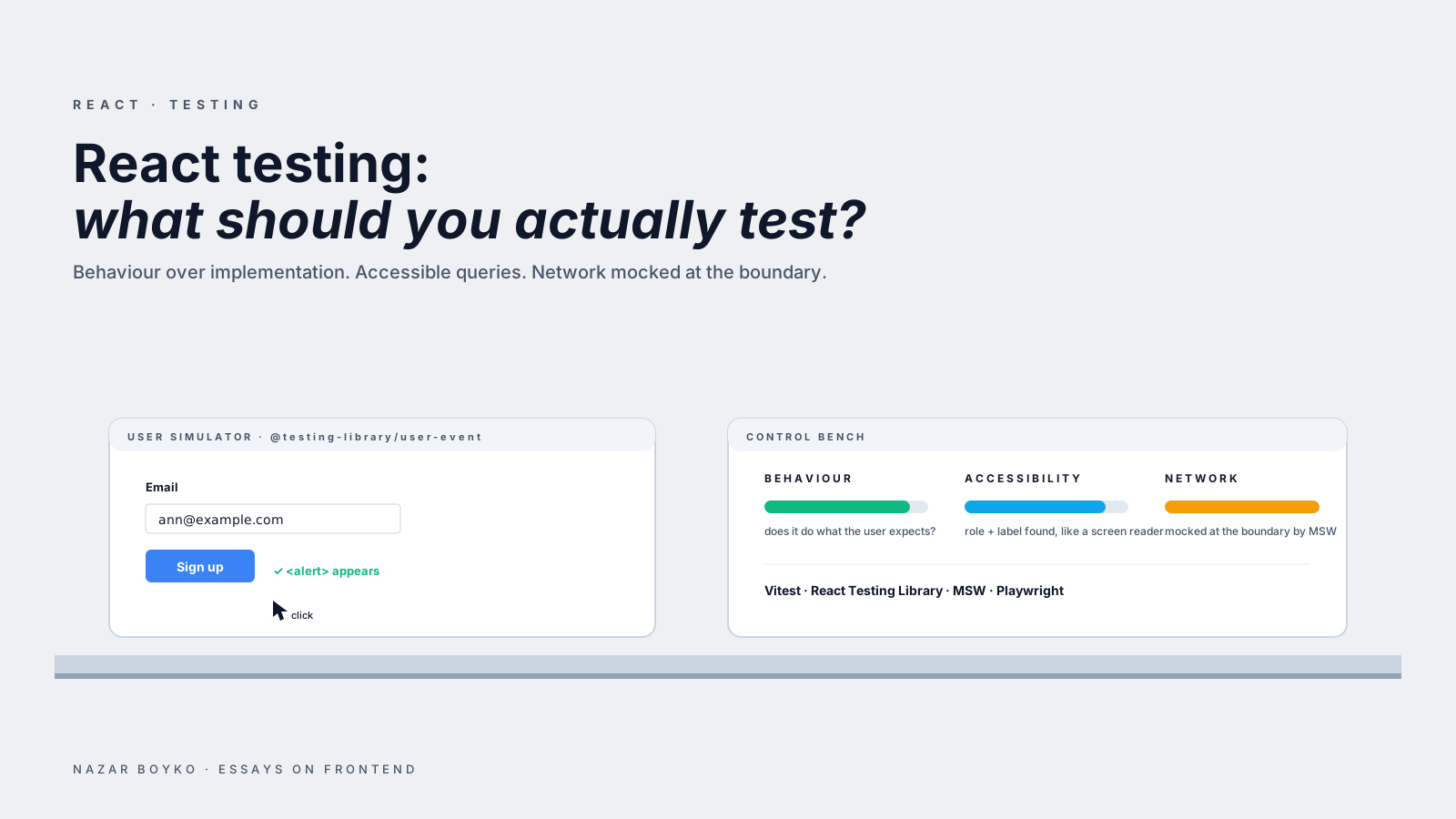
This is the core philosophy behind React Testing Library and the reason it's the default test setup in 2026. RTL deliberately makes it hard to query implementation details. The "queries by accessible role" API is the same way assistive tech finds elements — if the test can't find a button, neither can a screen reader user.
The Stack That Won
The 2026 default for React unit/component tests:
- Vitest (or Jest, both fine) as the test runner.
- React Testing Library for rendering and querying.
@testing-library/user-eventfor simulating real user interactions.- MSW (Mock Service Worker) for intercepting network calls.
- Playwright for end-to-end tests.
Vitest has won most new projects because it shares config with Vite, runs faster, and has a friendlier watch mode. If you're already on Jest, there's no urgent reason to migrate — both work.
What's Actually Worth Testing
After enough experience, four kinds of tests pay their rent:
1. Behaviour Tests For Components With Logic
Anything that branches, validates, transforms, or holds state deserves a behaviour test:
test('disables submit while submitting', async () => {
  const onSubmit = vi.fn(() => new Promise(() => {})); // never resolves
  render(<ContactForm onSubmit={onSubmit} />);

  await user.type(screen.getByLabelText('Name'), 'Ann');
  await user.click(screen.getByRole('button', { name: 'Send' }));

  expect(screen.getByRole('button', { name: /sending/i })).toBeDisabled();
});
This test would catch a lot: forgotten loading state, double-submit bug, incorrect button copy. It uses only what the user can see — labels, role, button text. If you refactor the component to use react-hook-form instead of useState, the test still passes.
2. Integration Tests For Critical Flows
A "critical flow" is a sequence the business cares about: signup, checkout, the main thing your app does. These are worth testing once at the integration level, with the network mocked but the components real:
test('user can complete checkout', async () => {
  server.use(
    http.post('/api/orders', () =>
      HttpResponse.json({ id: 'order_123' })
    )
  );

  render(<App />, { wrapper: TestProviders });
  await user.click(screen.getByRole('button', { name: 'Checkout' }));
  await user.type(screen.getByLabelText('Card number'), '4242 4242 4242 4242');
  await user.click(screen.getByRole('button', { name: 'Pay' }));

  expect(await screen.findByText('Order confirmed')).toBeInTheDocument();
});
One test like this catches more bugs than thirty unit tests of individual buttons. The downside is they're slower and more brittle, so reserve them for the flows that genuinely matter.
3. Pure Logic, Tested Without Any React
Helpers, formatters, reducers, custom hook return values that are pure functions of their inputs — these belong in plain unit tests:
test('formatPrice handles zero', () => {
  expect(formatPrice(0, 'USD')).toBe('$0.00');
});

test('cartReducer adds items', () => {
  const next = cartReducer({ items: [] }, { type: 'add', item: apple });
  expect(next.items).toEqual([apple]);
});
No render, no screen, no async. Fast. Don't drag these through React if you don't have to.
4. Accessibility Snapshots, Carefully
Accessibility regressions are expensive to ship and easy to miss. A targeted snapshot of axe-found violations catches a lot:
import { axe } from 'jest-axe';

test('Modal has no a11y violations', async () => {
  const { container } = render(<Modal open>Content</Modal>);
  expect(await axe(container)).toHaveNoViolations();
});
Run on the components most likely to fail (modals, menus, custom inputs). Don't run it on every component — it's slow and noisy.
What's Not Worth Testing
The negative space matters as much as the positive:
- Trivial render tests. "Renders without crashing" tells you nothing.
- Snapshots of full component trees. They break on every CSS tweak and nobody actually reads them. Targeted, small snapshots are fine; "snapshot the whole page" is noise.
- Internal hook calls / state shape. That's implementation. Test what changes when state changes, not the state itself.
- Static markup —
expect(<h1>).toHaveTextContent('Hello')for a literal string in JSX. The compiler already verified that. - Library code. Don't test that React Query refetches on focus — that's their tests' job.
A useful check: if a test would still pass when the component is broken in a way users care about, the test isn't pulling its weight.
The Network: Mock It At The Boundary
The single biggest source of fragile tests is mocking inside the component (jest.mock('../api/users')). It works, but couples every test to the file structure. The cleaner move is MSW, which intercepts the actual HTTP layer:
// test setup (MSW v2)
import { setupServer } from 'msw/node';
import { http, HttpResponse } from 'msw';

const server = setupServer(
  http.get('/api/users/:id', ({ params }) =>
    HttpResponse.json({ id: params.id, name: 'Ann' })
  )
);

beforeAll(() => server.listen());
afterEach(() => server.resetHandlers());
afterAll(() => server.close());
(MSW v2 — released October 2023 — replaced the v1 rest namespace with http, switched the (req, res, ctx) resolver shape to a single { request, params } argument, and uses the standard Response-shaped HttpResponse instead of ctx.json.)
Now your component fetches as it normally would — via TanStack Query, plain fetch, whatever — and MSW intercepts the request. If you swap your data layer (from fetch to axios, from React Query to SWR), tests don't change. The contract being tested is the network shape, which is the right level.
MSW also works in Storybook and in the browser, which means you can use the same handlers for local dev and tests. Genuinely one of the best testing tools React has.
Queries — The "Right" Way To Find Elements
React Testing Library has an opinionated priority order for finding elements, ranked by how the user would actually find them:
getByRole— the way assistive tech navigates. Default to this.getByLabelText— for form fields.getByPlaceholderText— when there's no label (less common).getByText— for non-interactive text.getByDisplayValue,getByAltText,getByTitle— niche.getByTestId— last resort.
// ✅ resilient — works whether the button is <button>, <a role="button">, or styled
screen.getByRole('button', { name: 'Save' });

// ❌ fragile — breaks if the test ID changes or someone renames the file
screen.getByTestId('save-btn');
data-testid is fine for places where there's no semantic way to find the element. But default to role-based queries; they double as an accessibility audit.
Async Done Right
Modern UI is async. The two helpers that cover most needs:
findBy*— a query that waits for the element to appear. Use whenever the result is post-render.waitFor— wraps an arbitrary assertion in a polling loop until it passes (or times out).
// after a button click that triggers a fetch
await user.click(screen.getByRole('button', { name: 'Load' }));
expect(await screen.findByText('Loaded')).toBeInTheDocument();

// or for non-element assertions
await waitFor(() => {
  expect(api.calls).toHaveLength(1);
});
Don't sprinkle setTimeout or act calls. RTL handles the async correctly when you use the right primitives.
The Pyramid In Practice
A reasonable distribution for a typical product team:
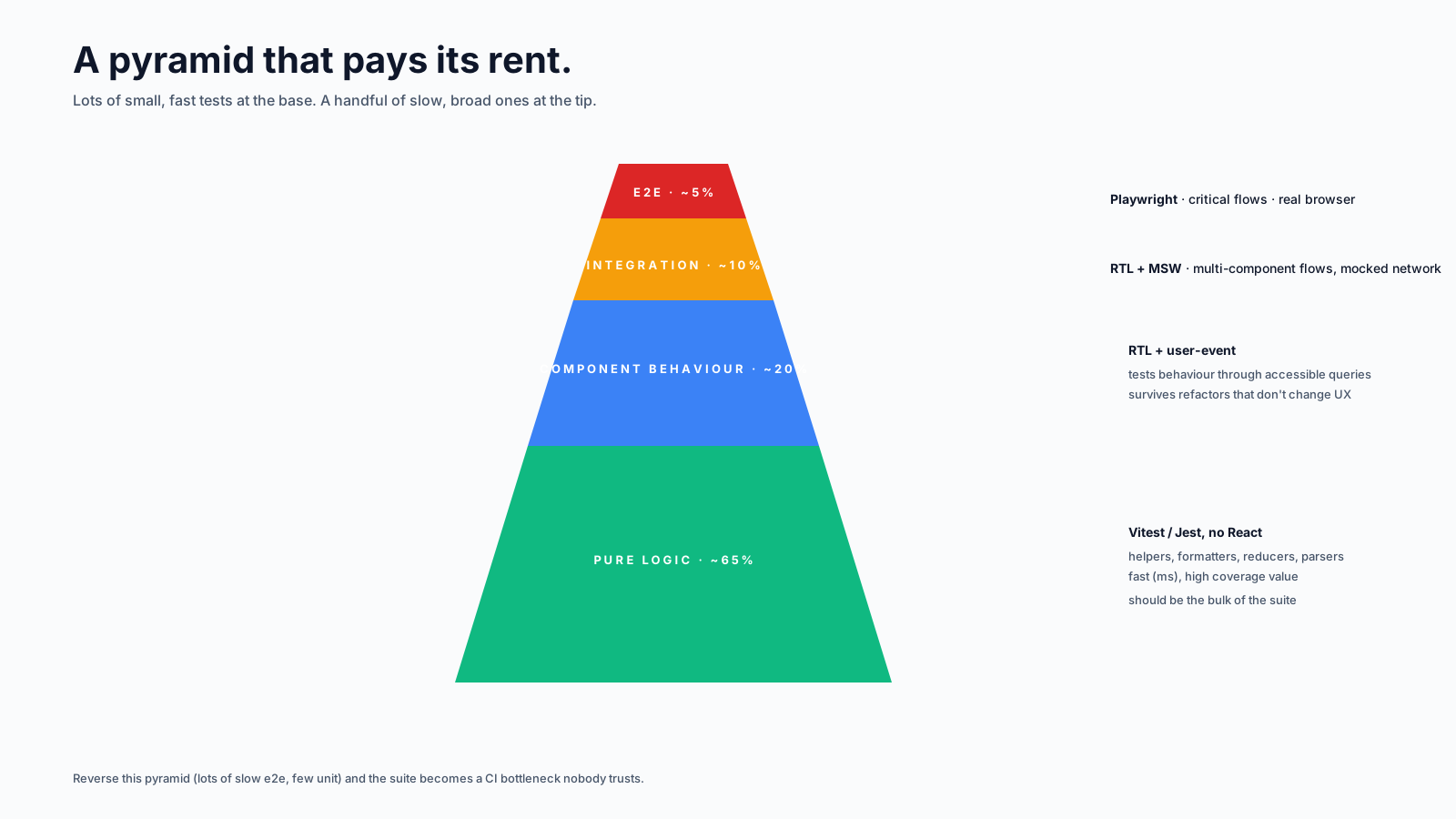
- ~70% pure-logic unit tests. Fast, focused, no React.
- ~25% component behaviour tests. Real components, mocked network via MSW.
- ~5% end-to-end tests. Playwright, real browser, hits a deployed test environment for the critical flows.
If your repo is heavy on snapshot tests and "renders without crashing" specs, tipping the balance toward the middle layer is usually the highest-leverage change. Each behaviour test you write replaces several brittle snapshot tests.
End-to-End: Reach For Playwright
Playwright has won the e2e space. It's reliable, has good debugging tools, and supports parallel runs across real browsers. The codegen command writes a first draft of your test by recording interactions in the browser:
npx playwright codegen https://staging.example.comReserve e2e tests for the flows that, if broken, would be a real incident. Login, signup, checkout, post-creation. Not "the settings page renders". The marginal cost of an e2e test is high — they're slow and they break in flaky ways. Use them where they earn their keep.
A Mental Replacement Table
When you're about to write a test, ask:
| If you're tempted to test... | Test this instead |
|---|---|
| internal state value | the visible result of changing that state |
| a CSS class name | the user-visible effect (disabled, hidden, ...) |
| that a component renders | a behaviour the user takes |
| a snapshot of HTML | a specific assertion about the part that matters |
| a specific test ID | the accessible role or label |
| an internal helper call | the outcome of the user-visible flow |
If you do nothing else, follow that table for the next month. Your test suite gets quieter, your refactors stop breaking tests for invisible reasons, and the tests that do fail will start being signals worth listening to.
The One-Sentence Summary
The goal of a React test is to fail when a user-visible behaviour breaks, and not before. Test through the same surface your users use — accessible queries, real interactions, mocked network at the boundary — and most of your tests will survive every refactor for the next two years.