
You open React DevTools, click the Profiler tab, click record, click around for a few seconds, and stop. The flame chart lights up like a Christmas tree. One component re-rendered 47 times. Another rendered every time you moved the mouse. You didn't ask for any of this.
Welcome. This is the most common React performance complaint I see, and it almost never has a single root cause. Re-renders pile up because of a few well-known patterns, and once you can spot them, you fix them in minutes instead of weeks.
First Question: Is This Actually A Problem?
Before chasing renders, find out if they cost anything. Most React renders are cheap — a few microseconds for a component that returns ten elements. The reconciler is fast, and skipping a render with React.memo saves about as much time as it takes to compare the props. If your app feels snappy, leave it alone.
The Profiler tells you what to care about. Open it, record an interaction, and look at the commit duration in milliseconds. If a single commit takes more than ~10ms on a mid-range laptop, you're starting to drop frames. If it takes 50ms, the user feels it. Anything below that is mostly noise. Optimising a 0.3ms render to 0.1ms is a hobby project, not engineering.
function ProductList({ products }) {
  return (
    <ul>
      {products.map(p => <ProductRow key={p.id} product={p} />)}
    </ul>
  );
}
A list like this becomes a problem at 500+ rows or when each ProductRow does heavy work (charts, formatted dates, big regex). At 50 rows it's invisible. Profile first, then act.
The Three Real Causes Of "Too Many Renders"
After seeing this dozens of times, the offenders are almost always the same three. Once you internalise them you'll start spotting them on sight.
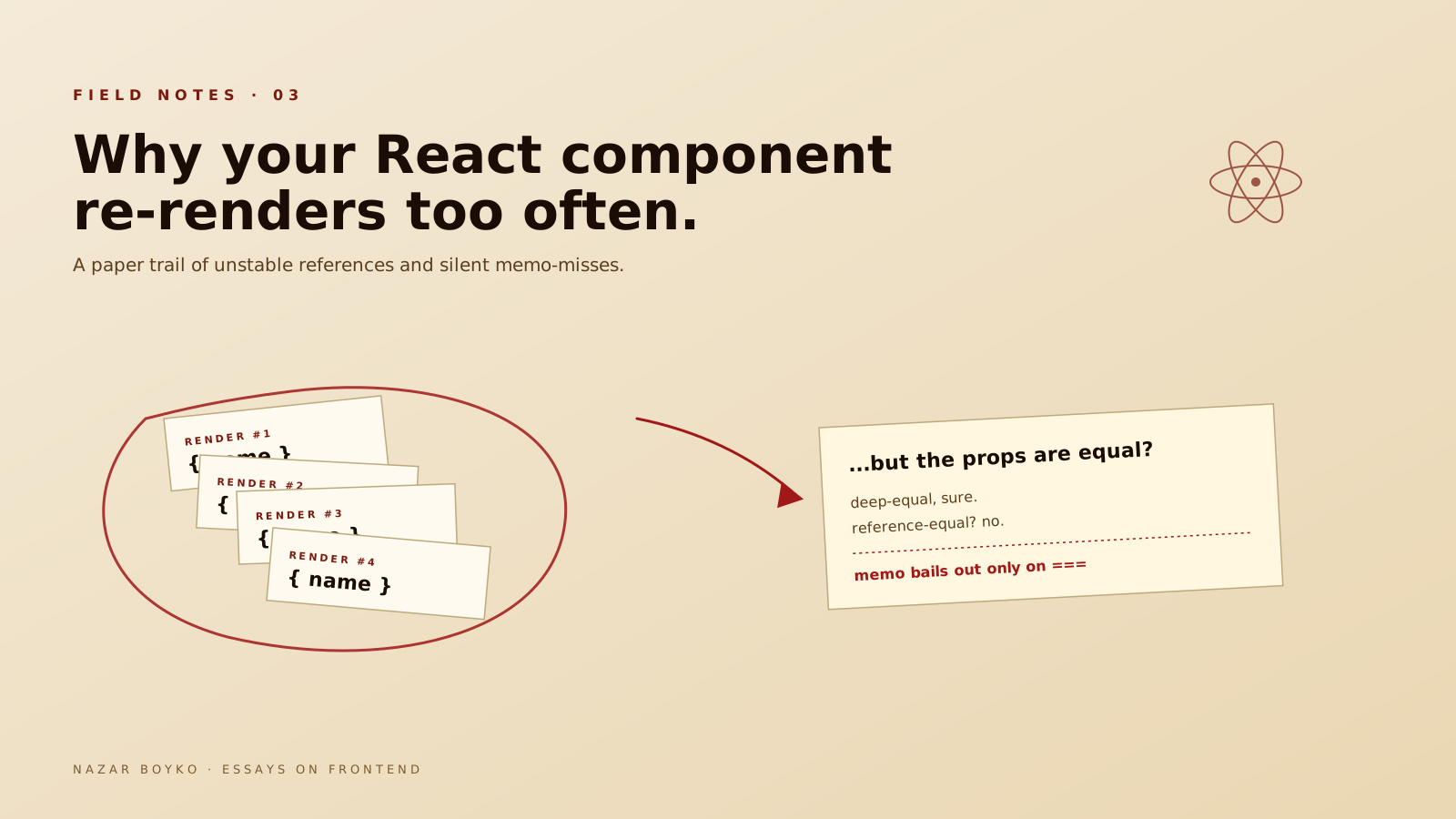
1. A parent re-rendered, so you re-rendered. This is the default behaviour. React doesn't know your child's output is the same as last time until it runs the function. If your child is wrapped in React.memo, it'll bail out — but only if every prop is referentially equal to the previous render. Pass a fresh object literal as a prop and the bail-out fails silently.
2. An unstable reference broke memoisation. This is the big one.
function Parent() {
  const [name, setName] = useState('');
  // new object every render
  const config = { color: 'red', size: 'lg' };
  // new function every render
  const onSelect = (id) => console.log(id);
  return <Heavy config={config} onSelect={onSelect} />;
}
Even if Heavy is wrapped in memo, both config and onSelect are recreated on every render of Parent, which means new references, which means memo always says "props changed". Fix: stabilise the references with useMemo or useCallback, or move them outside the component when they don't depend on anything inside it.
const STATIC_CONFIG = { color: 'red', size: 'lg' };

function Parent() {
  const [name, setName] = useState('');
  const onSelect = useCallback((id) => console.log(id), []);
  return <Heavy config={STATIC_CONFIG} onSelect={onSelect} />;
}
Hoisting truly-static values out of the component is the fastest fix. useMemo and useCallback only help when something inside the component genuinely depends on it — they're tools, not magic.
3. A context value updated. Every component that reads a context re-renders when any part of its value changes. If you stash five unrelated values into one context, changing one of them re-renders every consumer of all five.

How To Diagnose Without Guessing
The Profiler is good. There's a better tool for the day-to-day question of why a specific component rendered.
@welldone-software/why-did-you-render is a dev-only library that hooks into React and prints a console message every time a component re-renders, with a diff of the props and state. Drop it into your dev entry point:
// src/main.dev.js (only loaded in development)
import React from 'react';
import whyDidYouRender from '@welldone-software/why-did-you-render';

if (process.env.NODE_ENV === 'development') {
  whyDidYouRender(React, { trackAllPureComponents: true });
}
Now every memoised component logs a clear "rendered because: prop config changed (deeply equal but referentially different)". That last line is the one that catches most bugs — your prop didn't change in a way the user would care about, but the reference did, and memo can only see the reference.
For the underlying mechanic, React's own Profiler also lists the reason for each render: state change, context change, parent rendered, hooks changed. If you've never used the "Record why each component rendered" toggle in the Profiler settings — turn it on. It's the cheapest win in this entire post.
The Fix List, In Order Of Impact
If I had to rank fixes by how often they actually move the needle:
- Hoist static values out of the component. The cheapest, most obvious win. If a config object never changes, define it at module scope.
- Split big contexts into smaller ones. Auth state belongs in one context. Theme in another. Anything that updates often (cursor position, scroll, current time) goes in a third — or better, doesn't go in context at all.
- Move volatile values to refs. If a value changes often but doesn't need to trigger a render — current scroll position, last-typed character, mouse position — put it in
useRefand read it where you need it. - Use
useMemofor derived data, not for primitives. MemoisinguseMemo(() => name + '!', [name])is just slower. Use it for arrays, objects, or expensive computations. - Wrap genuinely-expensive children in
React.memo. Last, after the first four.memoonly helps if the parent re-renders often and the child's render is real work. If either is missing, you've added complexity for nothing.
A Worked Example
Here's a real pattern from a search page that was rendering 8x more than it should have been:
function SearchPage() {
  const [query, setQuery] = useState('');
  const [filters, setFilters] = useState({ inStock: true });

  return (
    <Layout>
      <SearchInput value={query} onChange={setQuery} />
      <FilterPanel
        filters={filters}
        onChange={setFilters}
        // problem: brand-new array literal every render
        availableSizes={['S', 'M', 'L', 'XL']}
      />
      <Results
        query={query}
        filters={filters}
        // problem: new closure every render
        onResultClick={(id) => navigate(`/p/${id}`)}
      />
    </Layout>
  );
}
FilterPanel was wrapped in memo, and so was Results. Neither bailed out — because availableSizes and onResultClick were brand new each render. The fix:
const AVAILABLE_SIZES = ['S', 'M', 'L', 'XL'];

function SearchPage() {
  const [query, setQuery] = useState('');
  const [filters, setFilters] = useState({ inStock: true });
  const navigate = useNavigate();

  const onResultClick = useCallback(
    (id) => navigate(`/p/${id}`),
    [navigate]
  );

  return (
    <Layout>
      <SearchInput value={query} onChange={setQuery} />
      <FilterPanel
        filters={filters}
        onChange={setFilters}
        availableSizes={AVAILABLE_SIZES}
      />
      <Results
        query={query}
        filters={filters}
        onResultClick={onResultClick}
      />
    </Layout>
  );
}
Two lines moved, eight times fewer renders on the next click. Nothing exotic — just paying attention to references.
The Honest Mental Model
React isn't re-rendering "too often" — it's re-rendering exactly as often as you told it to. Every time something it watches (state, props, context) gets a new identity, it has to ask "is this the same?" The answer is decided by reference, not by deep equality. When you keep references stable, React stays quiet.
The fastest path to fewer renders is rarely memo everywhere. It's looking at what changes between renders, asking "did this need to change?", and answering honestly. Most of the time, the answer is no, and the fix is one line away.






